Everything Ashram has today, with the exact in-game values: every number comes from the code or the assets, not a hand-written copy. Items in three languages, rarities and rolls explained, the Premium Store, the Aeon Pass, trades, refinement, quests and bestiary.
Items
927
Quests
109
Creatures
178
Recipes
491
Sets
16
Pass levels
100
Where to start
The guide is ordered the way you play: what you need on day one, the items and how their rolls are decided, the store and the account, the trade, how to upgrade what you already have, and the world.
Classic tab-target. The server is the only authority: the client predicts movement and shows the result, but damage, crits and death are always decided by the server.
I
Tenacity
Shortens every crowd control you receive (stun, silence, root, slow, fear and sleep), from any attacker. Its cap is 30%, and it is gathered little by little: a few points from jewels, titles and Breath. It is the stat that decides PvP the most, which is why it is expensive.
II
Gap-closers at 15 meters
Onslaught, Seismic Leap and Shattering Vault are cast from 15 meters to reach ranged attackers; the flight lasts longer the farther the target is. Onslaught and the Vault slow it by 30% for 3 seconds on arrival.
III
Damage types
Physical, Poison, Thunder, Fire and Air. Each one is mitigated by its own defense: physical by Defense, the four elements by their Resistance. There is also true damage, which ignores all mitigation.
IV
Mitigation
Defense never reaches 100%: it applies with diminishing returns (def / (def + 1250)). The attacker’s penetration is subtracted from defense before the math.
V
Resources
Every lineage casts with Resonance, which comes back over time and faster while resting. The Elunar adds the only lineage resource: Crystal Charge, one per Crystal Bolt that lands, up to five. What sets each lineage apart is its signature attribute, worth 10 % more: Vigor (Vajrahn), Cunning (Sahira), Breath (Yodha) and Crystal (Elunar).
VI
Death
Death has two phases: first you are knocked down and an ally can revive you; if no one comes, you die. Dying to a monster costs 5% of the level’s experience; against a player no experience is lost. Without karma no item is lost.
VII
Resting
Sitting down out of combat multiplies health and resonance regeneration, and it is the only thing that speeds it up: being out of combat gives no bonus on its own. Any action interrupts it. The figure on the character sheet is what you heal.
VIII
Durability
Gear wears down with use. A broken weapon stays equipped but stops granting all its bonuses. It is repaired with stones bought from the blacksmith.
IX
Potions
All health potions share one 15-second cooldown, and all resonance potions share theirs. The two groups are independent: being on health cooldown does not block your mana. Chaining flasks of different ranks no longer sustains you indefinitely.
X
Food & buffs
Only one food can be active at a time: eating something new drops the previous buff. Bandages, tonics, elixirs and antidotes are separate categories and coexist.
XI
Monster magic defense
Most monsters have magic defense on top of physical: resonance damage is mitigated with the same curve as physical. Hitting a monster far above your level is not free either: damage drops with the level gap.
XII
One cast at a time
You cannot activate an ability while casting another. In-place abilities do not lock movement: they are cast while walking (the torso acts, the legs keep going). Those with a cast time show their bar; crowd control (stun, silence) interrupts it.
XIII
Stun
A stunned character can neither move nor act: they stagger, stay dazed while the effect lasts and recover when it ends. Every lineage has its own animation, male and female. Moving cuts the recovery short.
XIV
Leaps and charges
Abilities that move your character (steps, flips, charges, leaps) are followed by the server: you end up where you land, with no snapping back. Each use has a distance cap, so nobody can stretch them, and moving faster than the game allows is corrected on the spot.
XV
Buffs and auras
Each buff shows one effect when cast and a single looping aura while it lasts; what does not last shows only the cast effect. The Yodha’s buffs and heals are instant, with no cast bar, and green, their lineage’s colour.
Getting started
Party & experience
Hunting together pays more than hunting alone, but only if you are actually there. And from now on, whoever deals the damage takes the experience: the last hit no longer decides whose prey it is.
I
Up to five
A party holds five members. You invite from an ally’s frame or by name from the friends list; the invitee accepts or declines.
II
Experience split
The party pot grows 15% for every member beyond the first and splits into equal parts: two collect 115% (57.5% each), three 130% and five 160%. A full party levels faster per head than the same players apart.
III
A hundred meters
To collect your party share you must be within a hundred meters of the kill. Farther away nothing arrives: sitting in town while the rest hunt earns no experience.
IV
No kill stealing
Between players not sharing a party, experience splits by the damage each dealt. Whoever shows up for the last hit takes what they contributed, not the whole prize.
V
No towing: 15 levels
If there are 15 levels or more between the highest and the lowest member, the whole party collects only 10%. That is what stops a new character from being towed up by a veteran.
VI
Prey above your level
Hunting something stronger than you pays in full. Hunting far below pays less and less: 5% less for every level you have over the prey.
The world
Friends & communication
Finding your people should not be work. The friends list, whispers and proximity voice live inside the game, no external apps.
I
Friends
The B key opens the friends list: up to a hundred names, showing who is online and their level. From there you invite to the party or whisper without typing the name by hand.
II
Whispers
Private conversation with a specific player, wherever they are. Opened from the friends list, the target frame, or by typing the name in chat.
III
Channels
Chat separates what is said nearby, what is said to the party and what is shouted to the world. Items can be linked in the message so others see their stats.
IV
Proximity voice
Open voice with whoever is near you, no rooms or external apps. It can be muted and its volume adjusted from the options.
Progression
Titles & reputation
What is written next to your name tells what you did. There are 188 titles, every one is earned by playing and every one grants stats.
I
“All the Names”
The title of whoever earns the 183 non-clan titles. On every bonus it grants the best value any Mythic title gives: the union of all signatures, never the sum. Very strong and bounded: Eternals are still better at their own thing.
II
Steam achievements
One hundred feats: the bosses, the mythic of every hunting line, the eternal grinds, trades and forge, PvP, exploration, reputation, clan and the titles themselves. Steam mirrors what the server already decided: they unlock on their own when earned in game.
III
Earned by doing
No title is bought: there are 188 and they come from concrete feats. Every family has its own bonus signature: hunting each species, bosses, quest feats, reputation, gathering, exploration (which grants movement speed), PvP (with bonuses that only count between players) and the clan.
IV
Five ranks
Bronze, Silver, Gold, Mythic and Eternal. Each rank of the same line asks for much more than the last and multiplies its stats: ×1, ×2, ×3.5, ×6 and ×10. Eternal is a real grind: 10,000 kills of a species, 500 of a boss, 1,000 km on foot.
V
Worn with pride
The active title shows next to your name for everyone to see. Only the one you wear applies its stats.
VI
Reputation
Every merchant keeps their own tally of what you did for them. Raising it opens quests they did not offer before and lowers their prices: seven ranks, up to a 14% discount at 20,000 reputation.
The world
Zones & channels
Ashram grows by zones: every land is a world with its own servers, joined by portals. What travels with you (character, vault, pass) is the same in all of them.
I
Surya, levels 1 to 35
The first land: the refuge with its merchants, the forest, the plateau and the swamp, with beasts ordered from level 1 to 36 in the order the quests visit them. The refuge merchants’ quests live here.
II
The Marsh of the Sundering
On the other side of a portal, by the stone gate at the edge of Surya’s swamp. It asks for level 30 and a 5-silver toll, refunded if the journey fails. It is a world of its own, with its own servers and channels: crossing is a journey with a loading screen, and coming back you appear by the portal.
III
Dying far from home
Dying in the Marsh, or using the Hearthstone there, takes you back to Surya’s Refuge. The same if you fall out of the world: after 12 seconds the server drops you at the zone’s refuge.
IV
Channels
Every zone runs in parallel copies, the channels. Everyone enters channel 1; when it fills up the next one opens, and empty channels close on their own. Merchants and their gold belong to each channel; your character, vault and pass are the same in all of them.
The world
Quests
Each merchant of the refuge has their own quest chain: who gives it, what it asks and what it pays. Milestone rewards hand over the set piece and weapon of your own lineage. The journal holds three quests at a time. The values come from the game’s code.
Nv1
Lo Primero que se Rompe
Ayasmith
Antes de preguntar quién eres, mira el bosque. Los lobos cazadores bajan al claro de día, y eso no lo hacían ni en los inviernos malos.
No están hambrientos. Están sordos. Algo dejó de sonar donde ellos lo escuchaban, y sin esa nota no saben ser lobos.
Derrota cinco lobos. Vas a entender más de este mundo peleando con ellos que escuchando a un viejo hablar una hora.
Objectives
×5Lobos Cazadores abatidos
Rewards
200 EXP
60
Edge Oil ×3
Nv2
Carne para la Olla
Manikara
Ayasmith te manda con la sangre todavía en las manos. Bien. Aquí la gente come de lo que cae, y hoy cae lobo.
Tráeme carne y huesos. La carne va a la olla; el hueso, molido, espesa el caldo y aguanta el frío de la madrugada.
Y no me traigas la que esté oscura. Esa ya no alimenta: solo repite.
Objectives
×8Lobos abatidos
×6Carne de Lobo
×8Huesos de Lobo
Rewards
320 EXP
90
Wolf Stew ×3
Nv3
Ojos en la Espesura
Vyressa
De noche el bosque cambia de dueño. Los nocturnos no cazan: vigilan. Se quedan quietos mirando la aldea y se van antes del alba.
Alguien les enseñó a esperar, y lo que aprende a esperar aprende a obedecer.
Bájalos y tráeme sus pieles. Quiero ver si tienen la misma marca.
Objectives
×10Lobos Nocturnos abatidos
×6Pieles de Lobo
Rewards
450 EXP
130
Leather Bandage ×4
Nv4
Telares de la Quebrada
Syllin
Hay un tramo de la quebrada que ya nadie cruza. Las arañas tejieron allí algo que no es una tela: es un patrón, y el patrón se repite igual en todas, como si recordaran la misma orden.
A mí la seda me sirve para vendas que aguantan. Lo que signifique el dibujo, que lo piense alguien con más fe.
Derrota a diez y tráeme ocho fibras de seda. Las del vientre, que son las que no se rompen al hilar.
Objectives
×10Arañas abatidas
×8Fibras de Seda
Rewards
600 EXP
180
Anillo de Bronce
Silk Bandage ×5
Nv5
Cuero y Correa
Ayasmith
Un arma sin correa es un arma que se te cae en el peor momento. Antes de darte acero, tráeme con qué atarlo.
Cuero curtido y caparazón. Del caparazón salen placas si lo hierves con grasa; del cuero, todo lo demás.
Cuando vuelvas te doy algo que sirva.
Objectives
×8Cueros
×5Caparazones de Araña
Rewards
800 EXP
240
Tanned Leather ×4
Nv6
Alas en la Penumbra
Rasayan
Los murciélagos de la cueva vieja dejaron de volar en círculo. Ahora vuelan en línea, todos hacia el mismo punto, y allí no hay nada.
Necesito sus ojos. En el ojo queda lo último que el animal quiso mirar, y yo puedo destilarlo.
Tráeme doce. Con menos no saco nada limpio.
Objectives
×12Murciélagos abatidos
×8Ojos de Murciélago
Rewards
1100 EXP
330
Brazalete de Bronce
Tonico de Claridad ×3
Nv7
La Voz de la Manada
Manikara
Todo lo que has matado hasta ahora obedecía a alguien. Ese alguien tiene cuatro patas y una voz que se oye a tres valles.
El Alfa no está enfermo como los otros: él está escuchando bien. El problema es lo que escucha.
Derrota al Alfa y tráeme seis colmillos de los que caigan con él. Quiero ver si los suyos también cambiaron.
Ve con cuidado. Cuando aúlla, el bosque entero le responde.
Objectives
×1Lobo Alfa derrotado
×6Colmillos de Lobo
Rewards
1600 EXP
500
Tier null weapon of your lineage
Wolf Skewer ×4
Nv8
Lo que Repta Debajo
Ilvara
Mataste al que aullaba. Bien. Ahora mira el suelo.
Donde el Alfa tenía su cubil, la tierra está blanda y llena de larvas. No nacieron allí: subieron. Algo las empuja desde abajo.
Quémalas antes de que aprendan a subir solas, y cuéntale a Ayasmith lo que viste. El herrero lleva años diciendo que el problema no está en el bosque.
Objectives
×12Larvas abatidas
Contárselo a Ayasmith
Rewards
2200 EXP
700
Tier 8 set piece of your lineage · hands
Antidoto Basico ×4
Nv9
Orejas Contadas
Ayasmith
Los goblins bajaron de la quebrada con herramienta que no es suya. Vi un pico de mina en manos de uno, y en esta comarca no hay mina.
Alguien se lo dio. Alguien que sabe dónde hay mina.
Tráeme sus orejas para llevar la cuenta, y cualquier hierro que les veas encima.
Objectives
×12Goblins abatidos
×10Orejas de Goblin
Rewards
3000 EXP
950
Tier 8 set piece of your lineage · feet
Rough Bronze Stone ×2
Nv10
La Despensa Vacía
Thira
Me robaron la despensa por tercera vez este mes. No rompieron nada: abrieron, eligieron y se fueron. Eso no lo hace un animal.
Derrota a catorce de esos ladrones y recupera ocho de mis raciones. Y si encuentras el amuleto que llevan colgado, tráemelo: quiero verlo de cerca.
Objectives
×14Goblins abatidos
×8Raciones Robadas
×1Amuleto Goblin
Rewards
4200 EXP
1300
Tier 8 set piece of your lineage · belt
Arete de Bronce
Pan de Raices ×5
Nv11
Escarcha en la Piel
Shaila
En la ladera norte hay lobos con el pelo blanco de escarcha en pleno verano. El frío no viene del clima: lo traen ellos.
Yo afilo piedra, no entiendo de milagros. Pero sé que un filo que corta eso vale el doble.
Bájalos y tráeme colas. Con la escarcha todavía encima, si puedes.
Objectives
×14Lobos Helados abatidos
×8Colas de Lobo
Rewards
5600 EXP
1700
Tier 8 set piece of your lineage · legs
Fine Bronze Stone ×2
Nv12
El Ácido que Purifica
Rasayan
Bajo la quebrada hay gusanos del tamaño de un hombre. Digieren piedra: lo que sale de ellos disuelve lo que ningún fuego mío disuelve.
Con ese ácido puedo limpiar metal enfermo. Y aquí hay mucho metal enfermo.
Cuidado con los dientes. Cortan antes de que los veas.
Objectives
×1Gusanos abatidos
×1Ácido de Gusano
×2Dientes de Gusano
Rewards
7200 EXP
2200
Tier 8 set piece of your lineage · shoulders
Antidoto Acido ×4
Nv13
Hierro para la Guerra
Naerys
Los orcos llegaron a la quebrada armados de verdad. No con lo que encuentran: con lo que alguien les forjó.
Yo templo acero desde los doce años y te digo que ese temple no es de aquí. Tráeme colmillos y cuero de los que caigan; quiero comparar.
Si alguien está armando al bosque contra nosotros, prefiero saberlo hoy.
Objectives
×12Orcos abatidos
×8Colmillos de Orco
×6Cuero de Orco
Rewards
9300 EXP
2900
Tier 8 set piece of your lineage · chest
Tempering Salt ×3
Nv14
El Cráneo del Señor de la Guerra
Vyressa
Los orcos no se organizan solos. Tienen un tótem en el campamento alto y alrededor del tótem hacen guardia como soldados.
Rompe el círculo. Tráeme el cráneo del que mande y el tótem entero.
Quiero ver qué hay tallado ahí, porque no creo que sea un dios de ellos.
Objectives
×14Orcos abatidos
×1Cráneo de Orco
×1Tótem de Orco
Rewards
12.000 EXP
3600
Tier 8 set piece of your lineage · head
Collar de Bronce
Hunting Trophy
Nv15
Ponzoña en el Colmillo
Ilvara
Hay lobos que ya no muerden para matar: muerden para infectar. Sueltan la presa y esperan a que se caiga sola.
Eso es paciencia, y la paciencia se enseña.
Tráeme sus glándulas. Si logro aislar el veneno, puedo hacer el antídoto antes de que esto llegue a la aldea.
Objectives
×10Lobos Venenosos abatidos
×6Glándulas de Veneno
Rewards
15.800 EXP
4400
Tier null weapon of your lineage
Antidoto Fuerte ×4
Nv16
Lo que Guarda Koshin
Ilvara
El antídoto funciona, pero no lo quiero en mi mesa. Si alguien entra de noche buscando algo, va a buscar esto.
Llévaselo a Koshin, el del baúl. Ese hombre no ha perdido nada en veinte años y no piensa empezar hoy.
Antes tráeme más veneno: quiero hacer una segunda tanda por si acaso.
Objectives
×12Lobos Venenosos abatidos
Dejarle el antídoto a Koshin
Rewards
20.500 EXP
5400
Tier 15 set piece of your lineage · hands
Reward
Nv17
La Osera
Manikara
Los osos bajaron de las cumbres antes de tiempo y no vuelven a subir. Duermen a la intemperie, como si arriba hubiera algo peor que el frío.
Necesito carne para el invierno y necesito saber qué los echó.
Empieza por lo primero. Lo segundo llega solo.
Objectives
×10Osos abatidos
×8Carne de Oso
Rewards
26.600 EXP
6500
Tier 15 set piece of your lineage · feet
Cured Bear Roast ×3
Nv18
Raíces Amargas
Syllin
En el claro húmedo crecieron plantas que muerden. No es una forma de hablar: tienen dientes y eligen a quién.
El pétalo, seco y molido, corta la hemorragia mejor que cualquier venda mía. La savia, en cambio, digiere lo que toca.
Tráeme de las dos. Y usa guantes, si tienes.
Objectives
×10Plantas Carnívoras abatidas
×8Pétalos Venenosos
Rewards
34.600 EXP
8
Tier 15 set piece of your lineage · belt
Neutralizer ×4
Nv19
Marfil y Ceniza
Ayasmith
Los troles de la línea alta rompen piedra con las manos. Su hueso aguanta más que mi mejor acero, y eso me ofende como herrero.
Tráeme hueso y garra. Si puedo entender por qué aguanta, puedo copiarlo.
Y si no puedo, al menos voy a tener un yunque nuevo.
Objectives
×10Troles abatidos
×8Huesos de Troll
×6Garras de Troll
Rewards
45.000 EXP
9800
Tier 15 set piece of your lineage · legs
Anillo de Plata
Rough Silver Stone ×2
Nv20
La Sangre que Recuerda
Naerys
Ayasmith me pasó el hueso. Tenía razón: no es que sea duro, es que se reordena. Lo golpeas y vuelve a su forma.
Quiero sangre fresca de trol para ver si pasa lo mismo en líquido. Si pasa, no estamos peleando contra animales: estamos peleando contra algo que insiste en existir.
Tráemela caliente.
Objectives
×12Troles abatidos
×8Sangre de Troll
Rewards
58.000 EXP
12
Tier 15 set piece of your lineage · shoulders
Tonico de Troll ×3
Nv20
Garra contra Piedra
Shaila
Me trajeron una garra de oso que raya mi mejor piedra de afilar. Eso no debería poder pasar.
Necesito seis más para estar segura de que no fue casualidad. Si las seis rayan igual, algo les está pasando a los animales de esta comarca que no tiene que ver con el hambre.
Objectives
×12Osos abatidos
×6Garras de Oso
Rewards
70.000 EXP
14
Tier 15 set piece of your lineage · chest
Fine Silver Stone ×2
Nv21
El Oso que no Muere
Rasayan
Hay uno que los cazadores dieron por muerto tres veces. Tres. Y las tres volvió a bajar, cada vez con menos piel y más de esa otra cosa encima.
Ya no es un oso enfermo: es un oso que la enfermedad usa para caminar.
Mátalo bien esta vez y tráeme el corazón. Si late todavía cuando llegue a mi mesa, sabremos a qué nos enfrentamos.
Objectives
×1Oso Infectado derrotado
×1Corazón Infectado
Rewards
84.000 EXP
17
Tier 15 set piece of your lineage · head
Brazalete de Plata
Pocion HP Oscura ×3
Nv22
La Cura Imposible
Thira
Rasayan dice que el corazón seguía latiendo. Yo cocino, no entiendo de eso, pero sé una cosa: lo que se resiste a morir se resiste a hervir.
Tráeme corazón de trol, que es lo más parecido que hay. Voy a probar con fuego lo que él no pudo con ácido.
Si el caldo se aclara, hay cura. Si se oscurece, mejor no saberlo.
Objectives
×14Troles abatidos
×2Corazón de Troll
Pedirle el aliento a Yodhini
Rewards
101.000 EXP
20
Tier null weapon of your lineage
Collar de Plata
Bone Stew ×4
Nv23
La Médula del Gigante
Samvara
Los clanes hablan de un trol más viejo que la aldea. No baja, no caza, no duerme: espera sentado en la cumbre, mirando al norte.
Un clan lo intentó hace seis años. Volvieron cuatro de once y ninguno quiso contar qué vieron.
Si lo derribas, tráeme la médula. Y si no vuelves, al menos habrás muerto haciendo la pregunta correcta.
Objectives
×1Trol Mayor derrotado
×1Médula de Trol Mayor
Rewards
121.000 EXP
25
Tier 20 set piece of your lineage · hands
Wayfarer's Backpack
Nv24
Trofeos de la Espesura
Vyressa
Arriba, donde el trol miraba, hay osos pardos del tamaño de una casa. No están infectados. Están gordos, sanos y furiosos.
Eso es lo que me preocupa: algo allá arriba los alimenta bien.
Derrota a ocho y tráeme seis pieles densas. En el grosor se lee de qué se están alimentando allá arriba.
Objectives
×8Osos Pardos abatidos
×6Piel Densa de Oso
Rewards
145.000 EXP
30
Tier 20 set piece of your lineage · feet
Thorn Trap ×3
Nv25
Bilis y Fiebre
Ilvara
Tráeme bilis de los pardos. En la bilis queda lo que el cuerpo no supo digerir, y quiero ver qué es lo que estos no pueden.
Si aparece esa cosa negra otra vez, entonces no importa lo alto que subamos: ya está en todas partes.
Ojalá me equivoque.
Objectives
×10Osos Pardos abatidos
×6Bilis de Oso
Rewards
175.000 EXP
35
Tier 20 set piece of your lineage · belt
Dissonant Purge ×3
Nv26
El Corazón de la Cumbre
Koshin
Guardo cosas desde antes de que tú nacieras, y hay una caja que nunca abrí porque el que me la dejó dijo que solo se abre con un corazón de la cumbre encima.
Pensé que era una figura. Empiezo a creer que no.
Tráeme dos, por las dudas. Uno para la caja y otro para mi tranquilidad.
Objectives
×12Osos Pardos abatidos
×2Corazón de Oso
Rewards
210.000 EXP
42
Tier 20 set piece of your lineage · legs
Reward
Nv27
Lo que Había en la Caja
Koshin
Se abrió. Dentro había un mapa de mesetas que no figuran en ningún mapa nuestro, y una nota de cuatro palabras: ellos ya están cavando.
Llévaselo a Ayasmith. Él vio el pico de mina en manos de un goblin cuando todavía nadie quería mirarlo.
Ahora sí.
Objectives
×14Osos Pardos abatidos
Llevarle el mapa a Ayasmith
Rewards
252.000 EXP
50
Tier 20 set piece of your lineage · shoulders
Doorless Key
Nv27
El Filo del Camino
Shaila
Si vas a subir a las mesetas, no vas con eso que llevas. Tráeme material y te dejo el filo como para abrir piedra.
Marfil de los pardos, y grasa suficiente para el temple.
No es un favor: es que no quiero afilar tu espada dos veces.
Objectives
×12Osos Pardos abatidos
×8Marfil Tosco
Rewards
302.000 EXP
60
Tier 20 set piece of your lineage · chest
Rough Gold Stone ×2
Nv28
El Camino a las Mesetas
Samvara
El mapa de Koshin dice la verdad. Mandé dos exploradores y volvió uno, con esto: una escama que no es de ningún animal de aquí.
Kóbolds. Cavan de noche, en fila, y no se pelean entre ellos. Eso, en un kóbold, es antinatural.
Sube, mira, y vuelve con algo que yo pueda mostrarles a los clanes. Ya no es cuestión de bestias enfermas: alguien está dando órdenes.
Objectives
×10Osos Pardos abatidos en el paso
Avisarle a Vyressa que ya se sube
Rewards
362.000 EXP
72
Tier 20 set piece of your lineage · head
Arete de Oro
Expedition Backpack
Nv28
El Segundo Sonido
Ayasmith
Cuarenta años con un yunque enseñan a oír el metal. El hierro de estas mesetas canta agudo y corto. Lo que sacan los kóbolds canta dos veces: primero como el hierro y después, media respiración más tarde, otra cosa.
No es peor metal. Es metal que llega tarde a su propia nota.
Derrota a doce y tráeme ocho escamas. Con eso me alcanza para saber si todas suenan igual.
Objectives
×12Kóbolds abatidos
×8Escamas de Kóbold
Que Vajrani escuche el metal
Rewards
417.000 EXP
85
Tier null weapon of your lineage
Sunder Oil ×3
Nv29
Lo que Hierve Abajo
Ilvara
Ayasmith me dio la esquirla y la puse a hervir. No se disolvió: se movió.
Necesito ver si pasa lo mismo con lo vivo de allá arriba. Los gecos de las mesetas cambian de color según dónde pisan. Tráeme unos cuantos enteros, no en pedazos.
Objectives
×14Gecos abatidos
×5Esquirlas Disonantes
Rewards
480.000 EXP
98
Tier 25 set piece of your lineage · hands
Pocion de Resonancia Mayor ×2
Nv30
El Rastro de Babas
Vyressa
Seguí el rastro de los kóbolds tres días y terminé en un lodazal lleno de babosas del tamaño de un perro.
No es casualidad. Van y vienen de ahí cargando algo, y las babosas no los tocan. A mí casi me comen la bota.
Límpiame el paso: dieciséis babosas. Y tráeme seis puñados de barro del fondo, que quiero saber qué hay debajo.
Objectives
×16Babosas abatidas
×6Barro del Fondo
Rewards
552.000 EXP
112
Tier 25 set piece of your lineage · feet
Sticky Trap ×3
Nv31
Lo que Deja de Huir
Manikara
Un geco de roca es tres dedos de cobardia con patas. Vive de esconderse debajo de lo que pesa mas que el y de no ser visto por nada que pese mas que eso. Lleva asi desde antes de que existieran las Mesetas.
Los del sendero ya no se esconden. Miran. Y un animal que aprende a sostener la mirada no es un animal mas valiente: es un animal que dejo de tener a donde volver.
Adelgaza el numero antes de que alguien pierda un dedo aprendiendo lo mismo que yo aprendi ayer.
Objectives
Pedirle el sendero a Vyressa
×14Gecos abatidos
Darle la cuenta a Manikara
Rewards
XP by level
2
Tier null set piece of your lineage
Nv31
El Segundo Sonido
Ayasmith
Todo metal tiene una voz, y un herrero viejo la reconoce como una madre reconoce el llanto de su hijo entre otros veinte. El hierro de estas mesetas canta agudo y corto. Lo que los kobolds sacan de la mina canta dos veces: primero como el hierro, y despues, media respiracion mas tarde, algo que no deberia estar ahi.
No es peor metal. Es metal que llega tarde a su propia nota.
Baja a la mina, quitaselo a doce de ellos, y no me lo traigas a mi. Llevaselo a Ilvara, la del claro del este. Yo se lo que suena mal; ella sabe por que.
Objectives
×12Kóbolds abatidos
Llevárselo a Ilvara
Rewards
XP by level
2
Tier null set piece of your lineage
Nv31
La Veta que Habla
Ilvara
Hiervo cosas para saber lo que son. Es un metodo pobre y es el unico que tengo.
Lo de la mina no hierve: se queda. Y mientras se queda, el agua alrededor se pone a temperatura antes de que el fuego llegue.
Trae once mineros de los que cargan, y llevale una muestra a Shaila. Ella trabaja el metal en frio y yo en caliente; si a las dos nos hace algo raro, es del metal y no del metodo.
Objectives
Hablar con Shaila
×11Criaturas abatidas
Volver con Ilvara
×11Lo que pidio Ilvara
Rewards
6 EXP
5
Tier 20 set piece of your lineage
Sunder Oil ×3
Nv31
Lo que no Cabe
Koshin
Un baul no es un agujero donde se tira lo que sobra. Es una promesa: lo dejas aqui, vuelves, sigue estando.
Llevo veinte anos cumpliendo esa promesa con doce filas de estantes, y hasta el mes pasado alcanzaban. Ahora la gente baja de la mina con el doble de cosas y la mitad de tiempo para clasificarlas.
Necesito madera de las vigas que los kobolds usan de puntal. Baja, quitasela, y de paso preguntale al Ayasmith si sabe clavar un estante o solo golpear.
Objectives
Hablar con Ayasmith
×10Criaturas abatidas
Volver con Koshin
×12Lo que pidio Koshin
Rewards
12 EXP
5
Tier 0 set piece of your lineage
Pocion de Vida Mayor ×3
Extra vault row
Nv31
Ladrones de su Propia Mina
Naerys
Hay kóbolds que roban a los otros kóbolds. Se llevan el mineral bueno y dejan el común, y nadie los castiga.
Eso significa que hay dos órdenes distintas en ese campamento, y una es más fuerte que la otra.
Derrota a catorce ladrones y tráeme seis placas crecidas. Quiero ver dónde termina la carne y empieza el metal.
Objectives
×14Kóbolds envenenadores abatidos
×6Placas Crecidas
Rewards
634.000 EXP
128
Tier 25 set piece of your lineage · belt
Unguento de Coraza ×3
Nv32
Lo que Queda al Fondo
Ilvara
Una cosa se conoce por lo que resiste, pero se entiende por lo que suelta al deshacerse. Toda mi ciencia cabe en esa frase y en un fuego bajo.
El metal de la mina no se raya, no se funde y no se parte. Lo unico que lo abre es el acido de las babosas de abajo, que es la sustancia menos noble que existe en estas tierras. Asi suele ser: lo que derriba lo inquebrantable nunca tiene buena reputacion.
Trae dieciseis. Y no te apoyes en las rocas donde hayan estado.
Objectives
×16Babosas abatidas
Rewards
XP by level
2
Tier null set piece of your lineage
Nv32
Rastro sin Dueño
Vyressa
Hay una huella en el vado que no es de nada que yo conozca, y conozco todo lo que pisa estas mesetas.
No es grande. Es lo contrario: es demasiado regular. Los animales pisan distinto con cada pata porque cada pata carga distinto. Esta pisa igual con las cuatro.
Limpia el vado de lo que hay para que pueda mirar el barro sin interpretes, y preguntale a Manikara si alguien le ha vendido una piel que no supiera nombrar.
Objectives
Hablar con Manikara
×12Criaturas abatidas
Volver con Vyressa
×8Lo que pidio Vyressa
Rewards
6 EXP
5
Tier 6 set piece of your lineage
Lesser Elixir of Fury ×3
Nv32
Bocas en el Agua
Manikara
El agua que baja de las mesetas trae peces con demasiados dientes. Los probé. No están mal.
Pero un pez no cría dientes así en una generación, y estos los tienen todos. Alguien está apurando el río.
Pesca de la única forma que sirve con esos: derrota a dieciséis y tráeme ocho piezas de carne.
Objectives
×16Pirañas abatidas
×8Carne de Piraña
Rewards
729.000 EXP
146
Tier 25 set piece of your lineage · legs
Deepwater Feast ×2
Nv32
Carniceros
Shaila
Los kóbolds grandes del campamento no cavan: cortan. Y no cortan piedra.
Tráeme sus picos. Quiero ver el filo, porque un pico que corta carne queda distinto que uno que rompe roca, y con eso sé cuánto hace que dejaron de minar.
Prepara el estómago antes de subir.
Objectives
×14Kóbolds saqueadores abatidos
×6Picos Mellados
Rewards
839.000 EXP
166
Tier 25 set piece of your lineage · shoulders
Fine Gold Stone ×2
Nv33
El Vado
Thira
Los heroes se cuentan por lo que matan; los campamentos, por lo que cenan. Aqui somos cuarenta bocas tres veces al dia, y esa cuenta no admite epica.
El vado siempre fue el sitio seguro: agua poca, agua que corre, agua donde una pirana de cienaga no dura ni una manana. Desde el martes hay piranas en el vado.
Despejalo. Un campamento aguanta que le maten gente. No aguanta quedarse sin sitio donde pescar.
Objectives
×18Criaturas de orilla abatidas
Rewards
XP by level
3
Tier null set piece of your lineage
Nv33
La Despensa
Thira
El huerto se lo trago el limo en marzo. Entero, en una noche, sin dejar siquiera los palos de los tomates.
Desde entonces cocino con lo que traen, y lo que traen mengua cada semana. Un campamento no se rinde el dia que se queda sin comida: se rinde tres dias despues, cuando ya nadie recuerda haber comido bien.
Traeme carne de orilla y busca los sacos de la despensa vieja. Quedaron bajo el techo caido y ahi dentro hay grano seco que todavia sirve.
Objectives
×20Criaturas de orilla abatidas
×3Sacos de la despensa vieja
Rewards
XP by level
2
Tier null set piece of your lineage
Nv33
El Filo que no Muerde
Shaila
Un filo se gasta de dos maneras: de usarlo o de guardarlo mal. Las dos se reconocen a simple vista y las dos se arreglan con piedra.
Los cuchillos de los ladrones de la mina no estan gastados. Estan REDONDOS, y redondos de fabrica.
Traeme doce y preguntale al Ayasmith si alguna vez ha forjado algo sin filo a proposito.
Objectives
Hablar con Ayasmith
×12Criaturas abatidas
Volver con Shaila
×12Lo que pidio Shaila
Rewards
6 EXP
5
Tier 9 set piece of your lineage
Pocion de Resonancia Suprema ×3
Nv33
El Fuego que Sobra
Ilvara
Gasto lena. Mucha. Es el precio de mi oficio y lo pago sin queja.
Este mes gasto la mitad y obtengo lo mismo. Un alquimista al que le sobra fuego deberia estar contento, y yo llevo dos semanas sin dormir bien.
Traeme doce babosas y piranas de la orilla, que es de donde saco el agua, y ensenale una muestra a Amisha. Ella hierve para curar; si a ella le sobra tambien, es el agua y no mi horno.
Objectives
Hablar con Amisha
×12Criaturas abatidas
Volver con Ilvara
×12Lo que pidio Ilvara
Rewards
6 EXP
5
Tier 25 set piece of your lineage
Tonico de Cristal Mayor ×3
Nv33
Quitina que Resuena
Thira
Los cangrejos del pantano suenan cuando los golpeas. No crujen: suenan, como una campana mal fundida.
Cociné uno y la olla vibró toda la noche. Eso no lo hace la comida.
Derrota a dieciséis y tráeme ocho placas de quitina. Si esto es lo mismo que Ayasmith oye en el metal, entonces el pantano y la mina son la misma historia.
Objectives
×16Cangrejos abatidos
×8Quitina Resonante
Rewards
965.000 EXP
188
Tier 25 set piece of your lineage · chest
Roast Chitin ×3
Nv34
La Veta que Nadie Cavó
Ilvara
El residuo tiene una firma, y las firmas no se heredan: se pegan. Lo que quedo en mi cuenco no viene del mineral. Viene de algo que estuvo tanto tiempo al lado del mineral que se le quedo encima, igual que el humo se queda en la ropa de quien duerme junto al fuego.
Sube a la mina y arranca tres muestras de la pared misma. Y trae esquirlas de las que ellos cargan: pequenas, oscuras, faciles de pasar por alto hasta que sabes que existen.
Ese es el problema de todo lo importante. Es invisible hasta que alguien te dice que mires.
Objectives
×3Muestras de la veta
×5Esquirlas Disonantes
Rewards
XP by level
3
Tier null set piece of your lineage
Nv34
El Agua que Recuerda
Syllin
Mis vendas se secan en dos horas al sol. Las que uso en la orilla tardan dos dias.
No es que se mojen mas: pesan lo mismo. Es que el agua de ahi no quiere irse.
Traeme cinco barros del fondo y que Vyressa los mire. Ella lee rastros y un agua que no se evapora es un rastro que no se borra.
Objectives
Hablar con Vyressa
×5Piezas conseguidas
Volver con Syllin
×5Lo que pidio Syllin
Rewards
6 EXP
5
Tier 21 set piece of your lineage
Tonico de Flujo ×3
Nv34
El Inventario
Koshin
Hay dos maneras de perder una cosa. Una es que te la roben. La otra es que este donde la dejaste y ya no te acuerdes de que la dejaste.
Estoy reordenando por materia y no por dueno, y para eso necesito saber que se conserva y que no. Traeme cuatro mudas de geco enteras, de las que sueltan al cambiar la piel.
Naerys sabra decirme cuanto duran antes de volverse polvo. Ella templa cosas; yo solo las guardo.
Objectives
Hablar con Naerys
×4Piezas conseguidas
Volver con Koshin
×6Lo que pidio Koshin
Rewards
12 EXP
5
Tier 1 set piece of your lineage
Pocion de Resonancia Mayor ×3
Extra vault row
Nv34
Coraceros
Rasayan
Los kóbolds acorazados son otra cosa. La placa que llevan no fue forjada: les creció encima, capa sobre capa, como una uña.
Nadie fabrica eso. Se cultiva.
Tráeme el acero de sus corazas. Si sale del mismo sitio que la esquirla, entonces lo que está abajo no hace armas: hace soldados.
Objectives
×10Coraceros abatidos
×6Acero de Coraza
Rewards
1.110.000 EXP
212
Tier 25 set piece of your lineage · head
Bomba de Acido ×4
Nv34
El Micelio
Suchi
Escúchame bien, porque esto es lo que aprendí mirando el Cristal.
Debajo del pantano hay una sola raíz. Los hongos que ves no son plantas distintas: son la misma cosa asomando en mil sitios. Los kóbolds cavan para ella. Los lobos aullaban por ella. El oso que no moría era ella.
Quémala donde asome y tráeme sus esporas. Necesito saber si piensa.
Objectives
×18Criaturas del micelio abatidas
×12Plantas del pantano abatidas
×8Esporas Torcidas
Rewards
1.276.000 EXP
240
Tonico de Cristal Mayor ×2
Nv35
Lo que Sobra
Manikara
Cazar y matar se parecen igual que se parecen comer y tragar. Un cazador toma lo que necesita porque manana volvera a tener hambre y quiere que quede algo. Es egoismo con memoria, y por eso funciona.
Los carniceros de la mina matan tres veces lo que comen y dejan el resto donde cae. Eso no es hambre: el hambre se detiene. Eso es otra cosa que usa la boca del hambre para hacer algo distinto.
Ocupate de ellos y recupera lo que se pueda salvar. Llevaselo a Thira, que sabe darle uso a lo que a mi me da rabia mirar.
Objectives
×16Carniceros abatidos
×4Piezas recuperables
Llevárselo a Thira
Rewards
XP by level
3
Tier null set piece of your lineage
Nv35
El Segundo Martillo
Ayasmith
Cuando ensene a Shaila le di un martillo y una regla: golpea hasta que la pieza te diga que pare. Aprendio la regla mejor que yo.
Ahora tengo una pieza que no me dice nada. Golpeo y no responde, ni bien ni mal.
Traeme trece carniceros de la mina, que es de donde salio, y pasa antes por su taller. Si a ella tampoco le habla, el problema no es mi oido.
Objectives
Hablar con Shaila
×13Criaturas abatidas
Volver con Ayasmith
×13Lo que pidio Ayasmith
Rewards
6 EXP
5
Tier 15 set piece of your lineage
Tonico de Cristal ×3
Nv35
El Guardián del Micelio
Samvara
Suchi tenía razón y ojalá no la hubiera tenido. Las esporas se ordenaron solas sobre la mesa. Formaron un mapa de Surya, con la aldea en el centro.
La raíz sabe dónde vivimos.
En el corazón del pantano hay algo que la cuida: grande, quieto y despierto. Baja con los clanes, abre paso entre ocho de sus capitanes, derrótalo, y tráeme el micelio que lleve dentro. No para entenderlo. Para que sepa que puede perder.
Objectives
×8Kóbolds capitanes abatidos
×1Guardián del Micelio derrotado
×1Micelio del Guardián
Mostrárselo a Suchi
Rewards
1.467.000 EXP
280
Collar de Cuarzo
Aeon Relic
Nv36
La Olla
Naerys
Hay deudas que crecen por no pagarlas y hay deudas que crecen por no mencionarlas. La mia es de la segunda clase y lleva cuatro meses engordando.
Rompi la olla grande de Thira. La rompi yo, no se cayo sola, y esa distincion es justo la que llevo cuatro meses evitando.
Consigueme metal decente de los kobolds. Templo una nueva, y se la llevas tu. No es cobardia: es que hay conversaciones que se dan mejor con la olla ya encima de la mesa.
Objectives
×18Kóbolds abatidos por su metal
Llevarle la olla a Thira
Rewards
XP by level
3
Tier null set piece of your lineage
Nv36
Hilo de Pescar
Syllin
Una herida se cierra de dos maneras: deprisa y mal, o despacio y bien. En un campamento en guerra solo existe la primera, y quien te diga lo contrario no ha cosido a nadie con prisa.
Llevo tres semanas suturando con hilo de pescar. Aguanta, si. Tambien aguanta un nudo, y un nudo no es una cicatriz.
El caparazon de los cangrejos de orilla, molido, corta una hemorragia en la mitad de tiempo. Traeme veinte y dejare de improvisar sobre gente que no eligio ser mi practica.
Objectives
×20Cangrejos abatidos
Rewards
XP by level
3
Tier null set piece of your lineage
Nv36
El Dolor que Falta
Amisha
En cuatro meses he vendado a treinta y uno. Veintinueve gritaron. Dos no.
Los dos que no gritaron tenian la peor herida de los treinta y uno.
Traeme barro del fondo, de donde se metieron los dos. Y ensenaselo a Syllin, que venda mas que yo y lleva mas anos oyendo gritar.
Objectives
Hablar con Syllin
×6Piezas conseguidas
Volver con Amisha
×6Lo que pidio Amisha
Rewards
6 EXP
5
Tier 12 set piece of your lineage
Unguento de Coraza ×3
Nv36
Lo que Despierta
Suchi
Cuando el Guardián cayó, la raíz no murió: se movió. Esta mañana Vyressa volvió del otro lado de Surya con las botas cubiertas de brotes que caminaban.
No te pido que lo entiendas. Te pido que vayas. Derrota a doce Brotes Errantes y habla con Vyressa: ella sabe por dónde empezaron a salir.
Objectives
×12Brotes Errantes abatidos
Hablar con Vyressa
Rewards
1.500.000 EXP
900
Solar Crystal ×2
Nv37
Lo que Crece Puesto
Ayasmith
Un kobold no forja. No tiene fragua, ni fuelle, ni la paciencia que hace falta para golpear mil veces la misma pieza esperando que la mil una sea la buena. Llevan mil anos robando armas porque no saben hacerlas.
Los que custodian la veta llevan armadura. Bien ajustada, sin remaches, sin una sola juntura donde meter la una.
Traeme cuatro placas enteras. Enteras, no en pedazos: quiero ver el borde por donde deberia cerrar.
Objectives
Preguntar a Shaila por el cierre
×10Coraceros abatidos
×4Placas Crecidas
Contárselo al Ayasmith
Rewards
Anillo de Bronce
XP by level
4
Nv37
La Llave de Más
Koshin
Tengo ciento cuarenta llaves y ciento treinta y nueve cerraduras. Llevo tres anos sin encontrar la que le falta a la de mas.
Los coraceros de la mina llevan candados encima, en el cinturon, sin nada que cerrar. Trae los que puedas. Si uno encaja, dejo de dormir mal por una tonteria.
Y ensenaselos a Shaila antes de traerlos, que ella los mira como se miran los metales y no como los mira un cerrajero viejo.
Objectives
Hablar con Shaila
×12Criaturas abatidas
Volver con Koshin
×10Lo que pidio Koshin
Rewards
12 EXP
5
Tier 2 set piece of your lineage
Tonico de Roca ×3
Extra vault row
Nv37
El Zarzal
Vyressa
Las bestias del zarzal eran animales comunes: jabalíes, ciervos, algún oso joven. Ahora llevan espinas por dentro, como si el bosque las hubiera rellenado.
Caza catorce y tráeme seis astillas de sus espinas. Quiero saber si crecen hacia afuera... o hacia adentro.
Objectives
×14Bestias del Zarzal abatidas
×6Astillas de Espina
Rewards
1.500.000 EXP
900
Fine Gold Stone ×2
Nv38
Un Veneno que no Duele
Rasayan
Todo veneno de este mundo esta escrito en algun sitio, y yo tengo los libros que sobrevivieron a la grieta. Ochocientas entradas. Ninguna describe lo que los envenenadores de la mina llevan en la sangre.
Un veneno nuevo exige una planta nueva, un mineral nuevo o una criatura nueva. Las Mesetas llevan mil anos sin estrenar ninguna de las tres cosas.
Traeme tres glandulas intactas. Estan detras de la mandibula, y si las revientas al sacarlas no me sirven de nada.
Objectives
Aprender de Amisha a sacar la glándula
×3Glándulas Ponzoñosas
×14Envenenadores abatidos
Llevarle las glándulas a Rasayan
Rewards
XP by level
4
Tier null set piece of your lineage
Nv38
La Dosis de Más
Rasayan
Toda mi ciencia se apoya en una idea: la dosis. Poco cura, mucho mata, y entre las dos hay un numero.
Con lo de la mina el numero no existe. Poco hace lo mismo que mucho, y mucho hace lo mismo que poco.
Traeme cinco glandulas mas y llevalas a Amisha antes. Ella dosifica con las manos y yo con la balanza, y hoy hace falta lo primero.
Objectives
Hablar con Amisha
×5Piezas conseguidas
Volver con Rasayan
×5Lo que pidio Rasayan
Rewards
6 EXP
5
Tier 16 set piece of your lineage
Tonico de Sanguijuela ×3
Nv38
Humo en el Campamento
Samvara
Vyressa vio humo y yo fui a mirar. Los trols del bosque, que nunca se juntan más de tres, levantaron un campamento entero del otro lado de Surya.
Alguien los está reuniendo. Antes de saber quién, quiero que entiendan que este valle tiene quien lo cuide. Derrota a quince Trols de Musgo.
Objectives
×15Trols de Musgo abatidos
Rewards
1.500.000 EXP
900
Anillo de Cuarzo
Nv39
El Barro Tibio
Manikara
Un diablillo del fango no sale del fango, igual que un pez no sale del agua por curiosidad. El fango es su casa, su despensa y su escondite: fuera de el no es nadie.
Conte nueve en el sendero seco. Nueve criaturas que renunciaron a las tres cosas a la vez.
Llevan barro pegado al lomo. Traemelo, que el barro de arriba y el de abajo no son el mismo y yo se leerlos. Un animal echado te dice poco. El sitio del que lo echaron te lo dice todo.
Objectives
×18Diablillos del fango abatidos
×6Barro del Fondo
Rewards
XP by level
4
Tier null set piece of your lineage
Nv39
La Flecha que Vuelve
Vyressa
Tiro bien. Lo digo sin orgullo, como se dice que uno tiene los ojos marrones.
En la cienaga fallo. No de lejos: de cerca, a doce pasos, con viento en calma. Y la flecha no se desvia, llega tarde.
Traeme seis astillas de las que vibran, de los duendes del fango. Y llevalas a Shaila antes que a mi, que yo se lo que hace una flecha y ella sabe lo que hace el aire alrededor.
Objectives
Hablar con Shaila
×6Piezas conseguidas
Volver con Vyressa
×6Lo que pidio Vyressa
Rewards
6 EXP
5
Tier 7 set piece of your lineage
Tonico de Cristal Menor ×3
Nv39
La Venda Seca
Syllin
Una venda buena se pega a la herida y se suelta cuando la herida ya no la necesita. Eso no lo decide la tela: lo decide el cuerpo.
En la cienaga las mias se sueltan solas, antes de tiempo, secas y limpias como si no hubieran tocado nada.
Traeme cinco astillas de las que vibran y pasa por el taller de Shaila. Ella pule metal hasta que no agarra nada; puede que sepa por que mi tela dejo de agarrar.
Objectives
Hablar con Shaila
×5Piezas conseguidas
Volver con Syllin
×5Lo que pidio Syllin
Rewards
6 EXP
5
Tier 26 set piece of your lineage
Tonico de Tormenta ×3
Nv39
Rompehuesos
Ayasmith
Los Rompehuesos golpean con garrotes que antes eran troncos y ahora llevan hierro clavado. Mi hierro, o el de alguien que sabe forjar.
Derrota a doce y tráeme ocho de sus huesos. Un trol que come metal tiene los huesos grises, y quiero ver de qué color los tienen estos.
Objectives
×12Trols Rompehuesos abatidos
×8Huesos de Troll
Rewards
1.500.000 EXP
900
Solar Crystal ×3
Nv40
El que Manda Tres Meses
Ayasmith
Los kobolds no tienen capitanes. Tienen al que grita mas fuerte, y ese dura exactamente hasta que otro grita mas. Es un sistema brutal y honesto, y produce un jefe nuevo cada dos semanas.
Este lleva tres meses. Ningun grito dura tres meses.
Baja y acaba con el. Y trae la coraza completa, no a trozos: quiero ver como se cierra por dentro un caparazon que segun tu y segun yo no cierra por ninguna parte.
Objectives
×1El Capitán abatido
×1La coraza del Capitán
Rewards
Brazalete de Plata
XP by level
5
Nv40
Fibra
Ayasmith
No todo se arregla con una espada, aunque en este campamento cueste convencer a la gente joven.
Syllin lleva semanas cosiendo con hilo de pescar y no ha pedido nada, que es lo que mas me molesta de ella. Un gremio se sostiene sobre lo que se pide a tiempo; el orgullo callado hunde mas talleres que la mala fortuna.
Las plantas de la cienaga dan fibra que aguanta y no se pudre. Juntala y llevasela. Y no le digas que te mande yo, que se pone digna.
Objectives
×20Plantas cortadas por su fibra
Llevárselo a Syllin
Rewards
XP by level
4
Tier null set piece of your lineage
Nv40
La Piedra Correcta
Shaila
Cada metal quiere su piedra. El bronce quiere grano grueso, la plata grano fino, el oro casi ninguno. Llevo veinte anos con esas tres y me han bastado.
Lo que traen de la mina no quiere ninguna de las tres. Se rie de la gruesa y se come la fina.
Traeme cinco placas del capitan y llevalas a Ilvara, que ella deshace lo que yo solo puedo raspar.
Objectives
Hablar con Ilvara
×5Piezas conseguidas
Volver con Shaila
×5Lo que pidio Shaila
Rewards
6 EXP
6
Tier 10 set piece of your lineage
Tonico de Montana ×3
Nv40
La Voz del Chamán
Rasayan
Los chamanes trol curan a los suyos desde lejos: les lanzan una luz que cierra heridas que yo tardaría días en coser.
Eso no es magia de trol. Es la misma nota que sonaba en el micelio, tocada al revés.
Abate a ocho chamanes, primero a ellos, y tráeme seis frascos de su sangre. Si puedo destilar lo que los cura, puedo destilar lo que los mata.
Objectives
×8Chamanes Trol abatidos
×6Sangre de Troll
Rewards
1.500.000 EXP
900
Tonico de Cristal Mayor ×3
Nv41
Cuencos
Syllin
Un hongo crece donde le conviene y le conviene casi todo. Es la criatura menos respetuosa que existe: se instala sobre lo vivo, lo muerto, la piedra y la madera sin distinguir.
Entre los esporados de la cienaga hay cuencos de piedra puestos en circulo, y los hongos crecen alrededor de ellos sin tocarlos jamas. Cuando lo que no respeta nada respeta algo, ese algo merece una mirada.
Traeme cuatro y llevaselos a Rasayan. Yo cierro heridas; el descifra piedras. Y dile que no los vacie antes de dibujarlos.
Objectives
×16Esporados abatidos
×4Cuencos recogidos
Llevárselos a Rasayan
Rewards
XP by level
4
Tier null set piece of your lineage
Nv41
Lo que Pesa de Noche
Koshin
Los estantes crujen de noche. Siempre lo han hecho: la madera se enfria y se queja, como todo lo que lleva mucho tiempo sosteniendo algo.
Pero desde el invierno crujen a la misma hora. Y la madera no tiene reloj.
Traeme cinco esporas de las torcidas, de los hongos del este. Amisha entiende de lo que crece donde no se ve, y mis estantes son exactamente eso.
Objectives
Hablar con Amisha
×5Piezas conseguidas
Volver con Koshin
×14Lo que pidio Koshin
Rewards
12 EXP
6
Tier 3 set piece of your lineage
Wind Oil ×2
Extra vault row
Nv41
Tocones que Recuerdan
Koshin
Esos tocones que se arrastran por el bosque eran los árboles que talamos para levantar la aldea. Lo sé porque los conté: guardo la cuenta de todo lo que entra y sale de este valle.
Ahora vuelven a buscar lo que les quitamos. Derrota a catorce y tráeme seis gotas de su savia, para que el libro diga que los recibimos.
Objectives
×14Tocones Rencorosos abatidos
×6Savia Ambarina
Rewards
1.500.000 EXP
900
Reward
Nv42
Madera que no Calla
Naerys
Toda materia tiene un tono, y el tono es lo unico honesto que tiene: puede mentir con el color, con el peso, con el brillo, jamas con como suena al golpearla.
La madera muerta suena una vez y calla. Callar es lo que define estar muerto. Las astillas andantes de la cienaga no callan: siguen vibrando quietas, en la mano, horas despues de arrancadas.
Traeme ocho de las que sigan vibrando. Las vas a notar porque pican.
Objectives
×20Astillas andantes abatidas
×8Astillas Vibrantes
Rewards
XP by level
5
Tier null set piece of your lineage
Nv42
Lo que Guardamos
Samvara
Hace dos meses salieron cuatro carros hacia el paso. No llego ninguno.
No te mando a buscar a la gente. La gente ya no esta, y una vieja que se miente a si misma a mi edad no llega a la siguiente.
Te mando a buscar los libros que llevaban. Un clan sin registros es un grupo de personas que se caen bien, y eso dura lo que dura la primera desgracia.
Objectives
×4Cajas de la caravana
×18Carroñeros de la ciénaga abatidos
Rewards
XP by level
4
Tier null set piece of your lineage
Nv42
Lo que Paga Bien
Manikara
Llevo dieciocho anos poniendo precio a pieles y nunca me he equivocado por mas de dos monedas.
Los mercaderes del sur me estan pagando el triple por la madera de los del este. El TRIPLE, por madera. Y no preguntan por la calidad.
Traeme quince y que Vyressa las mire antes. Yo se lo que vale una cosa; ella sabe de donde viene, y hoy el precio me esta contando algo del origen.
Objectives
Hablar con Vyressa
×15Criaturas abatidas
Volver con Manikara
×15Lo que pidio Manikara
Rewards
6 EXP
6
Tier 17 set piece of your lineage
Tonico de Frenesi ×2
Nv42
El Custodio
Suchi
Los Custodios del Bosque no atacan por hambre. Vigilan. Se paran entre los trols y los árboles como si cuidaran un pasillo.
Un pasillo lleva a algún sitio. Derrota a seis Custodios y tráeme cuatro fibras de raíz de las que llevan dentro: el Cristal me dirá hacia dónde apuntan.
Objectives
×6Custodios del Bosque abatidos
×4Fibras de Raíz
Rewards
1.500.000 EXP
900
Tonico de Cristal Mayor ×3
Nv43
Lo que Sube
Thira
El vado estuvo limpio dos semanas, que en los tiempos que corren es casi una estacion de paz.
Ahora suben las grandes. Y las grandes no suben: las grandes mandan a las crias arriba y se quedan abajo, porque en el agua honda el que es grande no tiene motivo para irse a lo poco.
Salvo que abajo haya dejado de haber sitio.
Objectives
×20Criaturas del agua honda abatidas
Rewards
XP by level
5
Tier null set piece of your lineage
Nv43
El Temple del Agua
Naerys
Templar es enfriar en el momento justo. Un latido antes y la pieza queda blanda; un latido despues y queda quebradiza.
Mi barril de temple ya no enfria. El agua esta a la misma temperatura que ayer, la he medido diez veces, y aun asi las piezas salen blandas.
Trae catorce del agua honda y de la madera del este. Y pregunta a Koshin si en su sotano el agua tambien se ha vuelto perezosa, que el guarda barriles desde antes que yo.
Objectives
Hablar con Koshin
×14Criaturas abatidas
Volver con Naerys
×14Lo que pidio Naerys
Rewards
6 EXP
6
Tier 27 set piece of your lineage
Tonico de Vampiro ×2
Nv43
La Receta Borrada
Amisha
Mi recetario tiene una pagina arrancada. No la arranque yo y no fue ayer: el corte esta amarillo.
Las paginas de al lado hablan de lo mismo, antes y despues, y por lo que dicen la que falta era una cura. Una buena.
Necesito higado de las piranas grandes para reconstruirla a ciegas. Y quiero que Rasayan mire el corte, que el tiene ochocientas entradas y sabra si alguien mas perdio la misma pagina.
Objectives
Hablar con Rasayan
×14Criaturas abatidas
Volver con Amisha
×14Lo que pidio Amisha
Rewards
6 EXP
6
Tier 13 set piece of your lineage
Tonico de Claridad ×2
Nv44
Las que Gritan Solas
Ilvara
La mandragora grita cuando la arrancan, y ese grito es lo mas parecido a un argumento que tiene una planta: te aturde, te vas, ella sigue donde estaba. Funciona porque es una respuesta.
Las de la cienaga gritan sin que nadie las toque, al anochecer, todas a la vez. Un grito sin causa no es una defensa: es un coro.
Traeme dos que sigan gritando en la mesa, y llevaselas despues a Naerys. Yo se que gritan; ella sabe QUE gritan.
Objectives
×18Mandrágoras abatidas
×2Raíces Gritonas
Llevárselas a Naerys
Rewards
XP by level
5
Tier null set piece of your lineage
Nv44
Tinta
Rasayan
Voy a pedirte algo sin ninguna gloria y quiero que lo hagas igual.
Se me acabo la tinta. Todo lo que he anotado de esta plaga lo he anotado una sola vez, y lo que se escribe una vez se pierde cuando se pierde quien lo escribio. Tengo sesenta y un anos y una pierna que ya no discute.
El esporado da un negro que aguanta el agua y los anos. Traeme para seis frascos.
Objectives
×24Esporados abatidos
×6Tinta de Esporado
Rewards
XP by level
5
Tier null set piece of your lineage
Nv44
El Caldo que no Cuaja
Thira
Un caldo cuaja o no cuaja, y eso lo decide el hueso. Llevo toda la vida sabiendo que hueso pedir.
El de mandragora no cuaja. Ni con dos dias de fuego bajo. Y el agua sale igual de clara que entro, lo cual es imposible: algo tiene que soltar.
Traeme seis raices de las que gritan. Y ensenaselas a Amisha, que ella hierve cosas para curar y yo para comer, pero el fuego es el mismo.
Objectives
Hablar con Amisha
×6Piezas conseguidas
Volver con Thira
×6Lo que pidio Thira
Rewards
6 EXP
6
Tier 18 set piece of your lineage
Pocion de Vida Primordial ×2
Nv44
El Ent Milenario
Vyressa
El árbol más viejo del bosque se levantó, y no fue el único. Los Ents Milenarios caminan hacia el campamento trol, y los trols les abren paso.
Si se juntan, no habrá aldea que lo aguante. Derriba a cuatro Ents Milenarios antes de que lleguen, y tráeme tres espinas de su corona.
Objectives
×4Ents Milenarios derribados
×3Espinas Coronadas
Rewards
1.500.000 EXP
900
Arete de Cuarzo
Nv45
Lo que Deja de Esperar
Manikara
Una planta carnivora espera. No es paciencia: es lo unico que puede hacer. No tiene con que perseguir y por eso el mundo entero puede pasarle al lado sin miedo, salvo el que se posa encima.
Las fauces de musgo de la cienaga persiguen. Despacio, sin prisa, sin parar, y siempre hacia donde hay gente.
Cortalas. Y a los gecos ponzonosos que van detras de ellas comiendo lo que sobra, porque donde una cosa imposible sucede, otras aprenden.
Objectives
×22Plantas de ciénaga abatidas
×12Gecos ponzoñosos abatidos
Rewards
Arete de Bronce
XP by level
6
Nv45
El Depósito Hondo
Koshin
Debajo del baul hay otro baul. No lo hice yo: estaba cuando llegue, y el que me entrego las llaves no me entrego esa.
He decidido abrirlo. A mi edad las cosas que uno deja para despues se quedan sin despues.
Necesito lo que sea que rezuma en el agua honda, porque el cerrojo esta comido y solo cede con algo que muerda el metal. Ilvara sabe que muerde y que no.
Objectives
Hablar con Ilvara
×14Criaturas abatidas
Volver con Koshin
×12Lo que pidio Koshin
Rewards
12 EXP
6
Tier 4 set piece of your lineage
Unguento de Piedra ×2
Extra vault row
Nv45
El Hilo de la Cocina
Naerys
Templo lo que otras hierven. La diferencia esta en el punto exacto en que una cosa deja de cambiar, y ese punto se oye.
Las plantas del claro no tienen punto. Siguen cambiando y cambiando, y si las dejas se pasan de todo sin llegar a nada.
Trae trece y pasa por la cocina de Thira. Ella oye el punto de las cosas mejor que yo, aunque lo llame de otra manera.
Objectives
Hablar con Thira
×13Criaturas abatidas
Volver con Naerys
×13Lo que pidio Naerys
Rewards
6 EXP
6
Tier 22 set piece of your lineage
Unguento del Guardian ×2
Nv45
El Caudillo Trol
Samvara
Ya sabemos quién los reúne. Un trol más grande que dos de los suyos, vestido con todo lo que le quitó a los demás. Le llaman Caudillo, y se sienta en el centro del campamento como si el valle fuera suyo.
Baja con los clanes. Abre paso entre sus Rompehuesos y sus chamanes, y derrótalo. Que el bosque entienda que este valle ya tiene quien lo defienda.
Objectives
×10Trols Rompehuesos abatidos
×4Chamanes Trol abatidos
×1Caudillo Trol derrotado
Rewards
1.500.000 EXP
900
Collar de Cuarzo
Ember Splinter ×2
Recipe: Ephemeral Dust
Nv46
Raíces que Buscan Piedra
Rasayan
Llevo semanas llamando enfermedad a esto y he estado equivocado todo el tiempo. Una enfermedad se propaga por contacto, por agua o por aire, y siempre se aleja de su origen.
Esto se concentra. Cuanto mas cerca del circulo de piedra crece la planta, mas torcida sale. A cien pasos, normal. A diez, monstruosa. Ninguna enfermedad respeta una distancia.
Traeme siete esporas de las de dentro del circulo. Las de fuera no me sirven, y esa frase es exactamente el hallazgo.
Objectives
×20Floraciones cortadas
×7Esporas Torcidas
Rewards
XP by level
6
Tier null set piece of your lineage
Nv46
El Pozo
Ilvara
El agua de un pozo de doce metros es fria en verano y fria en invierno. Esa constancia es lo unico que un pozo promete y lleva cumpliendolo desde que se cavo.
La de esta manana salio tibia.
Necesito limo del fondo. Alguien tiene que bajar, y lo que vive ahi abajo no va a estar de acuerdo.
Objectives
×20Criaturas del fondo abatidas
×3Limo del fondo
Rewards
XP by level
6
Tier null set piece of your lineage
Nv46
La Mesa Llena
Thira
Sirvo cuarenta platos al dia y se cuando alguien esta lleno: deja el tenedor quieto y se echa atras.
Esta semana nadie se echa atras. Comen, repiten, repiten otra vez, y se van con la misma cara con la que entraron.
Traeme seis tintas de esporado del claro nuevo, que es lo unico que ha cambiado en mi despensa. Y ensenaselas a Vyressa, que ella mira lo que comen los animales y aqui hay gente comiendo como animales.
Objectives
Hablar con Vyressa
×6Piezas conseguidas
Volver con Thira
×6Lo que pidio Thira
Rewards
6 EXP
6
Tier 28 set piece of your lineage
Elixir of Eternal Life ×2
Nv46
Lo que Come de Noche
Vyressa
Las trampas amanecen vacias y cebadas. Alguien come el cebo y no se queda.
Un carronero se lleva la trampa entera. Un ladron se lleva el cebo y la trampa. Este come, y deja la trampa armada como estaba. Eso no es hambre: eso es educacion.
Limpia la floracion del claro para que pueda poner trampas donde vea, y pasa por la cocina de Thira a preguntarle que cebo pondria ella para algo que no tiene prisa.
Objectives
Hablar con Thira
×16Criaturas abatidas
Volver con Vyressa
×12Lo que pidio Vyressa
Rewards
6 EXP
6
Tier 8 set piece of your lineage
Pocion de Vida Suprema ×2
Nv47
El Huerto Nuevo
Thira
Plante un huerto nuevo despues de que el limo se tragara el primero. Cuatro meses de trabajo con las rodillas en la tierra.
Los necrohongos estan llegando a el. Quitamelos de encima.
Y llevale esto a Naerys de mi parte. No preguntes que es.
Objectives
×20Necrohongos apartados del huerto
Entregarle el paquete a Naerys
Rewards
XP by level
6
Tier null set piece of your lineage
Nv47
Por Donde Entran
Syllin
Ayer enterramos a un hombre. Hoy no esta en el hoyo, y camina, y tiene su cara.
No es maldicion ni brujeria. Es un hongo que le crece dentro y le mueve los musculos desde fuera de su voluntad, como una mano dentro de un guante que ya no pregunta. El hombre no esta ahi. Necesito que lo tengas claro antes de verlo, porque despues cuesta.
Traeme cinco hifas. Los hilos blancos de dentro. Si entiendo por donde enganchan, quiza pueda impedir que enganchen al siguiente.
Objectives
×22Necrohongos abatidos
×5Hifas Necróticas
Rewards
XP by level
6
Tier null set piece of your lineage
Nv47
El Juramento Torcido
Samvara
Tomo juramentos desde antes de que tu abuela tuviera nombre. Se cuando uno se rompe: la voz cambia una nota antes de la palabra.
Este mes he tomado nueve y las nueve voces cambiaron en el mismo sitio. En la misma silaba, nueve bocas distintas.
Limpia los necrohongos del claro donde juramos, y preguntale a Koshin si el guarda algo que suene.
Objectives
Hablar con Koshin
×14Criaturas abatidas
Volver con Samvara
×14Lo que pidio Samvara
Rewards
6 EXP
6
Tier 19 set piece of your lineage
Pocion de Resonancia Primordial ×2
Nv48
Nadie Baja Solo
Manikara
Voy a bajar yo al circulo de piedra. Llevo cuatro meses mandando gente a mirar lo que deberia mirar yo, y esa cuenta tambien se paga.
Pero no soy tonta y el camino esta como esta. Despejalo.
Y traeme mudas enteras de quitinoso. Forradas por dentro de la bota, el acido de ahi abajo tarda el doble en llegar al pie. Bajar con valentia es una cosa; bajar descalza de espiritu es otra.
Objectives
×20Quitinosos apartados del camino
×4Mudas Intactas
Rewards
XP by level
7
Tier null set piece of your lineage
Nv48
La Campana de Quitina
Naerys
Una planta, un trozo de madera muerta y ahora un caparazon de insecto. Tres materias que no comparten ni origen ni densidad ni proposito, afinadas en la misma nota.
Cuando tres cosas distintas coinciden en algo, ese algo no pertenece a ninguna de las tres: pertenece al sitio donde estan.
Traeme seis caparazones enteros. Con ellos construyo un diapason: un objeto que suene esa nota y solamente esa. Y entonces podre preguntarle al mundo de donde viene.
Objectives
×24Quitinosos abatidos
×6Quitina Resonante
Rewards
XP by level
7
Tier null set piece of your lineage
Nv48
El Precio del Silencio
Manikara
Compro y vendo. Es un oficio honrado aunque no lo parezca: yo pongo el precio y el otro decide.
Desde el mes pasado hay quien me vende barato y se va rapido. No regatea, no cuenta las monedas, no vuelve. Eso no es un mal comerciante: es alguien que necesita que la cosa cambie de manos.
Limpia los insectos y los necrohongos del camino por donde vienen. Y llevale la lista de nombres a Samvara, que ella los tiene apuntados de otra cosa.
Objectives
Hablar con Samvara
×15Criaturas abatidas
Volver con Manikara
×15Lo que pidio Manikara
Rewards
6 EXP
6
Tier 29 set piece of your lineage
Elixir of Eternal Resonance ×2
Nv48
El Yunque Prestado
Shaila
Se me ha partido el yunque. No rajado: partido, por el medio, en una noche sin que nadie lo tocara.
Un yunque aguanta tres generaciones de golpes y se rompe por el ultimo. El mio llevaba dos y no le quedaba ni la mitad de su vida.
Necesito quitina de los insectos grandes para fundir una base nueva. Y quiero que Vyressa vea la grieta antes de que la tape, porque ella lee rastros y una grieta es un rastro que se queda quieto.
Objectives
Hablar con Vyressa
×15Criaturas abatidas
Volver con Shaila
×15Lo que pidio Shaila
Rewards
6 EXP
6
Tier 11 set piece of your lineage
Edge Oil ×2
Nv49
El Tono de Fondo
Naerys
El diapason funciona, y ojala no funcionara.
Lo golpee al anochecer. Sono. Y siguio sonando cuatro horas, sin que nadie lo tocara. Un diapason suena unos segundos porque la fuerza que le diste se gasta, y la unica manera de que no se gaste es que no fuera suya.
No es el quien suena. Hay algo sonando ya, desde antes que nosotros, y mi diapason se limito a sumarse. Anote la frecuencia. Llevasela a Samvara: si algun papel viejo habla de esto, esta en los libros de los clanes.
Objectives
×16Bogavantes abatidos por su quitina
Llevar la lectura a Samvara
Rewards
Collar de Plata
XP by level
7
Nv49
El Último Frasco
Amisha
Me queda un frasco de lo que hacia mi maestra y no se hacerlo.
Lo he analizado hasta el aburrimiento. Se todo lo que lleva y en que orden, y aun asi lo mio sale distinto. Falta algo que no esta en la lista y que ella nunca escribio porque para ella era obvio.
Traeme hifas necroticas del agua honda. Y pregunta a Koshin si ella le dejo algo guardado, que aquella mujer no confiaba en los cajones propios.
Objectives
Hablar con Koshin
×4Piezas conseguidas
Volver con Amisha
×4Lo que pidio Amisha
Rewards
6 EXP
6
Tier 14 set piece of your lineage
Elixir of Fury ×2
Nv50
El Centinela
Samvara
Los libros dicen una cosa mas, y por eso te he llamado.
Dicen que donde el tono se oye mas fuerte, siempre hay un guardian. No un monstruo: un guardian. Quien escribio esa linea eligio la palabra con cuidado, y las palabras elegidas con cuidado sobreviven a los idiomas que las dijeron.
Hay uno al fondo de la cienaga, hecho de hongo y de raiz. No persigue: se queda. Y a quien entra en su circulo lo saca, vivo casi siempre. Averigua que custodia.
Objectives
×1El Guardián abatido
×1Micelio del Guardián
×1Lo que custodiaba
Rewards
Anillo de Plata
XP by level
8
Nv50
El Muro
Ayasmith
Todo el mundo anda persiguiendo notas y piedras talladas, y hacen bien: alguien tiene que entender esto.
Yo voy a levantar la empalizada. Cuando llegue lo que viene, saber como se llama no habra servido de nada si no hay un muro entre ello y las cuarenta personas que duermen aqui.
Madera de las astillas andantes, que es dura y ya viene cortada. Quitina para las juntas. Y las vigas de la empalizada vieja, que aguantaron una guerra y merecen aguantar otra.
Objectives
×25Astillas andantes taladas
×20Quitinosos abatidos
×5Vigas de la empalizada vieja
Rewards
Collar de Plata
XP by level
8
Nv50
La Cuenta de Todos
Samvara
Los doce nos conocemos. Eso suena a poco y no lo es: quiere decir que cuando uno ve algo raro, en tres dias lo saben los once.
En tres meses cada uno ha visto lo suyo. El metal que suena tarde, el veneno que no duele, la comida que no alimenta, la campana sin badajo. Doce piezas de doce oficios distintos.
Faltan las ultimas del agua honda. Traelas, y pasa por la botica: Amisha tiene la lista y yo tengo los nombres, y hoy hace falta ponerlas en la misma mesa.
Objectives
Hablar con Amisha
×12Criaturas abatidas
Volver con Samvara
×12Lo que pidio Samvara
Rewards
6 EXP
7
Tier 24 set piece of your lineage
Greater Elixir of Fury ×2
Nv50
La Promesa Entera
Koshin
Ultimo favor, y es el que menos se parece a los otros.
El Centinela del micelio guarda algo. No se que, y me da igual: me interesa COMO lo guarda, porque lleva mas tiempo que yo en el oficio y no ha perdido una sola pieza.
Traeme tres hilos de su micelio. Y llevaselos primero a Samvara, que ella toma juramentos y esto se parece mucho a un juramento hecho de otra materia.
Objectives
Hablar con Samvara
×3Piezas conseguidas
Volver con Koshin
×3Lo que pidio Koshin
Rewards
12 EXP
7
Tier 5 set piece of your lineage
Balsamo de Aliento ×2
Extra vault row
Nv50
Lo que no se Vende
Vyressa
He cazado todo lo que se puede cazar en estas mesetas y he vendido casi todo lo que he cazado.
Del Centinela no quiero vender nada. Quiero SABER, y para eso necesito su quitina entera, no en trozos.
Tres piezas. Y quiero que el viejo del yunque las tenga en la mano antes que yo, porque lleva mas anos tocando cosas duras que yo cazandolas.
Objectives
Hablar con Ayasmith
×3Piezas conseguidas
Volver con Vyressa
×3Lo que pidio Vyressa
Rewards
6 EXP
7
Tier 23 set piece of your lineage
Balsamo del Loto ×2
The world
Economy & weight
Gold comes in slowly and leaves fast: repairing, refining and restocking potions compete for the same pocket. And everything you carry slows you down.
I
Merchants
They buy and sell with limited stock that restocks daily. What you sell is paid on the spot; what you buy comes from the same pocket you repair with.
II
15% tax
Every purchase pays a fifteen percent tax, already included in the price you see. That money goes to a common fund: the foundation of the clan economy coming later.
III
Prices sized to the level
Merchant gear costs about what one level of hunting at its level earns: the full bronze set is around two silver and its weapon one. Refining stones cost half what they did, and no merchant sells anything for less than it pays for it.
IV
Crafting pays
Crafted food, bandages, tonics, traps and bombs sell for 25% more than their ingredients are worth on their own. Health and resonance potions are the exception: the merchant sells them cheap, so they are best crafted for personal use.
V
What loot is worth
Monster materials are worth three times what they were at the merchant, so selling what is hunted is enough to buy and craft. Monsters that drop no materials pay double in coins.
VI
Account vault
Storage shared by every character on the account, with its own gold and four tabs (the fourth with the Premium Vault service). What is left there weighs nothing, takes no bag space and is not lost on death.
VII
Weight
Everything you carry weighs. Past half your capacity you lose 10% speed; with a full backpack, half your speed and you cannot pick up anything else.
The world
Player market
What one has too much of, another lacks. The market is a persistent shopfront where every player lists, buys and collects without middlemen: the seller sets the price and the server guarantees nobody pays twice or buys for free.
I
Koshin, two doors
The market opens by talking to Koshin, the vault keeper. His dialogue offers two doors: open the account vault or see the market. There is no hotkey: it is a conversation, like with any other NPC.
II
Listing: 5% and three days
Any sellable item in the bag can be listed with its price in gold, silver and copper. A five percent fee is charged on listing and is not refunded. A listing lasts three days; whatever does not sell is withdrawn from My listings and returns to the bag.
III
Buying with filters
Categories by type and slot, name search in any of the game languages, rarity filter, price ordering and list or grid view. Every item shows its full tooltip: stats, durability, weight and the real rolls of that piece. What you buy is exactly what you see.
IV
Withdrawals & history
Sale gold accumulates in the market wallet and is collected from the Withdrawals tab. History keeps purchases and sales. Everything lives in the database: it survives restarts, and deleting a character cancels its listings. Two simultaneous buys of the same lot can only have one winner.
The world
PvP & karma
You can attack another player almost anywhere, and it is almost always a bad idea. There is a PK mode button, rules about who may touch whom, and a public tally of what you did.
I
PK mode
The round button on the action bar turns PK mode on and off. Attacking a white-named player requires it to be on; purple and red players can always be attacked. With it off, nobody drags you into a fight over a misclick.
II
Newcomer protection
Below level 15 you cannot attack or be attacked. It is enough for either side to be below: a veteran cannot touch a newcomer, and a newcomer cannot start a fight either.
III
Safe zones
Inside a safe zone no player damage lands, in either direction. The city is one whole safe zone: the ability will not fire, the hit will not connect, and your character will not chase the target.
IV
Party mates
Members of the same party cannot attack each other: the rule stops the hit before it leaves. The clan does not protect, though: two clanmates without a party can fight, and a downed player can be finished off.
V
Only karma drops the loot
Whoever dies without karma loses nothing. Whoever dies carrying karma leaves everything in a corpse: bag, worn gear and the money as coins. Anyone loots it for 2 minutes; then only its owner, up to 10 minutes from the death. Only bound items survive, like the Hearthstone.
VI
The tombstone on the compass
The corpse is marked on the compass with its distance, always first in the list: getting your things back does not depend on remembering the spot.
VII
Karma weighs
For every downed player your karma still carries you gain 15% attack and lose 5% defense and all four resistances. You hit harder and take far more: a killer becomes an easy target, and dying like that loses everything.
The colour of the name
What you did is written above you: the name over your head changes colour and everyone sees it, not only whoever was there.
White
Nobody owes you anything. Defending yourself does not stain you: killing whoever attacked first grants no karma.
Purple
Aggressor. Set by hitting a white player, and lasts 120 seconds counted from the moment you leave combat.
Red
You carry karma. The name stays red until karma is back to zero, and everyone sees it from far away.
How it is earned and how it is paid
Killing a player while marked adds 100 karma. If you were defending yourself — you white, them marked — it adds nothing.
It drops 10 every 5 minutes, and only while you are online: logging off cleans nothing.
Hunting lowers it too: 1 per monster no more than 10 levels below you, and 2 if it is at your level or above. Farming helpless critters does nothing.
What carrying it costs
Kills in a row
Karma
Attack
Defense
1
100
+15%
95%
2
200
+30%
90%
3
300
+45%
85%
5
500
+75%
75%
Defense never drops below 5% of the original: however high karma climbs, you never become made of paper entirely.
Progression
Refinement
Subir el grado de una pieza (+1 a +15) con piedras. Cada grado suma 10% al daño base del arma —y un 5% extra al tocar el techo—, o hace crecer la defensa de forma compuesta. Se refinan ropa y armas; la joyería no.
Probabilidad de éxito por piedra y grado objetivo. Vacío = esa piedra no obra sobre ese grado.
Piedra
+1
+2
+3
+4
+5
+6
+7
+8
+9
+10
+11
+12
+13
+14
+15
Dipa Illa
30%
25%
20%
—
—
—
—
—
—
—
—
—
—
—
—
Illa
80%
70%
60%
40%
30%
—
—
—
—
—
—
—
—
—
—
Azis
100%
100%
90%
80%
60%
40%
20%
10%
—
—
—
—
—
—
—
Surapa
100%
100%
100%
100%
80%
60%
40%
30%
20%
10%
—
—
—
—
—
Prajati
100%
100%
100%
100%
100%
100%
100%
80%
40%
30%
20%
10%
—
—
—
Sambadu
100%
100%
100%
100%
100%
100%
100%
100%
—
—
—
—
—
—
—
Uta Sambadu
100%
100%
100%
100%
100%
100%
100%
100%
100%
100%
100%
100%
—
—
—
Gavi
—
—
—
—
—
—
—
—
—
—
40%
30%
20%
10%
5%
Grado 0 – 4
Sólo se pierde la piedra
Grado 5 – 6
La pieza vuelve al grado 0
Grado 7 en adelante
La pieza SE DESTRUYE por completo
La piedra se consume siempre, salga o no. El herrero vende 2 de cada tipo cada 24 horas.
Los pergaminos no suben el grado: graban una virtud nueva en la pieza. 50% de éxito siempre, hasta 10 virtudes por pieza. Si falla, el pergamino se consume y arrastra una de las virtudes que la pieza ya tenía.
Health, hit, defenses and experience come from the game data. The portrait is the same one you see in the target frame.
178 of 178
Commonlevel 1–3
Lobo Cazador
Health
154–166
Hit
7–15
Experience
120–229
Armor
6 %
Magic def.
5 %
Mechanics
Mordisco Rapido
hit 42–59 · physical · radius 3 m · casts 0.85 s · every 8 s
Commonlevel 4–6at night
Lobo de la Noche
Health
298–319
Hit
19–35
Experience
79–151
Armor
7 %
Magic def.
5 %
Mechanics
Mordisco Rapido
hit 101–127 · physical · radius 3 m · casts 0.85 s · every 8 s
Commonlevel 5–8
Araña
Health
247–498
Hit
44–67
Experience
109–287
Armor
9 %
Magic def.
5 %
Mechanics
Veneno de Arana
hit 89–135 · physical · radius 4 m · casts 0.6 s · every 7 s
Commonlevel 5–8
Murciélago
Health
220–444
Hit
57–99
Experience
109–287
Armor
4 %
Magic def.
9 %
Mechanics
Chillido Sonico
hit 113–152 · physical · radius 4 m · casts 1 s · every 6 s
Bosslevel 6–8
Lobo Alfa
Health
5,169–10,079
Hit
78–128
Experience
603–1,150
Armor
7 %
Magic def.
5 %
Mechanics
Mordisco Rapido
hit 313–426 · physical · radius 3 m · casts 0.85 s · every 8 s
Commonlevel 8–11
Goblin
Health
361–395
Hit
65–90
Experience
287–556
Armor
15 %
Magic def.
8 %
Mechanics
Torbellino
hit 137–172 · physical · radius 3 m · casts 1.2 s · every 8 s
Commonlevel 8–10
Larva
Health
360–382
Hit
76–89
Experience
287–548
Armor
16 %
Magic def.
9 %
Commonlevel 9–12
Lobo Helado
Health
371–405
Hit
26–48
Experience
396–565
Armor
12 %
Magic def.
10 %
Mechanics
Mordisco Rapido
hit 155–192 · physical · radius 3 m · casts 0.85 s · every 8 s
Commonlevel 11–14
Orco
Health
475–515
Hit
73–130
Experience
556–582
Armor
15 %
Magic def.
8 %
Mechanics
Tajo Amplio
hit 181–218 · physical · radius 4 m · casts 0.7 s · every 8 s
Bosslevel 12
Gusano de arena
Health
12,292
Hit
291–324
Experience
5,646
Armor
16 %
Magic def.
9 %
Mechanics
Aliento de Fuego
hit 200 × 21 · fire · radius 7 m · casts 0.3 s · every 14 s
Bola de Fuego
hit 485 · fire · radius 4 m · casts 0.8 s · every 5 s
Doble Bola de Fuego
hit 566 × 2 · fire · radius 4 m · casts 1.1 s · every 11 s
Elitelevel 15–18
Lobo Cazador Venenoso
Health
1,494–1,606
Hit
85–145
Experience
947–992
Armor
15 %
Magic def.
13 %
Mechanics
Mordisco Rapido
hit 373–432 · physical · radius 3 m · casts 0.85 s · every 8 s
Commonlevel 15–18
Oso
Health
589–633
Hit
107–199
Experience
592–620
Armor
15 %
Magic def.
13 %
Mechanics
Golpe de Area
hit 240–278 · physical · radius 4 m · casts 1.3 s · every 9 s
Commonlevel 17–20
Trol
Health
703–848
Hit
102–253
Experience
610–640
Armor
17 %
Magic def.
14 %
Fire 8 %
Mechanics
Mazazo Brutal
hit 265–303 · physical · radius 5 m · casts 1.6 s · every 10 s
Commonlevel 18–20
Planta Carnívora
Health
780–919
Hit
172–204
Experience
620–640
Armor
11 %
Magic def.
19 %
Poison 34 %Fire 8 %
Bosslevel 20–23
Oso Infectado
Health
17,671–18,850
Hit
503–909
Experience
10,234–16,666
Armor
19 %
Magic def.
16 %
Fire 10 %
Mechanics
Golpe de Area
hit 1,207–1,363 · physical · radius 4 m · casts 1.3 s · every 9 s
Bosslevel 23–26
Trol Mayor
Health
18,850–22,336
Hit
454–1,103
Experience
16,666–27,139
Armor
25 %
Magic def.
22 %
Fire 13 %
Mechanics
Mazazo Brutal
hit 1,534–1,861 · physical · radius 5 m · casts 1.6 s · every 10 s
Commonlevel 24–27
Oso Pardo
Health
925–1,095
Hit
180–347
Experience
1,716–2,794
Armor
23 %
Magic def.
20 %
Fire 13 %Air 25 %
Mechanics
Golpe de Area
hit 353–391 · physical · radius 4 m · casts 1.3 s · every 9 s
Commonlevel 25–27
Diablillo del Fango
Health
2,257–2,347
Hit
154–243
Experience
1,442–1,995
Armor
16 %
Magic def.
30 %
Air 23 %
Commonlevel 27–29
Kóbold Saqueador
Health
1,517–1,575
Hit
194–207
Experience
1,995–2,762
Armor
28 %
Magic def.
16 %
Thunder 11 %
Commonlevel 28–30
Geco de Roca
Health
1,517–1,740
Hit
171–292
Experience
2,348–3,249
Armor
23 %
Magic def.
20 %
Fire 13 %Air 25 %
Commonlevel 29–31
Babosa Pútrida
Health
1,602–1,837
Hit
207–301
Experience
2,762–3,663
Armor
30 %
Magic def.
24 %
Thunder 13 %Fire 30 %
Mechanics
Babosa Pútrida: zarpazo
hit 290–337 · physical · radius 3 m · casts 1.1 s · every 9 s
Commonlevel 30–32
Brote Errante
Health
2,573–2,667
Hit
234–310
Experience
3,249–4,130
Armor
22 %
Magic def.
33 %
Poison 50 %Fire 16 %
Commonlevel 30–32
Kóbold Envenenador
Health
2,157–2,235
Hit
234–248
Experience
3,249–4,130
Armor
33 %
Magic def.
20 %
Thunder 13 %
Mechanics
Kóbold Envenenador: zarpazo
hit 327–347 · physical · radius 3 m · casts 1.1 s · every 9 s
Commonlevel 30–32
Kóbold Furtivo
Health
1,688–1,749
Hit
234–335
Experience
3,249–4,130
Armor
33 %
Magic def.
20 %
Thunder 13 %
Commonlevel 30–32
Trol de Musgo
Health
951–986
Hit
187–397
Experience
3,249–4,130
Armor
30 %
Magic def.
26 %
Fire 16 %
Mechanics
Mazazo Brutal
hit 429–454 · physical · radius 5 m · casts 1.6 s · every 10 s
Commonlevel 31–33
Piraña de Ciénaga
Health
1,777–1,840
Hit
205–319
Experience
3,663–4,657
Armor
30 %
Magic def.
24 %
Thunder 13 %Fire 30 %
Mechanics
Piraña de Ciénaga: zarpazo
hit 337–357 · physical · radius 3 m · casts 1.1 s · every 9 s
Commonlevel 32–34
Cangrejo de Orilla
Health
1,962–2,031
Hit
248–328
Experience
4,130–5,250
Armor
35 %
Magic def.
22 %
Thunder 17 %
Commonlevel 32–34
Kóbold Carnicero
Health
1,869–1,934
Hit
248–262
Experience
4,130–5,250
Armor
33 %
Magic def.
20 %
Thunder 13 %
Mechanics
Kóbold Carnicero: zarpazo
hit 347–367 · physical · radius 3 m · casts 1.1 s · every 9 s
Commonlevel 33–35
Bestia del Zarzal
Health
4,012–4,149
Hit
217–337
Experience
4,657–5,919
Armor
28 %
Magic def.
24 %
Fire 17 %Air 30 %
Mechanics
Bestia de Espinas: zarpazo
hit 357–377 · physical · radius 3 m · casts 1.1 s · every 9 s
Commonlevel 33–35
Esporado Menor
Health
2,465–2,550
Hit
255–337
Experience
4,657–5,919
Armor
21 %
Magic def.
34 %
Poison 51 %Fire 19 %
Mechanics
Esporado Menor: descarga
hit 357–377 · physical · radius 4 m · casts 1.1 s · every 9 s
Commonlevel 33–35
Fauces de Musgo
Health
2,909–3,009
Hit
255–337
Experience
4,657–5,919
Armor
22 %
Magic def.
33 %
Poison 50 %Fire 16 %
Commonlevel 33–35
Floración Disonante
Health
3,025–3,129
Hit
217–337
Experience
4,657–5,919
Armor
22 %
Magic def.
33 %
Poison 50 %Fire 16 %
Mechanics
Floración Disonante: zarpazo
hit 357–377 · physical · radius 3 m · casts 1.1 s · every 9 s
Commonlevel 33–35
Geco Ponzoñoso
Health
2,909–3,009
Hit
217–337
Experience
4,657–5,919
Armor
28 %
Magic def.
24 %
Fire 17 %Air 30 %
Mechanics
Geco Ponzoñoso: zarpazo
hit 357–377 · physical · radius 3 m · casts 1.1 s · every 9 s
Elitelevel 33–35
Kóbold Coracero
Health
5,015–5,187
Hit
542–572
Experience
7,451–9,471
Armor
36 %
Magic def.
17 %
Thunder 11 %
Commonlevel 33–35
Mandrágora Aullante
Health
2,794–2,890
Hit
255–269
Experience
4,657–5,919
Armor
22 %
Magic def.
33 %
Poison 50 %Fire 16 %
Mechanics
Mandrágora Aullante: zarpazo
hit 357–377 · physical · radius 3 m · casts 1.1 s · every 9 s
Commonlevel 33–35
Necrohongo
Health
3,144–3,252
Hit
217–337
Experience
4,657–5,919
Armor
21 %
Magic def.
34 %
Poison 51 %Fire 19 %
Mechanics
Necrohongo: zarpazo
hit 357–377 · physical · radius 3 m · casts 1.1 s · every 9 s
Commonlevel 33–35
Piraña Mayor
Health
2,682–2,774
Hit
217–337
Experience
4,657–5,919
Armor
30 %
Magic def.
24 %
Thunder 13 %Fire 30 %
Mechanics
Piraña Mayor: zarpazo
hit 357–377 · physical · radius 3 m · casts 1.1 s · every 9 s
Commonlevel 33–35
Trol Rompehuesos
Health
1,003–1,037
Hit
204–431
Experience
4,657–5,919
Armor
30 %
Magic def.
26 %
Fire 16 %
Mechanics
Mazazo Brutal
hit 466–492 · physical · radius 5 m · casts 1.6 s · every 10 s
Elitelevel 34–36
Capitán Kóbold
Health
5,101–5,273
Hit
557–587
Experience
8,400–10,678
Armor
36 %
Magic def.
17 %
Thunder 11 %
Elitelevel 34–36
Guardián del Micelio
Health
4,081–4,218
Hit
442–608
Experience
8,400–10,678
Armor
21 %
Magic def.
34 %
Poison 51 %Fire 19 %
Elitelevel 36–38
Chamán Trol
Health
5,273–5,444
Hit
553–823
Experience
10,678–13,573
Armor
30 %
Magic def.
27 %
Fire 16 %
Mechanics
Maldición del Pantano
hit 784–823 · poison · radius 4 m · casts 1.2 s · every 7 s
Bálsamo del Chamán
hit 784–823 · physical · radius 4 m · casts 1 s · every 10 s
Commonlevel 36–38
Tocón Rencoroso
Health
4,218–4,355
Hit
276–393
Experience
6,674–8,483
Armor
22 %
Magic def.
33 %
Poison 50 %Fire 16 %
Elitelevel 39–41
Custodio del Bosque
Health
5,529–5,700
Hit
628–781
Experience
15,303–18,437
Armor
20 %
Magic def.
35 %
Air 29 %
Commonlevel 42–44
Astilla Andante
Health
2,573–2,648
Hit
320–417
Experience
12,314–14,062
Armor
28 %
Magic def.
25 %
Elitelevel 42–45
Ent Milenario
Health
5,785–6,645
Hit
799–932
Experience
19,703–24,044
Armor
23 %
Magic def.
33 %
Poison 50 %Fire 16 %
Bosslevel 43–45
Caudillo Trol
Health
32,871–37,213
Hit
958–2,188
Experience
210,549–240,441
Armor
30 %
Magic def.
27 %
Fire 16 %
Mechanics
Mazazo Brutal
hit 3,235–3,692 · physical · radius 5 m · casts 1.6 s · every 10 s
Commonlevel 45–47
Cangrejo Ahogado
Health
5,205–5,352
Hit
317–486
Experience
15,028–17,161
Armor
41 %
Magic def.
27 %
Thunder 21 %
Commonlevel 45–47
Zancudo Cenagoso
Health
3,906–4,017
Hit
317–486
Experience
15,028–17,161
Armor
27 %
Magic def.
39 %
Poison 54 %Fire 20 %
Commonlevel 46–48
Necrófago Cenagoso
Health
5,391–5,542
Hit
324–496
Experience
16,059–18,339
Armor
35 %
Magic def.
34 %
Poison 53 %Fire 23 %
Mechanics
Necrófago: zarpazo
hit 533–555 · physical · radius 3 m · casts 1.1 s · every 9 s
Commonlevel 47–49
Bogavante Cenagoso
Health
3,389–3,482
Hit
330–505
Experience
17,161–19,597
Armor
41 %
Magic def.
27 %
Thunder 21 %
Commonlevel 48–50
Quitinoso de Ciénaga
Health
3,266–3,354
Hit
337–515
Experience
18,339–20,942
Armor
33 %
Magic def.
30 %
Commonlevel 48–50
Sabueso Descarnado
Health
5,542–5,692
Hit
337–515
Experience
18,339–20,942
Armor
35 %
Magic def.
34 %
Poison 53 %Fire 23 %
Commonlevel 49–51
Bogavante de Limo
Health
3,389–3,479
Hit
344–525
Experience
19,597–22,380
Armor
33 %
Magic def.
30 %
Commonlevel 49–51
Gólem de Lodo
Health
5,617–5,767
Hit
341–420
Experience
19,597–22,380
Armor
39 %
Magic def.
25 %
Thunder 17 %
Commonlevel 50–52
Culto del Quiebre
Health
5,692–5,841
Hit
350–535
Experience
20,942–23,915
Armor
35 %
Magic def.
34 %
Poison 53 %Fire 23 %
Commonlevel 50–52
Víbora del Quiebre
Health
3,774–3,873
Hit
412–535
Experience
20,942–23,915
Armor
34 %
Magic def.
30 %
Fire 21 %Air 36 %
Mechanics
Víbora de Ciénaga: zarpazo
hit 577–599 · physical · radius 3 m · casts 1.1 s · every 9 s
Elitelevel 51–53
Brujo de Raíces Negras
Health
7,208–7,395
Hit
886–1,090
Experience
35,807–40,891
Armor
27 %
Magic def.
39 %
Poison 55 %Fire 20 %
Mechanics
Brujo de Raíces: descarga
hit 1,078–1,117 · physical · radius 4 m · casts 1.1 s · every 6.5 s
Commonlevel 51–53
Carpa Cenagosa
Health
3,643–3,737
Hit
357–545
Experience
22,380–25,557
Armor
33 %
Magic def.
30 %
Commonlevel 51–53
Trampa Voraz
Health
3,643–3,737
Hit
420–545
Experience
22,380–25,557
Armor
33 %
Magic def.
30 %
Poison 43 %
Mechanics
Trampa Voraz: zarpazo
hit 588–610 · physical · radius 3 m · casts 1.1 s · every 9 s
Commonlevel 52–54
Aberración del Fango
Health
5,841–5,990
Hit
380–467
Experience
23,915–27,310
Armor
27 %
Magic def.
39 %
Poison 55 %Fire 20 %
Bosslevel 52–54
Coloso Ahogado
Health
40,889–41,933
Hit
1,334–2,034
Experience
95,661–109,242
Armor
41 %
Magic def.
27 %
Thunder 22 %
Commonlevel 52–54
Víbora de Ciénaga
Health
3,774–3,870
Hit
428–555
Experience
23,915–27,310
Armor
33 %
Magic def.
30 %
Poison 43 %
Mechanics
Víbora de Ciénaga: zarpazo
hit 599–621 · physical · radius 3 m · casts 1.1 s · every 9 s
Commonlevel 53–55
Plañidera de la Ciénaga
Health
5,916–6,065
Hit
371–565
Experience
25,557–29,185
Armor
25 %
Magic def.
41 %
Air 34 %
Mechanics
Plañidera Azul: descarga
hit 610–632 · physical · radius 4 m · casts 1.1 s · every 9 s
Commonlevel 53–55
Zancudo del Limo
Health
3,906–4,004
Hit
371–565
Experience
25,557–29,185
Armor
33 %
Magic def.
30 %
Elitelevel 54–56
Autómata del Quiebre
Health
7,488–7,674
Hit
1,110–1,176
Experience
43,697–49,900
Armor
39 %
Magic def.
25 %
Thunder 17 %
Commonlevel 54–56
Bagre Espinoso
Health
4,041–4,141
Hit
377–575
Experience
27,310–31,188
Armor
33 %
Magic def.
30 %
Poison 43 %
Mechanics
Bagre Espinoso: zarpazo
hit 621–644 · physical · radius 3 m · casts 1.1 s · every 9 s
Commonlevel 55–57
Bestia de Espinas
Health
4,179–4,281
Hit
384–585
Experience
29,185–33,328
Armor
33 %
Magic def.
30 %
Mechanics
Bestia de Espinas: zarpazo
hit 632–655 · physical · radius 3 m · casts 1.1 s · every 9 s
Elitelevel 55–57
Sierpe Ahogada
Health
7,581–7,767
Hit
1,129–1,195
Experience
46,696–53,325
Armor
36 %
Magic def.
30 %
Thunder 17 %Fire 36 %
Mechanics
Sierpe de Ciénaga: zarpazo
hit 1,156–1,195 · physical · radius 3 m · casts 1.1 s · every 9 s
Commonlevel 56–58
Ahogado de la Ciénaga
Health
4,318–4,422
Hit
391–594
Experience
31,188–35,615
Armor
33 %
Magic def.
30 %
Bosslevel 56–58
Gigante del Fango
Health
42,975–44,015
Hit
1,433–2,180
Experience
124,750–142,460
Armor
28 %
Magic def.
39 %
Poison 55 %Fire 21 %
Elitelevel 56–58
Treant Podrido
Health
7,674–7,860
Hit
1,149–1,189
Experience
49,900–56,984
Armor
28 %
Magic def.
39 %
Poison 55 %Fire 21 %
Commonlevel 57–59
Babosa de Ácido
Health
4,460–4,566
Hit
468–604
Experience
33,328–38,059
Armor
33 %
Magic def.
30 %
Poison 43 %
Mechanics
Babosa de Ácido: zarpazo
hit 655–677 · physical · radius 3 m · casts 1.1 s · every 9 s
Elitelevel 57–59
Caballero Ahogado
Health
7,767–7,952
Hit
986–1,235
Experience
53,325–60,895
Armor
42 %
Magic def.
22 %
Thunder 14 %
Commonlevel 57–59
Espíritu de Corteza
Health
4,460–4,566
Hit
468–484
Experience
33,328–38,059
Armor
33 %
Magic def.
30 %
Mechanics
Espíritu de Corteza: descarga
hit 655–677 · physical · radius 4 m · casts 1.1 s · every 9 s
Elitelevel 58–60
Brujo de Raíces
Health
7,860–8,829
Hit
1,003–1,254
Experience
56,984–65,074
Armor
41 %
Magic def.
38 %
Mechanics
Brujo de Raíces: descarga
hit 1,215–1,254 · physical · radius 4 m · casts 1.1 s · every 6.5 s
Elitelevel 58–60
Gólem de Cuarzo Negro
Health
7,860–8,829
Hit
1,003–1,254
Experience
56,984–65,074
Armor
42 %
Magic def.
22 %
Thunder 14 %
Elitelevel 59–61
Bruto del Fango
Health
7,952–8,932
Hit
1,020–1,274
Experience
60,895–69,540
Armor
40 %
Magic def.
39 %
Poison 57 %Fire 28 %
Commonlevel 59–61
Raya Punzante
Health
4,751–5,336
Hit
484–680
Experience
38,059–43,462
Armor
38 %
Magic def.
35 %
Poison 48 %
Mechanics
Raya Punzante: zarpazo
hit 677–762 · physical · radius 3 m · casts 1.1 s · every 9 s
Elitelevel 60–62
Custodio del Sotobosque
Health
8,829–9,035
Hit
1,130–1,293
Experience
65,074–74,312
Armor
46 %
Magic def.
43 %
Bosslevel 60–62
Liche de la Ciénaga
Health
49,444–50,594
Hit
1,670–2,534
Experience
162,685–185,780
Armor
30 %
Magic def.
46 %
Air 39 %
Mechanics
Liche de la Disonancia: descarga
hit 2,750–2,838 · physical · radius 4 m · casts 1.1 s · every 6.5 s
Commonlevel 61–63
Reptador de Cueva
Health
5,051–5,167
Hit
463–702
Experience
43,462–49,632
Armor
38 %
Magic def.
35 %
Commonlevel 62–64
Cangrejo Coraza
Health
5,205–5,323
Hit
470–713
Experience
46,445–53,039
Armor
38 %
Magic def.
35 %
Commonlevel 62–64
Diablillo del Claro
Health
5,205–5,323
Hit
553–770
Experience
46,445–53,039
Armor
38 %
Magic def.
35 %
Commonlevel 63–65
Destroza-rocas
Health
5,360–5,480
Hit
477–723
Experience
49,632–56,679
Armor
38 %
Magic def.
35 %
Commonlevel 63–65
Diablillo Cenizo
Health
5,360–5,480
Hit
477–723
Experience
49,632–56,679
Armor
38 %
Magic def.
35 %
Bosslevel 63–65
Dragón del Quiebre
Health
51,168–52,315
Hit
2,059–2,122
Experience
198,530–226,714
Armor
40 %
Magic def.
39 %
Poison 58 %Fire 28 %
Mechanics
Dragón de Osamenta: descarga
hit 2,882–2,971 · physical · radius 4 m · casts 1.1 s · every 6.5 s
Commonlevel 64–66
Trasgo de Grieta
Health
5,518–5,640
Hit
570–587
Experience
53,039–60,568
Armor
39 %
Magic def.
35 %
Elitelevel 65–67
Gólem de Cantera
Health
9,342–9,546
Hit
1,221–1,391
Experience
90,686–103,560
Armor
46 %
Magic def.
43 %
Commonlevel 66–68
Hada Marchita
Health
5,841–5,967
Hit
587–605
Experience
60,568–69,167
Armor
39 %
Magic def.
36 %
Mechanics
Hada Marchita: descarga
hit 822–847 · physical · radius 4 m · casts 1.1 s · every 9 s
Commonlevel 67–69
Zarza Estranguladora
Health
6,006–6,134
Hit
596–828
Experience
64,725–73,913
Armor
39 %
Magic def.
36 %
Poison 48 %
Mechanics
Zarza Estranguladora: zarpazo
hit 835–859 · physical · radius 3 m · casts 1.1 s · every 9 s
Commonlevel 68–70
Floración Marchita
Health
6,174–6,304
Hit
514–778
Experience
69,167–78,986
Armor
39 %
Magic def.
36 %
Poison 48 %
Mechanics
Floración Marchita: zarpazo
hit 847–871 · physical · radius 3 m · casts 1.1 s · every 9 s
Commonlevel 68–70
Lagarto de Escamas
Health
6,174–6,304
Hit
605–622
Experience
69,167–78,986
Armor
39 %
Magic def.
36 %
Commonlevel 69–71
Rape Abisal
Health
6,343–6,476
Hit
521–788
Experience
73,913–84,407
Armor
39 %
Magic def.
36 %
Elitelevel 70–72
Gólem de Cuarzo
Health
9,852–10,056
Hit
1,312–1,489
Experience
126,378–144,319
Armor
46 %
Magic def.
43 %
Commonlevel 71–73
Culto Descarnado
Health
6,689–6,826
Hit
536–810
Experience
84,407–96,389
Armor
39 %
Magic def.
36 %
Commonlevel 72–74
Esporado de Cripta
Health
6,866–7,689
Hit
639–890
Experience
90,199–103,004
Armor
39 %
Magic def.
36 %
Mechanics
Esporado de Cripta: descarga
hit 895–982 · physical · radius 4 m · casts 1.1 s · every 9 s
Commonlevel 72–74
Sabueso de Osamenta
Health
6,866–7,689
Hit
544–890
Experience
90,199–103,004
Armor
39 %
Magic def.
36 %
Commonlevel 73–75
Calamar de Tinta
Health
7,044–7,888
Hit
551–902
Experience
96,389–110,073
Armor
44 %
Magic def.
41 %
Poison 53 %
Mechanics
Calamar de Tinta: zarpazo
hit 907–995 · physical · radius 3 m · casts 1.1 s · every 9 s
Commonlevel 73–75
Elemental de Agua
Health
7,044–7,888
Hit
551–902
Experience
96,389–110,073
Armor
44 %
Magic def.
41 %
Fire 31 %
Mechanics
Elemental de Agua: descarga
hit 907–995 · physical · radius 4 m · casts 1.1 s · every 9 s
Commonlevel 74–76
Astilla Petrificada
Health
7,225–7,370
Hit
712–914
Experience
103,004–117,627
Armor
44 %
Magic def.
41 %
Commonlevel 74–76
Necrófago
Health
7,225–7,370
Hit
605–914
Experience
103,004–117,627
Armor
44 %
Magic def.
41 %
Poison 53 %
Mechanics
Necrófago: zarpazo
hit 982–1,008 · physical · radius 3 m · casts 1.1 s · every 9 s
Commonlevel 75–77
Plañidera Gris
Health
7,409–7,556
Hit
613–925
Experience
110,073–125,700
Armor
44 %
Magic def.
41 %
Mechanics
Plañidera Gris: descarga
hit 995–1,020 · physical · radius 4 m · casts 1.1 s · every 9 s
Commonlevel 76–78
Pez Víbora
Health
7,594–7,743
Hit
621–937
Experience
117,627–134,326
Armor
44 %
Magic def.
41 %
Poison 53 %
Mechanics
Pez Víbora: zarpazo
hit 1,008–1,033 · physical · radius 3 m · casts 1.1 s · every 9 s
Commonlevel 76–78
Plañidera Azul
Health
7,594–7,743
Hit
621–937
Experience
117,627–134,326
Armor
44 %
Magic def.
41 %
Mechanics
Plañidera Azul: descarga
hit 1,008–1,033 · physical · radius 4 m · casts 1.1 s · every 9 s
Commonlevel 77–79
Elemental de Tierra
Health
7,782–7,933
Hit
629–949
Experience
125,700–143,545
Armor
44 %
Magic def.
41 %
Elitelevel 77–79
Trampa de Eón
Health
11,599–11,824
Hit
1,562–1,626
Experience
201,119–229,671
Armor
51 %
Magic def.
48 %
Poison 59 %
Mechanics
Trampa de Eón: zarpazo
hit 1,587–1,626 · physical · radius 3 m · casts 1.1 s · every 6.5 s
Elitelevel 78–80
Bruto de Fosa
Health
11,712–13,135
Hit
1,581–1,646
Experience
214,922–245,433
Armor
51 %
Magic def.
48 %
Commonlevel 79–81
Elemental de Aire
Health
8,165–9,156
Hit
645–1,048
Experience
143,545–163,923
Armor
49 %
Magic def.
46 %
Mechanics
Elemental de Aire: descarga
hit 1,045–1,071 · physical · radius 4 m · casts 1.1 s · every 9 s
Commonlevel 79–81
Quitinoso de Cripta
Health
8,165–9,156
Hit
645–1,048
Experience
143,545–163,923
Armor
49 %
Magic def.
46 %
Poison 57 %
Mechanics
Quitinoso de Cripta: zarpazo
hit 1,045–1,071 · physical · radius 3 m · casts 1.1 s · every 9 s
Commonlevel 80–82
Diablillo de Grieta
Health
8,360–8,519
Hit
828–1,083
Experience
153,396–175,172
Armor
49 %
Magic def.
46 %
Fire 58 %
Mechanics
Diablillo de Grieta: descarga
hit 1,058–1,083 · physical · radius 4 m · casts 1.1 s · every 9 s
Elitelevel 80–82
Elemental de Piedra
Health
13,135–13,384
Hit
1,646–1,685
Experience
245,433–280,276
Armor
55 %
Magic def.
53 %
Elitelevel 81–83
Bestia de Zarza Negra
Health
13,259–13,509
Hit
1,665–1,705
Experience
262,276–299,511
Armor
55 %
Magic def.
53 %
Mechanics
Bestia de Zarza Negra: zarpazo
hit 1,665–1,705 · physical · radius 3 m · casts 1.1 s · every 6.5 s
Commonlevel 81–83
Elemental de Escarcha
Health
8,557–8,718
Hit
712–1,073
Experience
163,923–187,194
Armor
49 %
Magic def.
46 %
Fire 36 %
Mechanics
Elemental de Escarcha: descarga
hit 1,071–1,096 · physical · radius 4 m · casts 1.1 s · every 9 s
Commonlevel 82–84
Elemental Arcano
Health
8,757–8,920
Hit
848–868
Experience
175,172–200,041
Armor
49 %
Magic def.
46 %
Mechanics
Elemental Arcano: descarga
hit 1,083–1,108 · physical · radius 4 m · casts 1.1 s · every 9 s
Commonlevel 82–84
Tiburón Cobrizo
Health
8,757–8,920
Hit
721–1,085
Experience
175,172–200,041
Armor
49 %
Magic def.
46 %
Mechanics
Tiburón Cobrizo: zarpazo
hit 1,083–1,108 · physical · radius 3 m · casts 1.1 s · every 9 s
Commonlevel 83–85
Gólem de Brasa
Health
8,958–10,093
Hit
729–1,121
Experience
187,194–213,769
Armor
49 %
Magic def.
46 %
Fire 58 %
Mechanics
Gólem de Brasa: descarga
hit 1,096–1,121 · physical · radius 4 m · casts 1.1 s · every 9 s
Elitelevel 83–85
Mandrágora de Eón
Health
13,509–15,221
Hit
1,705–1,744
Experience
299,511–342,030
Armor
55 %
Magic def.
53 %
Mechanics
Mandrágora de Eón: descarga
hit 1,705–1,744 · physical · radius 4 m · casts 1.1 s · every 6.5 s
Commonlevel 84–86
Reptador de Sima
Health
9,162–10,322
Hit
738–1,134
Experience
200,041–228,439
Armor
53 %
Magic def.
51 %
Commonlevel 84–86
Sátiro Disonante
Health
9,162–10,322
Hit
868–1,134
Experience
200,041–228,439
Armor
53 %
Magic def.
51 %
Elitelevel 85–87
Elemental de Tormenta
Health
15,221–15,499
Hit
1,744–1,783
Experience
342,030–390,587
Armor
59 %
Magic def.
57 %
Thunder 66 %
Mechanics
Elemental de Tormenta: descarga
hit 1,744–1,783 · physical · radius 4 m · casts 1.1 s · every 6.5 s
Commonlevel 85–87
Lagarto de Ceniza
Health
9,369–9,540
Hit
939–960
Experience
213,769–244,117
Armor
53 %
Magic def.
51 %
Fire 62 %
Mechanics
Lagarto de Ceniza: descarga
hit 1,121–1,146 · physical · radius 4 m · casts 1.1 s · every 9 s
Elitelevel 86–88
Destroza-cuarzo
Health
15,360–15,638
Hit
1,763–1,802
Experience
365,503–417,392
Armor
59 %
Magic def.
57 %
Commonlevel 86–88
Hombre de Lava
Health
9,577–9,750
Hit
949–1,159
Experience
228,439–260,870
Armor
53 %
Magic def.
51 %
Fire 62 %
Mechanics
Hombre de Lava: descarga
hit 1,134–1,159 · physical · radius 4 m · casts 1.1 s · every 9 s
Elitelevel 87–89
Licántropo
Health
15,499–15,777
Hit
1,783–1,822
Experience
390,587–446,036
Armor
59 %
Magic def.
57 %
Mechanics
Licántropo: zarpazo
hit 1,783–1,822 · physical · radius 3 m · casts 1.1 s · every 6.5 s
Commonlevel 87–89
Necrófago Cerúleo
Health
9,788–9,963
Hit
816–1,171
Experience
244,117–278,773
Armor
53 %
Magic def.
51 %
Poison 61 %
Mechanics
Necrófago Cerúleo: zarpazo
hit 1,146–1,171 · physical · radius 3 m · casts 1.1 s · every 9 s
Commonlevel 88–90
Sierpe de Arena
Health
10,002–10,180
Hit
971–992
Experience
260,870–297,904
Armor
53 %
Magic def.
51 %
Poison 61 %
Mechanics
Sierpe de Arena: zarpazo
hit 1,159–1,184 · physical · radius 3 m · casts 1.1 s · every 9 s
Elitelevel 88–90
Tortuga Milenaria
Health
15,638–15,915
Hit
1,802–1,842
Experience
417,392–476,646
Armor
59 %
Magic def.
57 %
Commonlevel 89–91
Tocón Despierto
Health
10,217–10,397
Hit
981–1,196
Experience
278,773–318,348
Armor
53 %
Magic def.
51 %
Elitelevel 90–92
Ahogado de Eón
Health
15,915–16,193
Hit
1,842–1,881
Experience
476,646–544,313
Armor
59 %
Magic def.
57 %
Elitelevel 90–92
Elemental de Magma
Health
15,915–16,193
Hit
1,842–1,881
Experience
476,646–544,313
Armor
59 %
Magic def.
57 %
Fire 66 %
Mechanics
Elemental de Magma: descarga
hit 1,842–1,881 · physical · radius 4 m · casts 1.1 s · every 6.5 s
Elitelevel 91–93
Draco del Bosque
Health
16,054–16,332
Hit
1,861–1,900
Experience
509,357–581,668
Armor
59 %
Magic def.
57 %
Fire 66 %
Mechanics
Draco del Bosque: descarga
hit 1,861–1,900 · physical · radius 4 m · casts 1.1 s · every 6.5 s
Elitelevel 92–94
Ent Ancestral
Health
16,193–16,470
Hit
1,881–1,920
Experience
544,313–621,587
Armor
59 %
Magic def.
57 %
Commonlevel 92–94
Plañidera Carmesí
Health
10,878–11,064
Hit
861–1,234
Experience
340,196–388,492
Armor
53 %
Magic def.
51 %
Mechanics
Plañidera Carmesí: descarga
hit 1,209–1,234 · physical · radius 4 m · casts 1.1 s · every 9 s
Elitelevel 93–95
Culto de la Grieta
Health
16,332–16,609
Hit
1,900–1,940
Experience
581,668–664,244
Armor
59 %
Magic def.
57 %
Mechanics
Culto de la Grieta: descarga
hit 1,900–1,940 · physical · radius 4 m · casts 1.1 s · every 6.5 s
Commonlevel 93–95
Sierpe de Ciénaga
Health
11,102–11,290
Hit
1,024–1,247
Experience
363,543–415,153
Armor
53 %
Magic def.
51 %
Poison 61 %
Mechanics
Sierpe de Ciénaga: zarpazo
hit 1,222–1,247 · physical · radius 3 m · casts 1.1 s · every 9 s
Elitelevel 94–96
Tiburón de Marea
Health
16,470–16,747
Hit
1,920–1,959
Experience
621,587–709,830
Armor
59 %
Magic def.
57 %
Mechanics
Tiburón de Marea: zarpazo
hit 1,920–1,959 · physical · radius 3 m · casts 1.1 s · every 6.5 s
Elitelevel 94–96
Treant de Eón
Health
16,470–16,747
Hit
1,920–1,959
Experience
621,587–709,830
Armor
59 %
Magic def.
57 %
Elitelevel 95–97
Gólem de Savia
Health
16,609–16,886
Hit
1,940–1,979
Experience
664,244–758,544
Armor
59 %
Magic def.
57 %
Elitelevel 95–97
Sabueso de Eón
Health
16,609–16,886
Hit
1,940–1,979
Experience
664,244–758,544
Armor
59 %
Magic def.
57 %
Mechanics
Sabueso de Eón: zarpazo
hit 1,940–1,979 · physical · radius 3 m · casts 1.1 s · every 6.5 s
Elitelevel 96–98
Aberración Silvana
Health
16,747–18,990
Hit
1,959–1,998
Experience
709,830–810,601
Armor
59 %
Magic def.
57 %
Elitelevel 96–98
Pulpo de Sima
Health
16,747–18,990
Hit
1,959–1,998
Experience
709,830–810,601
Armor
59 %
Magic def.
57 %
Poison 65 %
Mechanics
Pulpo de Sima: zarpazo
hit 1,959–1,998 · physical · radius 3 m · casts 1.1 s · every 6.5 s
Elitelevel 97–99
Cangrejo de Eón
Health
16,886–19,145
Hit
1,979–2,018
Experience
758,544–866,230
Armor
62 %
Magic def.
61 %
Elitelevel 97–99
Wéndigo Famélico
Health
16,886–19,145
Hit
1,979–2,018
Experience
758,544–866,230
Armor
62 %
Magic def.
61 %
Mechanics
Wéndigo Famélico: zarpazo
hit 1,979–2,018 · physical · radius 3 m · casts 1.1 s · every 6.5 s
Elitelevel 98–100
Caballero Maldito
Health
18,990–21,724
Hit
1,998–2,037
Experience
810,601–849,245
Armor
62 %
Magic def.
61 %
Elitelevel 98–100
Elemental de Marea
Health
18,990–21,724
Hit
1,998–2,037
Experience
810,601–849,245
Armor
62 %
Magic def.
61 %
Fire 54 %
Mechanics
Elemental de Marea: descarga
hit 1,998–2,037 · physical · radius 4 m · casts 1.1 s · every 6.5 s
Elitelevel 99–101
Elemental de Vendaval
Health
19,145–21,899
Hit
2,018–2,057
Experience
866,230–849,245
Armor
65 %
Magic def.
64 %
Mechanics
Elemental de Vendaval: descarga
hit 2,018–2,057 · physical · radius 4 m · casts 1.1 s · every 6.5 s
Elitelevel 99–101
Ritualista Oscuro
Health
19,145–21,899
Hit
2,018–2,057
Experience
866,230–849,245
Armor
65 %
Magic def.
64 %
Mechanics
Ritualista Oscuro: descarga
hit 2,018–2,057 · physical · radius 4 m · casts 1.1 s · every 6.5 s
Elitelevel 100–102
Elemental de Sedimento
Health
21,724–22,075
Hit
2,037–2,077
Experience
849,245
Armor
65 %
Magic def.
64 %
Elitelevel 101–103
Abominación de Fosa
Health
21,899–22,251
Hit
2,057–2,096
Experience
849,245
Armor
65 %
Magic def.
64 %
Elitelevel 101–103
Gólem de Obsidiana
Health
21,899–22,251
Hit
2,057–2,096
Experience
849,245
Armor
65 %
Magic def.
64 %
Elitelevel 102–104
Elemental de Cristal
Health
22,075–22,427
Hit
2,077–2,116
Experience
849,245
Armor
65 %
Magic def.
64 %
Mechanics
Elemental de Cristal: descarga
hit 2,077–2,116 · physical · radius 4 m · casts 1.1 s · every 6.5 s
Elitelevel 102–104
Sátiro de Eón
Health
22,075–22,427
Hit
2,077–2,116
Experience
849,245
Armor
65 %
Magic def.
64 %
Mechanics
Sátiro de Eón: descarga
hit 2,077–2,116 · physical · radius 4 m · casts 1.1 s · every 6.5 s
Elitelevel 103–105
Liche Menor
Health
22,251–22,602
Hit
2,096–2,135
Experience
849,245
Armor
65 %
Magic def.
64 %
Mechanics
Liche Menor: descarga
hit 2,096–2,135 · physical · radius 4 m · casts 1.1 s · every 6.5 s
Elitelevel 103–105
Sierpe Marina
Health
22,251–22,602
Hit
2,096–2,135
Experience
849,245
Armor
65 %
Magic def.
64 %
Elitelevel 104–106
Bruto de Cripta
Health
22,427–22,778
Hit
2,116–2,155
Experience
849,245
Armor
65 %
Magic def.
64 %
Elitelevel 104–106
Elemental Fundido
Health
22,427–22,778
Hit
2,116–2,155
Experience
849,245
Armor
65 %
Magic def.
64 %
Fire 69 %
Mechanics
Elemental Fundido: descarga
hit 2,116–2,155 · physical · radius 4 m · casts 1.1 s · every 6.5 s
Elitelevel 105–107
Elemental de Lava
Health
22,602–22,954
Hit
2,135–2,174
Experience
849,245
Armor
65 %
Magic def.
64 %
Fire 69 %
Mechanics
Elemental de Lava: descarga
hit 2,135–2,174 · physical · radius 4 m · casts 1.1 s · every 6.5 s
Elitelevel 105–107
Tiburón de Sima
Health
22,602–22,954
Hit
2,135–2,174
Experience
849,245
Armor
65 %
Magic def.
64 %
Mechanics
Tiburón de Sima: zarpazo
hit 2,135–2,174 · physical · radius 3 m · casts 1.1 s · every 6.5 s
Elitelevel 106–108
Elemental de Sombra
Health
22,778–23,129
Hit
2,155–2,194
Experience
849,245
Armor
65 %
Magic def.
64 %
Mechanics
Elemental de Sombra: descarga
hit 2,155–2,194 · physical · radius 4 m · casts 1.1 s · every 6.5 s
Elitelevel 107–109
Elemental de Aurora
Health
22,954–23,305
Hit
2,174–2,214
Experience
849,245
Armor
65 %
Magic def.
64 %
Mechanics
Elemental de Aurora: descarga
hit 2,174–2,214 · physical · radius 4 m · casts 1.1 s · every 6.5 s
Elitelevel 107–109
Pulpo Colosal
Health
22,954–23,305
Hit
2,174–2,214
Experience
849,245
Armor
65 %
Magic def.
64 %
Poison 69 %
Mechanics
Pulpo Colosal: zarpazo
hit 2,174–2,214 · physical · radius 3 m · casts 1.1 s · every 6.5 s
Elitelevel 108–110
Elemental Primordial
Health
23,129–23,481
Hit
2,194–2,233
Experience
849,245
Armor
65 %
Magic def.
64 %
Fire 58 %
Mechanics
Elemental Primordial: descarga
hit 2,194–2,233 · physical · radius 4 m · casts 1.1 s · every 6.5 s
Elitelevel 108–110
Wéndigo de Escarcha
Health
23,129–23,481
Hit
2,194–2,233
Experience
849,245
Armor
65 %
Magic def.
64 %
Fire 58 %
Mechanics
Wéndigo de Escarcha: descarga
hit 2,194–2,233 · physical · radius 4 m · casts 1.1 s · every 6.5 s
Elitelevel 109–111
Autómata de Eón
Health
23,305–23,656
Hit
2,214–2,253
Experience
849,245
Armor
65 %
Magic def.
64 %
Elitelevel 109–111
Elemental de Ventisca
Health
23,305–23,656
Hit
2,214–2,253
Experience
849,245
Armor
65 %
Magic def.
64 %
Fire 58 %
Mechanics
Elemental de Ventisca: descarga
hit 2,214–2,253 · physical · radius 4 m · casts 1.1 s · every 6.5 s
Elitelevel 110–112
Plañidera de Eón
Health
23,481–23,832
Hit
2,233–2,272
Experience
849,245
Armor
65 %
Magic def.
64 %
Mechanics
Plañidera de Eón: descarga
hit 2,233–2,272 · physical · radius 4 m · casts 1.1 s · every 6.5 s
Bosslevel 111–113
Cíclope de Eón
Health
132,474–134,440
Hit
4,952–5,039
Experience
2,123,113
Armor
68 %
Magic def.
67 %
Bosslevel 111–113
Espíritu de Eón
Health
132,474–134,440
Hit
4,952–6,298
Experience
2,123,113
Armor
68 %
Magic def.
67 %
Mechanics
Espíritu de Eón: descarga
hit 6,933–7,054 · physical · radius 4 m · casts 1.1 s · every 6.5 s
Bosslevel 112–114
Gigante de Ciénaga
Health
133,457–135,423
Hit
4,246–6,352
Experience
2,123,113
Armor
68 %
Magic def.
67 %
Bosslevel 113–115
Gigante de la Grieta
Health
134,440–136,405
Hit
5,039–5,125
Experience
2,123,113
Armor
68 %
Magic def.
67 %
Elitelevel 113–115
Úrsido de Guerra
Health
24,007–24,358
Hit
2,292–2,331
Experience
849,245
Armor
65 %
Magic def.
64 %
Bosslevel 114–116
Devorador de Cuarzo
Health
135,423–137,388
Hit
4,320–6,461
Experience
2,123,113
Armor
68 %
Magic def.
67 %
Bosslevel 115–117
Devorador de Marea
Health
136,405–138,370
Hit
4,356–6,515
Experience
2,123,113
Armor
68 %
Magic def.
67 %
Mechanics
Devorador de Marea: zarpazo
hit 7,175–7,297 · physical · radius 3 m · casts 1.1 s · every 6.5 s
Bosslevel 116–118
Elemental del Caos
Health
137,388–139,352
Hit
4,393–6,569
Experience
2,123,113
Armor
68 %
Magic def.
67 %
Mechanics
Elemental del Caos: descarga
hit 7,236–7,357 · physical · radius 4 m · casts 1.1 s · every 6.5 s
Bosslevel 117–119
Coloso de Coraza
Health
138,370–140,334
Hit
4,430–6,623
Experience
2,123,113
Armor
68 %
Magic def.
67 %
Bosslevel 118–120
Dragón de Osamenta
Health
139,352–141,316
Hit
5,255–5,342
Experience
2,123,113
Armor
68 %
Magic def.
67 %
Mechanics
Dragón de Osamenta: descarga
hit 7,357–7,478 · physical · radius 4 m · casts 1.1 s · every 6.5 s
Bosslevel 119–120
Reina Plañidera
Health
140,334–141,316
Hit
4,504–6,677
Experience
2,123,113
Armor
68 %
Magic def.
67 %
Mechanics
Reina Plañidera: descarga
hit 7,418–7,478 · physical · radius 4 m · casts 1.1 s · every 6.5 s
Bosslevel 120
Liche de la Disonancia
Health
141,316
Hit
4,541–6,677
Experience
2,123,113
Armor
68 %
Magic def.
67 %
Mechanics
Liche de la Disonancia: descarga
hit 7,478 · physical · radius 4 m · casts 1.1 s · every 6.5 s
Items & rolls
Gear
Weapons, armor and jewelry. Each weapon changes silhouette with its grade — from bronze to Eon — looking stronger as it climbs. Armor comes in lineage sets; jewelry is universal. Rarity and bonuses are rolled when the piece drops.
Lanzas
Vajrahn
Alcance y presión frontal. Del asta de bronce a la lanza alada del Eón.
Inicio
Nv8
Nv15
Nv20
Nv25
Nv30
Nv45
Nv60
Nv74
Nv80
Nv85
Nv98
Nv100
Dagas
Sahira
Golpe rápido desde las sombras. La hoja se afina y se envenena con el grado.
Inicio
Nv8
Nv15
Nv20
Nv25
Nv30
Nv45
Nv60
Nv74
Nv80
Nv85
Nv98
Nv100
Arcos
Sahira
Muerte a distancia. De la vara curva al arco de cristal del Eón.
Inicio
Nv8
Nv15
Nv20
Nv25
Nv30
Nv45
Nv60
Nv74
Nv80
Nv85
Nv98
Nv100
Guanteletes
Yodha
El puño es el arma. Púas, garras y nudillos que crecen con el juramento.
Inicio
Nv8
Nv15
Nv20
Nv25
Nv30
Nv45
Nv60
Nv74
Nv80
Nv85
Nv98
Nv100
Báculos
Elunar
Canaliza la Resonancia. La gema del remate se enciende grado a grado.
Inicio
Nv8
Nv15
Nv20
Nv25
Nv30
Nv45
Nv60
Nv74
Nv80
Nv85
Nv98
Nv100
Items & rolls
All items
All 927 items in the game, generated from its code: name and description in Spanish, English and Portuguese, rarity, class, weight, stacking and stats. Every card opens the in-game tooltip.
Sort
927 items Hover or tap a card to see the in-game tooltip.
Abyss PearlRare · MaterialAbyssal ScaleRare · MaterialAcido de GusanoEpic · MaterialAdventurer's ChestCommon · ConsumableAeon BanquetEpic · FoodAeon RelicEpic · MaterialAjna StoneEpic · MaterialAmber CrystalUncommon · RefiningAmber SapUncommon · MaterialAmulet of the AnvilCommon · JewelryAmulet of the LotusCommon · JewelryAmulet of the WandererCommon · JewelryAmulet of UmbraCommon · JewelryAmulet of VaiduryaCommon · JewelryAnahataUncommon · ScrollAnahata StoneRare · MaterialAncestral WoodRare · MaterialAnillo de Ambar de LotoCommon · JewelryAnillo de Ambar de UmbraCommon · JewelryAnillo de Ambar de VaiduryaCommon · JewelryAnillo de Ambar del ErranteCommon · JewelryAnillo de Ambar del YunqueCommon · JewelryAnillo de Ebano de LotoCommon · JewelryAnillo de Ebano de UmbraCommon · JewelryAnillo de Ebano de VaiduryaCommon · JewelryAnillo de Ebano del ErranteCommon · JewelryAnillo de Ebano del YunqueCommon · JewelryAnillo de Eon de LotoCommon · JewelryAnillo de Eon de UmbraCommon · JewelryAnillo de Eon de VaiduryaCommon · JewelryAnillo de Eon del ErranteCommon · JewelryAnillo de Eon del YunqueCommon · JewelryAnillo de Laton FalsoUncommon · MaterialAnillo QuitinicoCommon · MaterialAnkle Boots of the First VeilCommon · ArmorAnkle Boots of the Marsh SapCommon · ArmorAntidoto AcidoUncommon · ConsumableAntidoto BasicoCommon · ConsumableAntidoto FuerteUncommon · ConsumableAnvil BracerCommon · JewelryAnvil EarringCommon · JewelryAnvil NecklaceCommon · JewelryAnvil RingCommon · JewelryAnvil SignetCommon · JewelryAppleCommon · FoodApple PieUncommon · FoodAretes de Ambar de LotoCommon · JewelryAretes de Ambar de UmbraCommon · JewelryAretes de Ambar de VaiduryaCommon · JewelryAretes de Ambar del ErranteCommon · JewelryAretes de Ambar del YunqueCommon · JewelryAretes de Ebano de LotoCommon · JewelryAretes de Ebano de UmbraCommon · JewelryAretes de Ebano de VaiduryaCommon · JewelryAretes de Ebano del ErranteCommon · JewelryAretes de Ebano del YunqueCommon · JewelryAretes de Eon de LotoCommon · JewelryAretes de Eon de UmbraCommon · JewelryAretes de Eon de VaiduryaCommon · JewelryAretes de Eon del ErranteCommon · Jewelry
Items & rolls
Rarities & rolls
How what a piece carries is decided when it drops: the rarity it rolls, how many affixes it holds, which family they come from and the cap at every level. With a calculator.
I
What a roll is
Every weapon, armor piece, jewel or backpack that drops is generated on the server with its own roll: its rarity, how many affixes it carries, which family they belong to and the value of each. Two pieces with the same name are never identical.
II
Rarity rules twice
Rarity decides the NUMBER of affixes (each grade adds one) and the MAGNITUDE of all of them: a Legendary piece multiplies every value by 3.2 and a Common one by 1.0. That is why an Epic of the same level is not "a bit better": it carries more lines and each line is worth more.
III
Level scales the cap
Every item level above 1 adds 4 % to the value of every affix, up to double at level 26. A legendary level-15 ring reaches the real cap of the game: ×3.2 from rarity and ×1.56 from level.
IV
One family per piece
70 % of pieces roll one of the four themed families and only draw stats from that list; 30 % are Wanderer: they mix all four and are the only way to get exotic affixes. Jewelry does not roll a family: its gem sets it.
V
Upgrading later
The Rank Stone raises a weapon one rarity grade: its existing affixes grow by the same proportion as a drop of that grade and, if the new grade allows more lines, a new one appears without repeating a stat. Enchanting scrolls engrave an affix with the SAME formula as a drop.
VI
Earned pieces do not roll
Quest jewels and unique backpacks come with every affix at its MAXIMUM value: they are a milestone, not a roll. Aeon Pass gear arrives Epic with maxed affixes of the lineage family.
The six rarities
Odds of each rarity when a piece drops, the multiplier applied to every affix and how many affixes it carries by item level. Mythic exists (0.1 %) and cannot be reached with a Rank Stone: it only drops.
Rarity
Drop
Value
Lv 1
Lv 8
Lv 15
Lv 20
Lv 25
Exotics (Wanderer)
Common
55 %
×1.00
1
2
3
3
3
0–1
Uncommon
27 %
×1.35
1
3
4
4
4
0–1
Rare
12 %
×1.80
2
4
5
5
5
1
Epic
5 %
×2.40
3
5
6
6
6
1–2
Legendary
0.9 %
×3.20
4
6
7
7
7
2
Mythic
0.1 %
×4.00
5
7
7
7
7
2
Affixes by level: base 1 up to level 4, 3 from 5 to 9 and 4 from 10 on, plus the rarity bonus (min 1, max 7).
The five families
Bulwark · Vajrahn
17.5 %
The tank: take the hit and give it back.
Vigor
Strength
Max health
Defense
Block
Edge · Sahira
17.5 %
Crit and speed: strikes first and is never touched.
Cunning
Crit chance
Crit damage
Attack speed
Dodge
Breath · Yodha
17.5 %
Support: heal more, cool down sooner, resist control.
Breath
Healing power
Cooldown reduction
Tenacity
Crystal · Elunar
17.5 %
Caster: more resonance, more power, faster.
Crystal
Max resonance
Resonance power
Cast speed
Wanderer
30 %
A free mix of the four families plus the exotic affixes, which only appear here.
Lifesteal
Physical penetration
Magic penetration
Movement speed
Health regen
Resonance regen
Absorb shield
Tenacity
Poison resistance
Thunder resistance
Fire resistance
Air resistance
Stealth detection
Healing received
+ the 18 stats of the other four
Roll calculator
Pick the piece level, the rarity it dropped with and its family: below you get how many affixes it carries and the real range (min and max) of every possible stat. These are the server’s numbers; the concrete value of each line is rolled inside that range.
Item level
Rarity
Family
Affixes5
Rarity×1.80
Level×1.56
5 of these 5 stats, none repeated.
Bulwark · Rare · level 15
Vigor+4 – +8
Strength+4 – +8
Max health+14 – +34
Defense+4.2 – +9.8
Block+2.2% – +4.2%
Percentages show one decimal; integer stats round, as in the in-game tooltip. Movement speed is in cm/s.
Read it on a real piece
For rollable gear, every tooltip in the guide shows how many affixes the piece carries at its level depending on the rarity it drops with.
Cuirass of the First OathCommon · lv 8Iron SpearCommon · lv 15Signet of the AnvilCommon · lv 15Horizon BackpackLegendary · lv 20
In-game capture. The border of each slot is the piece’s real rarity: common grey, uncommon green, rare blue, epic purple, legendary yellow and mythic red. It is the same on worn gear and in the bag.
Store & account
Premium Store & Redshards
The in-game store (P key): Redshard top-ups paid through Steam, the Aeon Pass, the pet, the mount and the account services. Never weapons, gear or refining: whatever touches progression is earned by playing.
I
Opens with the P key
The Premium Store and the Aeon Pass share one window. On the left, the categories: Featured, Top-ups, Aeon Pass, Companions (the pet and the mount) and Services. Below, the wallet with the account balance.
II
Redshards: an account currency
Redshards are bought with real money and belong to the ACCOUNT: every character uses the same balance. One hundred Redshards equal one dollar. They are not earned by hunting, except the ones the pass itself grants.
III
Paid through Steam
When you pick a top-up, Steam opens its payment window over the game (the Steam in-game overlay is required). The server credits the Redshards only when Steam confirms the charge. If the game closes halfway, the purchase recovers itself within minutes.
IV
Never power you cannot earn by playing
The store sells no weapons, gear, refining stones, resets or chests: everything that touches progression is earned by playing, much of it in the Aeon Pass. It sells company and convenience: the pet and its scrolls, the mount and the account services. The top-up gifts are the only exception.
V
Nothing is lost with a full bag
If a purchase or claim does not fit in the bag, the rest waits in Pending deliveries, on the account. Collect it from the wallet button or with the pass’s “Claim all” once there is room.
VI
Refunds
If Steam refunds or reverses a top-up, the server removes those Redshards from the account. A negative balance blocks purchases until it is settled.
Top-ups
500
4.99 USD
No gifts
+10 %
1,650
14.99 USD
Top-up gifts
×5 Platinum Shard×5 Amber Crystal
+20 %
3,000
24.99 USD
Top-up gifts
×5 Amber Crystal×5 Restless Jade×5 Solar Crystal
+30 %
6,500
49.99 USD
Top-up gifts
×10 Restless Jade×10 Solar Crystal×10 Ember Splinter×5 Crowned Amethyst
+40 %
14,000
99.99 USD
Top-up gifts
×10 Amber Crystal×10 Restless Jade×10 Solar Crystal×10 Ember Splinter×10 Crowned Amethyst×5 Great Lightning Seal×5 Safeguard Seal
Companions: the pet
Crystal Spirit
Fights, gathers your loot and raises you
2,500
A crystal pet that fights at your side and grows with you.
×1 Crystal Spirit
Equips in its own slot and keeps its level, its name and its skills.
Earns a share of your experience; every level opens one more slot in its bag.
Pashupal, the pet keeper, sells its food and the Resurrection Stone.
Featured
Pet Scroll: Revive
You recover the lost experience
1,000
The pet raises a dead player, the character too.
×1 Pet Scroll: Revive
While controlling it, pick the fallen and in 4 s it raises them where they fell; the character gets the lost experience back.
Once every 5 minutes. It must be among its five skills.
Used with right-click from the backpack.
Pet Scroll: Auto-Loot
Loot to its bag, coins to yours
1,000
Your pet gathers the loot for you.
×1 Pet Scroll: Auto-Loot
Gathers the loot of what you kill on its own and keeps it in its bag.
Coins go to your bag; quest items you pick up yourself.
Used with right-click from the backpack.
Companions: the mount
Blue War Tiger
+50 % mounted, +125 % at a gallop
2,500
A fully armoured mount: it carries the character faster and, at a gallop, at more than double speed.
×1 Blue War Tiger
Equips in its own slot and is dragged to the action bar to mount and dismount.
Mounting takes 1.5 s and cannot be done in combat; if the rider is attacked, they dismount.
Gives the character no stats; the gallop spends its own stamina.
Featured
Services
Name change
A new name instantly
500
Changes the name of the character currently being played.
3 to 16 letters or numbers, different from the other characters on the account.
The clan and market listings take the new name.
Chest 3
One more chest tab
500
Unlocks the third tab of the account chest: 144 more slots.
Account-wide: every character can see it.
Bought once, yours forever.
Chest 4
One more chest tab
1,000
Unlocks the fourth tab of the account chest: 144 more slots.
Account-wide: every character can see it.
Bought once, yours forever.
Lineage change
Another lineage, same level
1,000
Changes the character's lineage without losing levels.
Coming soon.
Character slot
One more character
1,000
One more character on the account.
Coming soon.
Server transfer
Another server, everything intact
1,000
Moves the character to another server with all its progress.
Available once there is more than one server.
Eye of the Aeon
Every player on the map
1,000
Shows every player of the channel on the map and the minimap, wherever they are.
Without the service, other players are only seen within 50 metres; the party, always.
It belongs to the account: every character has it.
Bought once, yours forever.
Aeon Pass in the store
Aeon Premium Pass
Unlocks the Premium row
1,500
Unlocks the Premium row of the 100 levels of the current Aeon.
Retroactive: rewards already reached can be claimed right away.
Valid for every character on the account.
Lasts until the Aeon rotates, every 30 days.
Premium Pass + 25 levels
Ahorra 2000 Redshards
2,000
The Premium Pass plus 25 levels at once.
Includes everything in the Premium Pass.
One pass level
250 Echoes instantly
100
250 Echoes instantly.
Up to 30 purchased levels per Aeon.
With Premium already active and the pass below level 25, the 25-level bundle completes for 500 Redshards. Max 30 bought levels per Aeon.
Store & account
Aeon Pass
One hundred levels per 30-day Aeon, with a free row for everyone and a Premium row. Levelled with Echoes by playing — hunting, quests, PvP, crafting, refining and pass missions that renew when completed — up to 15 levels a day.
I
250 Echoes per level
The pass has 100 levels of 250 Echoes. Echoes come from hunting, finishing quests, PvP, crafting and refining, up to 15 levels a day. An Aeon lasts 30 days and playing completes it in about three weeks.
II
A free row for everyone
Without paying anything you claim one reward per level: potions, bandages, food, refining stones, materials, scrolls, weapons and the FULL set of every stretch (weapon, head, chest, legs and feet) of your character’s lineage, jewels and, at level 100, 500 Redshards. Money adds up to 100 silver over the whole pass.
III
Premium row: 1,500 Redshards
Unlocks a second reward at every level, retroactively: whatever is already reached is claimed at once. The Premium row never grants stones that fail (only Thunder and Great Thunder Seals), and adds lineage jewels, resets, Rank Stones, elixirs, banquets and 25 Redshards per chapter; its money also adds up to 100 silver. It applies to every character on the account.
IV
Same tier on both rows
In every block of the pass both rows grant gear of the SAME tier: Premium gives more pieces, jewels and safe stones, not a level the character cannot use yet. Pass gear arrives Epic, with affixes maxed for the lineage family.
V
The Premium row changes every Aeon
Seals, Rank Stones, resets, candles, banquets and chests are no longer sold: they are earned here. And the Premium row rotates with every Aeon (elixirs, jewels, resets and, from chapter 5, Ephemeral Dust), so two Aeons never give the same list.
VI
Buying levels
A level costs 100 Redshards (250 Echoes instantly), with a maximum of 30 bought levels per Aeon. The pass with 25 levels included costs 2,000: it saves 2,000 compared to buying them one by one.
VII
Claim all
The “Claim all” button hands out every pending level at once. Whatever does not fit in the bag is not lost: it waits in the account’s Pending deliveries until there is room.
Free rowPremium row
Pass missions
Every day there are 6 daily missions and every week 4 weekly ones, from these lists; finishing one brings a different one. The cap is 15 levels a day, and the surplus is kept for tomorrow.
Daily · 100 Ecos
Hunt 20 monsters
Hunt 3 night monsters
Complete 1 quests
Loot 2 corpses
Craft 3 items
Attempt 1 refinements
Eat 1 times
Sell 1 items on the market
Defeat 1 players
Slay 2 elites
Weekly · 500 Ecos
Hunt 300 monsters
Slay 2 bosses
Slay 15 elites
Defeat 3 red players
Complete 7 quests
Attempt 5 refinements
Craft 15 items
Loot 10 corpses
Defeat 5 players
Sell 5 items on the market
Eat 7 times
Echoes per activity
Activity
Echoes
Daily cap
Beast of your level
2
600
Elite
8
600
Boss
80
400
World quest (level <10 · <20 · 20+)
80 · 120 · 160
1,200
PvP kill · against red (max 3 per victim a day)
40 · 80
800
Looted corpse
10
100
Every crafted item
4
200
Refine to +5 or higher
20
200
Every activity has its own cap and all of them share the daily one: 3,750 Echoes (15 levels). Beasts count when they are within 8 levels of yours.
The 100 levels
Levels 1–20Gear lv 8
Levels 21–50Gear lv 15
Levels 51–80Gear lv 20
Levels 81–100Gear lv 25
Level
Free row
Premium row
1
×17 Pocion HP Menor
25 Redshards
2
×15 Crude Bandage
×5 Thunder Elixir
3
×10 Chicken Skewer
×3 Repair Seal
4
×2 Platinum Shard
×1 Lightning Seal
5
Tier 8 weapon of your lineage
Bracelet Bronze · of your lineage
6
Feet · tier 8 set
×1 Purge of Spirits
7
×2 Raga Mani
×1 Om Yantra
8
1
2
9
×17 Pocion MP Menor
×10 Aeon Banquet
10 milestone
Head · tier 8 set
Ring Bronze · of your lineage
Weapons, set pieces and jewels are granted according to the lineage of the claiming character. The pass money adds up to 100 silver on each row; free level 100 grants 500 Redshards.
Store & account
Services & account vault
What belongs to the account and not to one character: the shared vault, pending deliveries and the store services, like the name change and the Premium Vault.
I
Account vault
Opened by talking to Koshin, the vault keeper. It belongs to the ACCOUNT: what one character leaves, any other on the same account sees. It has three base tabs and a fourth unlocked forever with the Premium Vault service.
II
Its own gold
The vault keeps money apart from the bag. What is deposited weighs nothing, takes no slots and is not lost on death.
III
Pending deliveries
Everything the store or the pass cannot fit in the bag waits in an account queue. It shows as a button on the store wallet (“Collect pending deliveries”) and empties as soon as there is room. Nothing is ever lost for having a full bag.
IV
Name change
Same rules as character creation: 3 to 16 letters or numbers, not repeating another character’s name on the account. It applies instantly to the name above the head, the guild and market listings.
Premium Store services
Name change
A new name instantly
500
Changes the name of the character currently being played.
3 to 16 letters or numbers, different from the other characters on the account.
The clan and market listings take the new name.
Chest 3
One more chest tab
500
Unlocks the third tab of the account chest: 144 more slots.
Account-wide: every character can see it.
Bought once, yours forever.
Chest 4
One more chest tab
1,000
Unlocks the fourth tab of the account chest: 144 more slots.
Account-wide: every character can see it.
Bought once, yours forever.
Lineage change
Another lineage, same level
1,000
Changes the character's lineage without losing levels.
Coming soon.
Coming soon
Character slot
One more character
1,000
One more character on the account.
Coming soon.
Coming soon
Server transfer
Another server, everything intact
1,000
Moves the character to another server with all its progress.
Available once there is more than one server.
Coming soon
Eye of the Aeon
Every player on the map
1,000
Shows every player of the channel on the map and the minimap, wherever they are.
Without the service, other players are only seen within 50 metres; the party, always.
It belongs to the account: every character has it.
Bought once, yours forever.
Getting started
Death & corpse
Dying without karma costs no items; dying while carrying karma leaves everything in a corpse others can loot. Here is exactly who loses what, for how long, and how it is recovered.
I
Knocked down first
At zero health the character is knocked down. An ally can lift them before time runs out; if nobody comes, or if they are finished off, they die.
II
No karma, nothing lost
Whoever dies with a white name keeps their bag, worn gear and all their money: no corpse is left. Death only costs 5 % durability on every piece, and 5 % of the level’s experience if a monster did the killing (dying to another player takes no experience).
III
With karma, everything drops
Whoever dies carrying karma loses everything into a corpse: bag, worn gear and money, split into gold, silver and copper coins. Only bound items survive, like the Hearthstone, and whatever sits in the vault.
IV
2 minutes in plain sight
The corpse appears wearing the dead player’s pieces and anyone can loot it for 2 minutes; it undresses as pieces are taken. Loot reveals one item per second.
V
Afterwards, owner only
After that window the corpse stops being public: only its owner sees and loots it, up to 10 minutes from the death. At 10 minutes it vanishes with whatever is still inside. Every death leaves its own body; up to five are kept per player.
VI
The tombstone on the compass
The corpse is marked on the compass with its distance and always comes first in the list: getting your things back does not depend on remembering the spot.
VII
Watchman’s Candle
A Premium Store and pass consumable: the NEXT corpse will be public for only 30 seconds instead of 2 minutes. It is lit beforehand and spent on a death with karma, not on use.
VIII
Fall rescue
If the character falls endlessly out of the world, after 12 seconds the server puts them back at the zone’s refuge, with no death and no loss.
Roles & companions
Roles & talents
Every lineage has two roles chosen at level 5, and every skill its own talent tree. Honour pays the points, not levels; every node also costs an Ephemeral Dust.
I
The role is chosen at level 5
Every character carries its lineage's base kit: four attacks (levels 1 to 4) and two supports (5 and 7), to defend and heal from the first minute. On reaching 5 the game tells you: open the book (K), go to Talents and pick one of the two cards. You choose once.
II
What changes when you choose
The role’s skills unlock in the book, the other role’s leave and your skill points become available again. A Sahira with daggers gets no bow skills, nor the other way round: her base attacks are per weapon too.
III
A tree per skill
Every learned skill has its own tree of twelve nodes: a row of three opens its culmination, and the culmination opens the next row. Everything can be unlocked; choosing is deciding which skills to invest in, because the points never cover them all.
IV
What every node does
The nodes really improve the skill: damage, healing or shield, cooldown, resonance cost, range, duration, radius, critical chance and successive blow (a second, smaller hit after every strike). Every node’s tooltip shows all the skill’s numbers as “before » after”.
V
Points are earned with honour
Levels give no talent points. They are earned with honour, and honour is earned by downing white players, those who did not attack first: 10 honour per victory, one point every 50 (5 victories). The book’s honour bar says how much is left for the next point.
VI
Ephemeral Dust
Every node also consumes an Ephemeral Dust, a rare material crafted at the alchemy table (Abyssal Scale ×2, Stable Crystal ×1, Decanted Essence ×3). The recipe drops from the four Marsh bosses and is rewarded by the end of Act VII. Spent dust is not refunded.
VII
Talent Oblivion
Resetting talents takes a Talent Oblivion: Rasayan sells it and it is in the Premium Store, like the skills’ Echo Oblivion. Use it from the bag or with the red button in the Talents window.
A companion with its own skill tree, mood and satiety, that fights with you, can be controlled when you fall and eats what Pashupal sells or what you cook.
I
A companion that is an item
The Crystal Spirit is equipped in its own slot and keeps its name, level, experience, tree and skills. The name is chosen once per owner. It levels alongside the character and its bag grows with it.
II
Its own tree
Three branches: attack, protection and utility. Up to five skills equipped at once, and pet scrolls for the special ones, like reviving the owner or gathering the loot.
III
Mood and satiety
The pet has a mood that depends on how you feed it. It eats the food sold by Pashupal, the pet keeper, or what you cook at the hearth from the beasts’ meat. The satiety bar goes green, then yellow, then red: a hungry pet performs worse.
IV
Pashupal, the pet keeper
He sells the pet food and its derivatives, the pet’s Resurrection Stone, the Chitin Core and the Spirit Gem. Rasayan no longer carries any of it.
V
If the owner dies
The “Control pet” button appears: the camera and controls move to the spirit, which fights with its skills until the owner revives. It can also be controlled while alive, and talked to.
VI
If the pet dies
It comes back with a pet Resurrection Stone, crafted or bought from Pashupal. Everything about it lives in the database and is validated by the server.
Roles & companions
Mount, water, day and night
The tiger with its gallop, the rivers and lakes you swim with an oxygen bar, and an 80-minute day whose night brings other creatures and better loot.
I
The mount: the tiger
A tiger with its own walk, run and gallop, far faster than running. Mounting and dismounting is one gesture. Falling from a height hurts the rider but does not unseat them, and the tiger swims too.
II
Swimming
The rivers and lakes of Surya and the Marsh’s water are really swum. You swim with the water at your chest; waist-deep you walk. Space rises and, at the surface, jumps out; X and Ctrl dive, and moving forward follows the camera’s pitch. Underwater there is a blue oxygen bar of 45 seconds that refills when you surface; falling into water does no damage.
III
A day lasts 80 minutes
The full cycle lasts 80 minutes and the night, from ten to four, 20. It is the same hour for everyone in the world: the server keeps the clock.
IV
What comes out at night
At night creatures appear that are not seen by day, like the wolf packs of the forest. Night loot is better: more coins, more gear and a higher chance of rare and epic on every kill.
Roles & companions
Errand board
Nine daily quests in Surya’s square: apart from the story and the quest cap, with good money and capped experience.
I
Nine errands that return every day
In Surya’s square, next to Pashupal, stands a board with errands from level 10 to 45: wolves, goblins, bats, orcs, worms, trolls, kobolds, the waking forest and the edge of the Marsh. Once turned in, an errand is offered again the next day (UTC day).
II
Apart from the story
They do not count toward the open-quest cap, they do not appear in the guide or the tracker and cannot be tracked: you read them in the journal and turn them in at the board itself. They are the side dish, not the road.
III
Good money, capped experience
They pay a fixed share of the money a player of that level earns hunting, without inflating the economy. From level 10 the experience is at most 5 % of the level: levelling is hunting with a party; the board only sweetens it.
10The pack on the road
12The goblin’s ears
15The caves in silence
20The orc camp
23Acid for the alchemist
26The river trolls
30The kobolds of the bramble
36What the forest wakes
45The edge of the Marsh
Roles & companions
Traveler’s Log
N key: everything the account discovered and where everything comes from, with the same sources the tooltips show.
I
What it keeps
Everything the account has discovered: items, creatures, recipes, quests, milestones and achievements that pay experience. The undiscovered shows dimmed, with the hint of where to get it. Progress is per account, not per character.
II
Where everything comes from
Every item says which creatures drop it, sorted from the lowest level up, what dismantles into it, who sells it and which recipe uses it. Creatures above the current content do not appear: nobody is sent to hunt what does not exist in the world.
III
The same in the tooltip
Any item’s tooltip shows those same sources, with the splashes and the inventory slot. The Log opens with the N key, or from the inventory’s Compendium tab.
Professions
The four trades
A character learns up to 2 of the 4, and each levels from 1 to 10 on its own, independently of character level. Press J to choose.
Jewelcrafting
Polishes stones and sets crystals. The only trade that makes rings, necklaces, earrings and bracelets, and each piece asks for one bloodline’s crystal.
Jewelry
Blacksmithing
Smelts ore into ingots, and ingots into blades, staves, cores and plates. Every weapon in the game starts here.
Weapons
Tailoring
Tans leather and spins fibre. Makes the thread, cloth and leather plate that armor sets are built from.
Armor
Alchemy
Distills and cooks. Potions, bandages, tonics, antidotes and food come out of the alembic and the hearth, its two benches.
Crafting one piece at your level grants 150 trade points. From 1 to 10 there are 97,250: about 649 crafts with real materials behind them, and that is the best case.
Level
Points
Cumulative
Crafts
1 → 2
300
300
2
2 → 3
750
1,050
5
3 → 4
1,600
2,650
11
4 → 5
3,000
5,650
20
5 → 6
5,400
11,050
36
6 → 7
9,200
20,250
62
7 → 8
15,000
35,250
100
8 → 9
24,000
59,250
160
9 → 10
38,000
97,250
254
An old recipe stops teaching
You do not level by spamming the cheap recipe: the more levels you have over it, the less it pays.
At your level or above100%
1 level below50%
2 levels below20%
Three levels or more below0%
Changing trade
The 2 slots hold whatever you pick. Abandoning a trade frees its slot, but wipes the progress: that trade’s level and points do not come back if you learn it again.
Batch crafting
The bench and the recipes tab (C) have a − N + selector and a MAX button that picks everything the bag can pay for (up to 99). Stackable recipes yield more units the higher the trade; gear comes out one piece at a time, because each one is its own roll.
Trade level
1
2
3
4
5
6
7
8
9
10
Units per use
×1
×1
×2
×2
×3
×3
×4
×4
×5
×5
Professions
Workbenches
Trades are not crafted from the inventory: there are 5 benches out in the world. Walk up, press E, and that trade’s bench opens, showing only what it can actually make, grouped by tier.
Walk up and open
The 5 benches stand in the world, not in the inventory. Walk up, press E and that trade's bench opens, with only what it can make.
What you need
Know the trade (up to 2 per character), have its level at or above the recipe's and the character level it asks for. What you cannot reach yet shows a padlock and the level you are missing.
Trade experience
Each craft of your level gives 150 XP. A recipe one level below gives half, two levels below 20 %, three or more nothing: to level up you craft your own tier. From 1 to 10 it takes 97,250 XP.
How much it yields
One use of a stackable recipe hands out ×1 (level 1) to ×5 (level 10) by your trade level; gear with lines always comes one at a time. The quantity goes up to 99 uses at once (MAX button).
The three modes of a bench, slot by slot
Across the top of every bench there is a row of tabs with its modes. Every bench has Create; the anvil adds Refine; the anvil, the loom and the gem-setting bench add Reforge. Items go in with a click in the backpack or by dragging them onto their slot.
Create
every bench
Craft from materials.
1Trade — Your level, your rank and the experience bar to the next level.
2Level tabs — The recipes grouped by trade level, 1 to 10. Those of a level you do not have yet carry a padlock.
3Recipe list — Pick what to craft; each row shows the product and its level.
4Ingredients — What the recipe asks for and how much you carry; what is missing, in red.
5Quantity — − / + or MAX, up to 99 uses at once.
6Craft — Spends the ingredients and hands over the product. Gear comes out with random lines, like loot, signed with your name.
Refine
the anvil only
Raise the grade of a weapon or a garment (+1…+15) or enchant it.
1Piece — Click a weapon or garment in the backpack, looted or crafted. Jewelry is not refined.
2Stone or scroll — The stone tries to raise one grade; the scroll enchants the piece (see Enchanting). A stone that does not cover the next grade is not spent.
3Chance — That stone's success % at that grade (the table is under Refinement). Lightning Seal and Great Lightning Seal never fail up to +8 and +12; Crowned Amethyst only works from +11 to +15.
4If it fails — From +0 to +4 nothing happens; at +5 and +6 the piece drops to +0; from +7 on it is destroyed. A Safeguard Seal in the backpack prevents that and is only spent when it does.
5Refine — The stone is always spent, success or not.
Reforge
anvil, loom and bench
Choose a piece's lines: weapons at the anvil, clothing at the loom, jewelry at the gem-setting bench.
1Piece — Any piece with lines of that bench's kind, looted or crafted. Your trade must reach its level: trade ≥ piece level ÷ 10, rounded up.
2Refining item — The bench's sharpening stone, powder or essence. Each line you change spends one, and its grade sets that line's quality floor (10 % without one, up to 60 %).
3Seal — Each seal adds one new line, in order, up to the piece's maximum (6).
4Lines — Click a line to choose its attribute. The ones you do not touch stay exactly as they are: nothing is left to chance.
5Bars — The guaranteed minimum quality and the value range of each line you change.
6Reforge — Spends the refining items and seals, changes the lines and signs the piece with your name ("Reforged by").
Each bench, with all its levels
Set gems
gem setting benchE
Trade: Jewelcrafting · 228 recipes
CreateReforge linesJewelry
To reforge at this bench
Each line you change spends ONE refining item; its grade is that line's guaranteed minimum quality (without one, 10 %; cap 60 %). Each new line spends ONE seal, up to 6 lines. Shaila sells all of them.
The essences and the Forge Seal also drop from monsters of level 20 and up.
Lesser Forge Essencefloor 10 %
Greater Forge Essencefloor 20 %
Supreme Forge Essencefloor 35 %
Forge Sealseal: +1 line
What each trade level unlocks
Level 122 recipesyields ×1 per use · 300 XP to level 2
Amulet of the WandererBronze Setting ×1 · Rough Amber Crystal ×2 · Bronze Stone ×1
Amulet of VaiduryaBronze Setting ×1 · Rough Sapphire Crystal ×2 · Bronze Stone ×1
Amulet of UmbraBronze Setting ×1 · Rough Amethyst Crystal ×2 · Bronze Stone ×1
Amulet of the AnvilBronze Setting ×1 · Rough Crimson Crystal ×2 · Bronze Stone ×1
Amulet of the LotusBronze Setting ×1 · Rough Emerald Crystal ×2 · Bronze Stone ×1
Level 326 recipesyields ×2 per use · 1,600 XP to level 4
Silver Stone ×2Mineral Fragment ×3 · Mineral Dust ×2
Signet of the WandererBronze Setting ×1 · Cut Amber Crystal ×1 · Bronze Stone ×1
Signet of VaiduryaBronze Setting ×1 · Cut Sapphire Crystal ×1 · Bronze Stone ×1
Signet of UmbraBronze Setting ×1 · Cut Amethyst Crystal ×1 · Bronze Stone ×1
Signet of the AnvilBronze Setting ×1 · Cut Crimson Crystal ×1 · Bronze Stone ×1
Signet of the LotusBronze Setting ×1 · Cut Emerald Crystal ×1 · Bronze Stone ×1
Hoop of the WandererBronze Setting ×1 · Cut Amber Crystal ×1 · Bronze Stone ×1
Hoop of VaiduryaBronze Setting ×1 · Cut Sapphire Crystal ×1 · Bronze Stone ×1
Hoop of UmbraBronze Setting ×1 · Cut Amethyst Crystal ×1 · Bronze Stone ×1
Hoop of the AnvilBronze Setting ×1 · Cut Crimson Crystal ×1 · Bronze Stone ×1
Hoop of the LotusBronze Setting ×1 · Cut Emerald Crystal ×1 · Bronze Stone ×1
Bangle of the WandererBronze Setting ×1 · Cut Amber Crystal ×1 · Bronze Stone ×1
Bangle of VaiduryaBronze Setting ×1 · Cut Sapphire Crystal ×1 · Bronze Stone ×1
Bangle of UmbraBronze Setting ×1 · Cut Amethyst Crystal ×1 · Bronze Stone ×1
Bangle of the AnvilBronze Setting ×1 · Cut Crimson Crystal ×1 · Bronze Stone ×1
Bangle of the LotusBronze Setting ×1 · Cut Emerald Crystal ×1 · Bronze Stone ×1
Talisman del ErranteBronze Setting ×1 · Cut Amber Crystal ×1 · Bronze Stone ×1
Talisman de VaiduryaBronze Setting ×1 · Cut Sapphire Crystal ×1 · Bronze Stone ×1
Talisman de UmbraBronze Setting ×1 · Cut Amethyst Crystal ×1 · Bronze Stone ×1
Talisman del YunqueBronze Setting ×1 · Cut Crimson Crystal ×1 · Bronze Stone ×1
Talisman de LotoBronze Setting ×1 · Cut Emerald Crystal ×1 · Bronze Stone ×1
Cut Amethyst CrystalRough Amethyst Crystal ×3 · Bronze Stone ×1
Cut Amber CrystalRough Amber Crystal ×3 · Bronze Stone ×1
Cut Crimson CrystalRough Crimson Crystal ×3 · Bronze Stone ×1
Cut Emerald CrystalRough Emerald Crystal ×3 · Bronze Stone ×1
Cut Sapphire CrystalRough Sapphire Crystal ×3 · Bronze Stone ×1
Level 421 recipesyields ×2 per use · 3,000 XP to level 5
Silver Setting ×2Silver Stone ×1 · Polished Flake ×2
Quartz Ring of the DawnSilver Setting ×1 · Cut Amber Crystal ×2 · Silver Stone ×1
Quartz Ring of VaiduryaSilver Setting ×1 · Cut Sapphire Crystal ×2 · Silver Stone ×1
Quartz Ring of UmbraSilver Setting ×1 · Cut Amethyst Crystal ×2 · Silver Stone ×1
Quartz Ring of the AnvilSilver Setting ×1 · Cut Crimson Crystal ×2 · Silver Stone ×1
Quartz Ring of the LotusSilver Setting ×1 · Cut Emerald Crystal ×2 · Silver Stone ×1
Quartz Earrings of the DawnSilver Setting ×1 · Cut Amber Crystal ×2 · Silver Stone ×1
Quartz Earrings of VaiduryaSilver Setting ×1 · Cut Sapphire Crystal ×2 · Silver Stone ×1
Quartz Earrings of UmbraSilver Setting ×1 · Cut Amethyst Crystal ×2 · Silver Stone ×1
Quartz Earrings of the AnvilSilver Setting ×1 · Cut Crimson Crystal ×2 · Silver Stone ×1
Quartz Earrings of the LotusSilver Setting ×1 · Cut Emerald Crystal ×2 · Silver Stone ×1
Quartz Bracelet of the DawnSilver Setting ×1 · Cut Amber Crystal ×2 · Silver Stone ×1
Quartz Bracelet of VaiduryaSilver Setting ×1 · Cut Sapphire Crystal ×2 · Silver Stone ×1
Quartz Bracelet of UmbraSilver Setting ×1 · Cut Amethyst Crystal ×2 · Silver Stone ×1
Quartz Bracelet of the AnvilSilver Setting ×1 · Cut Crimson Crystal ×2 · Silver Stone ×1
Quartz Bracelet of the LotusSilver Setting ×1 · Cut Emerald Crystal ×2 · Silver Stone ×1
Quartz Necklace of the DawnSilver Setting ×1 · Cut Amber Crystal ×2 · Silver Stone ×1
Quartz Necklace of VaiduryaSilver Setting ×1 · Cut Sapphire Crystal ×2 · Silver Stone ×1
Quartz Necklace of UmbraSilver Setting ×1 · Cut Amethyst Crystal ×2 · Silver Stone ×1
Quartz Necklace of the AnvilSilver Setting ×1 · Cut Crimson Crystal ×2 · Silver Stone ×1
Quartz Necklace of the LotusSilver Setting ×1 · Cut Emerald Crystal ×2 · Silver Stone ×1
Level 526 recipesyields ×3 per use · 5,400 XP to level 6
Gold Stone ×2Mineral Fragment ×5 · Ethereal Dust ×1
Ivory Ring of the DawnSilver Setting ×1 · Polished Amber Crystal ×1 · Silver Stone ×1
Ivory Ring of VaiduryaSilver Setting ×1 · Polished Sapphire Crystal ×1 · Silver Stone ×1
Ivory Ring of UmbraSilver Setting ×1 · Polished Amethyst Crystal ×1 · Silver Stone ×1
Ivory Ring of the AnvilSilver Setting ×1 · Polished Crimson Crystal ×1 · Silver Stone ×1
Ivory Ring of the LotusSilver Setting ×1 · Polished Emerald Crystal ×1 · Silver Stone ×1
Ivory Earrings of the DawnSilver Setting ×1 · Polished Amber Crystal ×1 · Silver Stone ×1
Ivory Earrings of VaiduryaSilver Setting ×1 · Polished Sapphire Crystal ×1 · Silver Stone ×1
Ivory Earrings of UmbraSilver Setting ×1 · Polished Amethyst Crystal ×1 · Silver Stone ×1
Ivory Earrings of the AnvilSilver Setting ×1 · Polished Crimson Crystal ×1 · Silver Stone ×1
Ivory Earrings of the LotusSilver Setting ×1 · Polished Emerald Crystal ×1 · Silver Stone ×1
Ivory Bracelet of the DawnSilver Setting ×1 · Polished Amber Crystal ×1 · Silver Stone ×1
Ivory Bracelet of VaiduryaSilver Setting ×1 · Polished Sapphire Crystal ×1 · Silver Stone ×1
Ivory Bracelet of UmbraSilver Setting ×1 · Polished Amethyst Crystal ×1 · Silver Stone ×1
Ivory Bracelet of the AnvilSilver Setting ×1 · Polished Crimson Crystal ×1 · Silver Stone ×1
Ivory Bracelet of the LotusSilver Setting ×1 · Polished Emerald Crystal ×1 · Silver Stone ×1
Ivory Necklace of the DawnSilver Setting ×1 · Polished Amber Crystal ×1 · Silver Stone ×1
Ivory Necklace of VaiduryaSilver Setting ×1 · Polished Sapphire Crystal ×1 · Silver Stone ×1
Ivory Necklace of UmbraSilver Setting ×1 · Polished Amethyst Crystal ×1 · Silver Stone ×1
Ivory Necklace of the AnvilSilver Setting ×1 · Polished Crimson Crystal ×1 · Silver Stone ×1
Ivory Necklace of the LotusSilver Setting ×1 · Polished Emerald Crystal ×1 · Silver Stone ×1
Polished Amethyst CrystalCut Amethyst Crystal ×3 · Silver Stone ×1
Polished Amber CrystalCut Amber Crystal ×3 · Silver Stone ×1
Polished Crimson CrystalCut Crimson Crystal ×3 · Silver Stone ×1
Polished Emerald CrystalCut Emerald Crystal ×3 · Silver Stone ×1
Polished Sapphire CrystalCut Sapphire Crystal ×3 · Silver Stone ×1
Level 621 recipesyields ×3 per use · 9,200 XP to level 7
Vertebra PulidaGround Bone ×4 · Ethereal Dust ×1
Coral Ring of the DawnSilver Setting ×1 · Polished Amber Crystal ×2 · Silver Stone ×1
Coral Ring of VaiduryaSilver Setting ×1 · Polished Sapphire Crystal ×2 · Silver Stone ×1
Coral Ring of UmbraSilver Setting ×1 · Polished Amethyst Crystal ×2 · Silver Stone ×1
Coral Ring of the AnvilSilver Setting ×1 · Polished Crimson Crystal ×2 · Silver Stone ×1
Coral Ring of the LotusSilver Setting ×1 · Polished Emerald Crystal ×2 · Silver Stone ×1
Coral Earrings of the DawnSilver Setting ×1 · Polished Amber Crystal ×2 · Silver Stone ×1
Coral Earrings of VaiduryaSilver Setting ×1 · Polished Sapphire Crystal ×2 · Silver Stone ×1
Coral Earrings of UmbraSilver Setting ×1 · Polished Amethyst Crystal ×2 · Silver Stone ×1
Coral Earrings of the AnvilSilver Setting ×1 · Polished Crimson Crystal ×2 · Silver Stone ×1
Coral Earrings of the LotusSilver Setting ×1 · Polished Emerald Crystal ×2 · Silver Stone ×1
Coral Bracelet of the DawnSilver Setting ×1 · Polished Amber Crystal ×2 · Silver Stone ×1
Coral Bracelet of VaiduryaSilver Setting ×1 · Polished Sapphire Crystal ×2 · Silver Stone ×1
Coral Bracelet of UmbraSilver Setting ×1 · Polished Amethyst Crystal ×2 · Silver Stone ×1
Coral Bracelet of the AnvilSilver Setting ×1 · Polished Crimson Crystal ×2 · Silver Stone ×1
Coral Bracelet of the LotusSilver Setting ×1 · Polished Emerald Crystal ×2 · Silver Stone ×1
Coral Necklace of the DawnSilver Setting ×1 · Polished Amber Crystal ×2 · Silver Stone ×1
Coral Necklace of VaiduryaSilver Setting ×1 · Polished Sapphire Crystal ×2 · Silver Stone ×1
Coral Necklace of UmbraSilver Setting ×1 · Polished Amethyst Crystal ×2 · Silver Stone ×1
Coral Necklace of the AnvilSilver Setting ×1 · Polished Crimson Crystal ×2 · Silver Stone ×1
Coral Necklace of the LotusSilver Setting ×1 · Polished Emerald Crystal ×2 · Silver Stone ×1
Level 726 recipesyields ×4 per use · 15,000 XP to level 8
Gold SettingGold Stone ×1 · Ethereal Dust ×2
Anillo de Ebano del ErranteGold Setting ×1 · Brilliant Amber Crystal ×1 · Gold Stone ×1
Anillo de Ebano de VaiduryaGold Setting ×1 · Brilliant Sapphire Crystal ×1 · Gold Stone ×1
Anillo de Ebano de UmbraGold Setting ×1 · Brilliant Amethyst Crystal ×1 · Gold Stone ×1
Anillo de Ebano del YunqueGold Setting ×1 · Brilliant Crimson Crystal ×1 · Gold Stone ×1
Anillo de Ebano de LotoGold Setting ×1 · Brilliant Emerald Crystal ×1 · Gold Stone ×1
Aretes de Ebano del ErranteGold Setting ×1 · Brilliant Amber Crystal ×1 · Gold Stone ×1
Aretes de Ebano de VaiduryaGold Setting ×1 · Brilliant Sapphire Crystal ×1 · Gold Stone ×1
Aretes de Ebano de UmbraGold Setting ×1 · Brilliant Amethyst Crystal ×1 · Gold Stone ×1
Aretes de Ebano del YunqueGold Setting ×1 · Brilliant Crimson Crystal ×1 · Gold Stone ×1
Aretes de Ebano de LotoGold Setting ×1 · Brilliant Emerald Crystal ×1 · Gold Stone ×1
Brazalete de Ebano del ErranteGold Setting ×1 · Brilliant Amber Crystal ×1 · Gold Stone ×1
Brazalete de Ebano de VaiduryaGold Setting ×1 · Brilliant Sapphire Crystal ×1 · Gold Stone ×1
Brazalete de Ebano de UmbraGold Setting ×1 · Brilliant Amethyst Crystal ×1 · Gold Stone ×1
Brazalete de Ebano del YunqueGold Setting ×1 · Brilliant Crimson Crystal ×1 · Gold Stone ×1
Brazalete de Ebano de LotoGold Setting ×1 · Brilliant Emerald Crystal ×1 · Gold Stone ×1
Collar de Ebano del ErranteGold Setting ×1 · Brilliant Amber Crystal ×1 · Gold Stone ×1
Collar de Ebano de VaiduryaGold Setting ×1 · Brilliant Sapphire Crystal ×1 · Gold Stone ×1
Collar de Ebano de UmbraGold Setting ×1 · Brilliant Amethyst Crystal ×1 · Gold Stone ×1
Collar de Ebano del YunqueGold Setting ×1 · Brilliant Crimson Crystal ×1 · Gold Stone ×1
Collar de Ebano de LotoGold Setting ×1 · Brilliant Emerald Crystal ×1 · Gold Stone ×1
Brilliant Amethyst CrystalPolished Amethyst Crystal ×3 · Gold Stone ×1
Brilliant Amber CrystalPolished Amber Crystal ×3 · Gold Stone ×1
Brilliant Crimson CrystalPolished Crimson Crystal ×3 · Gold Stone ×1
Brilliant Emerald CrystalPolished Emerald Crystal ×3 · Gold Stone ×1
Brilliant Sapphire CrystalPolished Sapphire Crystal ×3 · Gold Stone ×1
Level 820 recipesyields ×4 per use · 24,000 XP to level 9
Anillo de Ambar del ErranteGold Setting ×1 · Brilliant Amber Crystal ×2 · Gold Stone ×1
Anillo de Ambar de VaiduryaGold Setting ×1 · Brilliant Sapphire Crystal ×2 · Gold Stone ×1
Anillo de Ambar de UmbraGold Setting ×1 · Brilliant Amethyst Crystal ×2 · Gold Stone ×1
Anillo de Ambar del YunqueGold Setting ×1 · Brilliant Crimson Crystal ×2 · Gold Stone ×1
Anillo de Ambar de LotoGold Setting ×1 · Brilliant Emerald Crystal ×2 · Gold Stone ×1
Aretes de Ambar del ErranteGold Setting ×1 · Brilliant Amber Crystal ×2 · Gold Stone ×1
Aretes de Ambar de VaiduryaGold Setting ×1 · Brilliant Sapphire Crystal ×2 · Gold Stone ×1
Aretes de Ambar de UmbraGold Setting ×1 · Brilliant Amethyst Crystal ×2 · Gold Stone ×1
Aretes de Ambar del YunqueGold Setting ×1 · Brilliant Crimson Crystal ×2 · Gold Stone ×1
Aretes de Ambar de LotoGold Setting ×1 · Brilliant Emerald Crystal ×2 · Gold Stone ×1
Brazalete de Ambar del ErranteGold Setting ×1 · Brilliant Amber Crystal ×2 · Gold Stone ×1
Brazalete de Ambar de VaiduryaGold Setting ×1 · Brilliant Sapphire Crystal ×2 · Gold Stone ×1
Brazalete de Ambar de UmbraGold Setting ×1 · Brilliant Amethyst Crystal ×2 · Gold Stone ×1
Brazalete de Ambar del YunqueGold Setting ×1 · Brilliant Crimson Crystal ×2 · Gold Stone ×1
Brazalete de Ambar de LotoGold Setting ×1 · Brilliant Emerald Crystal ×2 · Gold Stone ×1
Collar de Ambar del ErranteGold Setting ×1 · Brilliant Amber Crystal ×2 · Gold Stone ×1
Collar de Ambar de VaiduryaGold Setting ×1 · Brilliant Sapphire Crystal ×2 · Gold Stone ×1
Collar de Ambar de UmbraGold Setting ×1 · Brilliant Amethyst Crystal ×2 · Gold Stone ×1
Collar de Ambar del YunqueGold Setting ×1 · Brilliant Crimson Crystal ×2 · Gold Stone ×1
Collar de Ambar de LotoGold Setting ×1 · Brilliant Emerald Crystal ×2 · Gold Stone ×1
Level 925 recipesyields ×5 per use · 38,000 XP to level 10
Obsidian Ring of the DawnGold Setting ×1 · Flawless Amber Crystal ×1 · Gold Stone ×1
Obsidian Ring of VaiduryaGold Setting ×1 · Flawless Sapphire Crystal ×1 · Gold Stone ×1
Obsidian Ring of UmbraGold Setting ×1 · Flawless Amethyst Crystal ×1 · Gold Stone ×1
Obsidian Ring of the AnvilGold Setting ×1 · Flawless Crimson Crystal ×1 · Gold Stone ×1
Obsidian Ring of the LotusGold Setting ×1 · Flawless Emerald Crystal ×1 · Gold Stone ×1
Obsidian Earrings of the DawnGold Setting ×1 · Flawless Amber Crystal ×1 · Gold Stone ×1
Obsidian Earrings of VaiduryaGold Setting ×1 · Flawless Sapphire Crystal ×1 · Gold Stone ×1
Obsidian Earrings of UmbraGold Setting ×1 · Flawless Amethyst Crystal ×1 · Gold Stone ×1
Obsidian Earrings of the AnvilGold Setting ×1 · Flawless Crimson Crystal ×1 · Gold Stone ×1
Obsidian Earrings of the LotusGold Setting ×1 · Flawless Emerald Crystal ×1 · Gold Stone ×1
Obsidian Bracelet of the DawnGold Setting ×1 · Flawless Amber Crystal ×1 · Gold Stone ×1
Obsidian Bracelet of VaiduryaGold Setting ×1 · Flawless Sapphire Crystal ×1 · Gold Stone ×1
Obsidian Bracelet of UmbraGold Setting ×1 · Flawless Amethyst Crystal ×1 · Gold Stone ×1
Obsidian Bracelet of the AnvilGold Setting ×1 · Flawless Crimson Crystal ×1 · Gold Stone ×1
Obsidian Bracelet of the LotusGold Setting ×1 · Flawless Emerald Crystal ×1 · Gold Stone ×1
Obsidian Necklace of the DawnGold Setting ×1 · Flawless Amber Crystal ×1 · Gold Stone ×1
Obsidian Necklace of VaiduryaGold Setting ×1 · Flawless Sapphire Crystal ×1 · Gold Stone ×1
Obsidian Necklace of UmbraGold Setting ×1 · Flawless Amethyst Crystal ×1 · Gold Stone ×1
Obsidian Necklace of the AnvilGold Setting ×1 · Flawless Crimson Crystal ×1 · Gold Stone ×1
Obsidian Necklace of the LotusGold Setting ×1 · Flawless Emerald Crystal ×1 · Gold Stone ×1
Flawless Amethyst CrystalBrilliant Amethyst Crystal ×3 · Gold Stone ×2
Flawless Amber CrystalBrilliant Amber Crystal ×3 · Gold Stone ×2
Flawless Crimson CrystalBrilliant Crimson Crystal ×3 · Gold Stone ×2
Flawless Emerald CrystalBrilliant Emerald Crystal ×3 · Gold Stone ×2
Flawless Sapphire CrystalBrilliant Sapphire Crystal ×3 · Gold Stone ×2
Level 1020 recipesyields ×5 per use · top level
Anillo de Eon del ErranteGold Setting ×1 · Flawless Amber Crystal ×2 · Gold Stone ×1
Anillo de Eon de VaiduryaGold Setting ×1 · Flawless Sapphire Crystal ×2 · Gold Stone ×1
Anillo de Eon de UmbraGold Setting ×1 · Flawless Amethyst Crystal ×2 · Gold Stone ×1
Anillo de Eon del YunqueGold Setting ×1 · Flawless Crimson Crystal ×2 · Gold Stone ×1
Anillo de Eon de LotoGold Setting ×1 · Flawless Emerald Crystal ×2 · Gold Stone ×1
Aretes de Eon del ErranteGold Setting ×1 · Flawless Amber Crystal ×2 · Gold Stone ×1
Aretes de Eon de VaiduryaGold Setting ×1 · Flawless Sapphire Crystal ×2 · Gold Stone ×1
Aretes de Eon de UmbraGold Setting ×1 · Flawless Amethyst Crystal ×2 · Gold Stone ×1
Aretes de Eon del YunqueGold Setting ×1 · Flawless Crimson Crystal ×2 · Gold Stone ×1
Aretes de Eon de LotoGold Setting ×1 · Flawless Emerald Crystal ×2 · Gold Stone ×1
Brazalete de Eon del ErranteGold Setting ×1 · Flawless Amber Crystal ×2 · Gold Stone ×1
Brazalete de Eon de VaiduryaGold Setting ×1 · Flawless Sapphire Crystal ×2 · Gold Stone ×1
Brazalete de Eon de UmbraGold Setting ×1 · Flawless Amethyst Crystal ×2 · Gold Stone ×1
Brazalete de Eon del YunqueGold Setting ×1 · Flawless Crimson Crystal ×2 · Gold Stone ×1
Brazalete de Eon de LotoGold Setting ×1 · Flawless Emerald Crystal ×2 · Gold Stone ×1
Collar de Eon del ErranteGold Setting ×1 · Flawless Amber Crystal ×2 · Gold Stone ×1
Collar de Eon de VaiduryaGold Setting ×1 · Flawless Sapphire Crystal ×2 · Gold Stone ×1
Collar de Eon de UmbraGold Setting ×1 · Flawless Amethyst Crystal ×2 · Gold Stone ×1
Collar de Eon del YunqueGold Setting ×1 · Flawless Crimson Crystal ×2 · Gold Stone ×1
Collar de Eon de LotoGold Setting ×1 · Flawless Emerald Crystal ×2 · Gold Stone ×1
Forge
anvil and forgeE
Trade: Smithing · 42 recipes
CreateRefine +1…+15 and enchantReforge linesWeapons
To reforge at this bench
Each line you change spends ONE refining item; its grade is that line's guaranteed minimum quality (without one, 10 %; cap 60 %). Each new line spends ONE seal, up to 6 lines. Shaila sells all of them.
Rough Bronze Stonefloor 10 %
Fine Bronze Stonefloor 15 %
Rough Silver Stonefloor 20 %
Fine Silver Stonefloor 25 %
Rough Gold Stonefloor 35 %
Fine Gold Stonefloor 45 %
Nucleo de Afinacionfloor 60 %
Tempering Saltseal: +1 line
What each trade level unlocks
Level 11 recipeyields ×1 per use · 300 XP to level 2
Platinum ShardMineral Dust ×4 · Raw Fat ×1
Level 22 recipesyields ×1 per use · 750 XP to level 3
Iron Ingot ×2Mineral Fragment ×3 · Mineral Dust ×2
Great Lightning SealEmber Splinter ×1 · Lightning Seal ×1 · Ancestral Wood ×4 · Hardened Sap ×3
Weave
loom and cutting tableE
Trade: Tailoring · 121 recipes
CreateReforge linesArmor
To reforge at this bench
Each line you change spends ONE refining item; its grade is that line's guaranteed minimum quality (without one, 10 %; cap 60 %). Each new line spends ONE seal, up to 6 lines. Shaila sells all of them.
Lesser Refining Dustfloor 10 %
Refining Dustfloor 20 %
Greater Refining Dustfloor 35 %
Resonant Waxseal: +1 line
What each trade level unlocks
Level 11 recipeyields ×1 per use · 300 XP to level 2
Tanned Leather ×2Leather ×3 · Raw Fat ×1
Level 22 recipesyields ×1 per use · 750 XP to level 3
Festin de CristalStabilised Crystal ×1 · Polished Flake ×3
Feast of the AeonsNucleo Estable ×1 · Decanted Essence ×2
The hearth and the alembic both level Alchemy: the kitchen is its second bench, not a fifth trade.
Professions
The crafting chain
A weapon does not come out of a heap of raw ore. First you refine the raw material, then you make the component, and only then does the weapon exist. Each rung asks for more trade level than the last.
1
Refine
Raw ore, hide, fibre and stone become usable material.
25 recipes
2
Assemble
Refined material becomes ingots, blades, staves, cores, plates and settings.
12 recipes
3
Finish
The component plus the grip and refined dust give the finished piece.
23 recipes
The components, with their exact recipe
Jewelcrafting
Lv. 1Bronze Setting×2←1× Bronze Stone2× Mineral Dust
Every weapon asks for its own component plus a leather grip, ingots and refining dust. What grows with the tier is the amount, not the kind.
Bow
Bow Stave
Staff
Staff Core
Shield
Shield Plate
Dagger
Forged Blade
Spear
Forged Blade
Gauntlets
Shield Plate
Tier
Trade level
Iron Ingot
Refining Dust
T15
5
2
1
T20
7
3
2
T25
9
4
3
Jewelry: each bloodline’s crystal
All 220 pieces of jewelry in the game can be crafted. Each asks for its setting, its band’s refined stone, and the crystal of its matching colour.
Rough Crimson Crystal
Vajrahn
Rough Emerald Crystal
Yodha
Rough Sapphire Crystal
Elunar
Rough Amethyst Crystal
Sahira
Rough Amber Crystal
No bloodline
Tier
Trade level
Character level
Setting
Crystals
Bronce
1
1
Bronze Setting
1
Plata
2
8
Bronze Setting
1
Oro
3
15
Bronze Setting
1
Cuarzo
4
20
Silver Setting
2
Marfil
5
30
Silver Setting
2
Coral
6
45
Silver Setting
2
Ebano
7
50
Gold Setting
3
Ambar
8
70
Gold Setting
3
Obsidiana
9
80
Gold Setting
3
Eon
10
100
Gold Setting
3
Professions
Recipe book
491 recipes across the four trades. Gear recipes unlock by trade level; survival ones are still learned from the scrolls monsters drop.
Weapons
Ingots, blades, shafts and cores, and with them the tier 15, 20 and 25 weapons. Trade: Blacksmithing.
Trade level 11
Trade level 22
Trade level 38
Trade level 43
Trade level 515
Trade level 61
Trade level 77
Trade level 82
Trade level 103
Getting started
Controls & accessibility
Nobody should be left out for not being able to hold a button. Everything done with the mouse can also be done with the keyboard, and every key rebinds.
I
Two mouse schemes
By default, click to move: the primary click walks, selects and, on the second click, attacks. The Classic scheme keeps the primary click for selecting and dragging the free camera. In both, the secondary click interacts (loot, talk, attack) and dragging it turns the camera. Change it in Options → Controls.
II
Auto-run
Num Lock turns it on and off; holding both mouse buttons runs forward while they are held. W or S cancel it and A and D steer.
III
Mouse camera
Hold the right button to orbit the camera around your character; the wheel zooms in and out.
IV
Keyboard camera
The four arrow keys turn the camera without holding any mouse button. It is not a separate mode: they coexist with the mouse, so you can use both at once or keyboard only.
V
Everything rebinds
Any key, including the four camera keys, can be changed from the options panel. Your choices persist between sessions.
VI
Shortcuts
C character sheet, K skills, I or Tab inventory, U quests, B friends, G clan, J trades, P store and pass, M world map. E selects the target and is the action key (talk, pick up, bench); F revives and investigates; R auto-attack; X sits; V voice; Enter opens chat; the mouse wheel button pings.
VII
Sound
Options › Sound has one control for each thing: Music sets only the in-world music (the account screens always play at their own level), Ambient Volume sets the wind and life of Surya, which start when you enter the world, and effects are separate. Characters speak in English, Spanish or Portuguese depending on the game language (English for the others).
In-game capture: Options › Sound, with Ambient Volume separate from music and effects.
The values on this page are regenerated from the game. If something does not match what you see in-game, that is our mistake: let us know in the community.













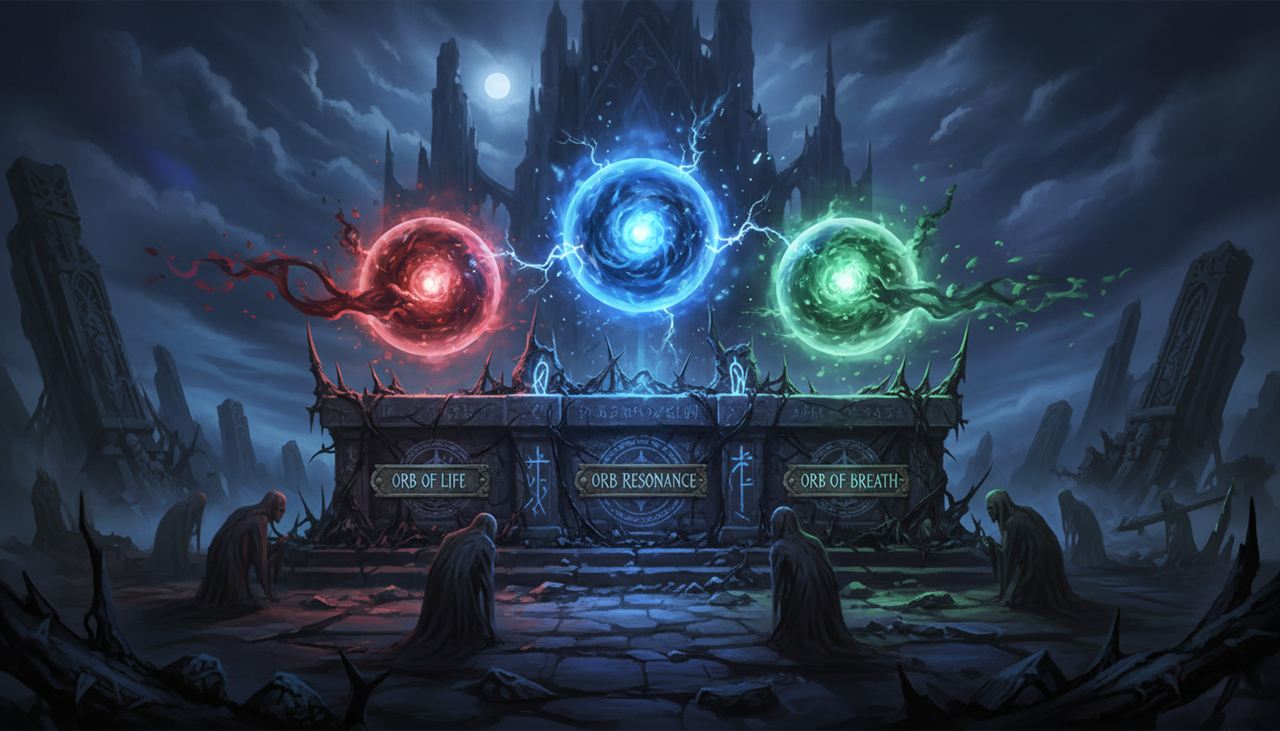




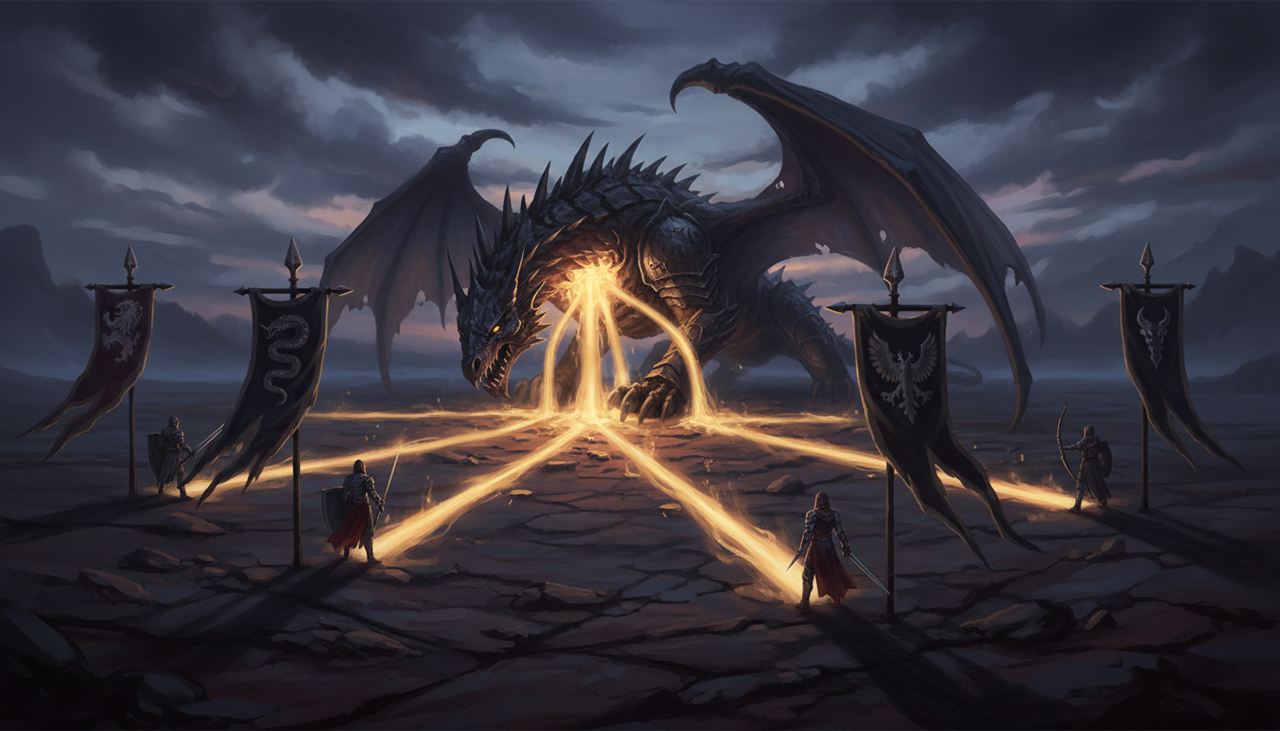




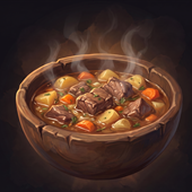



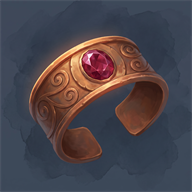


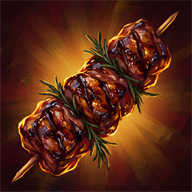
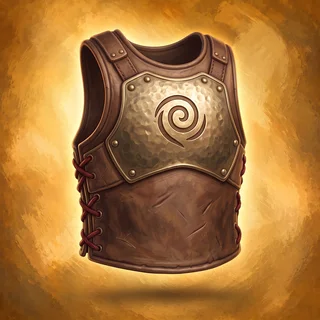
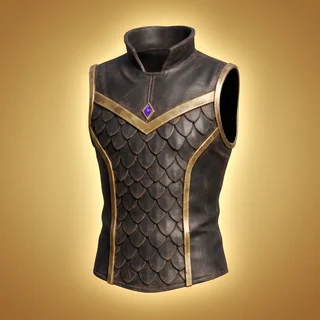
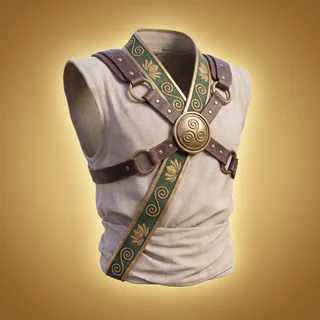


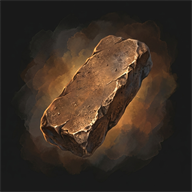

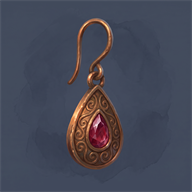
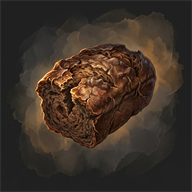

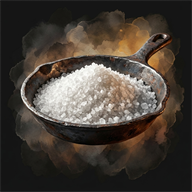
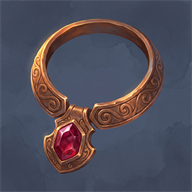
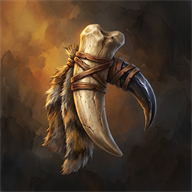

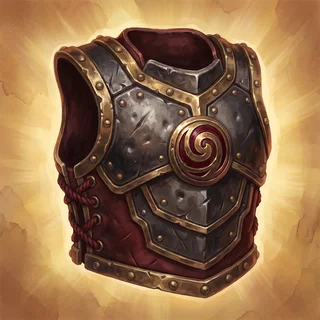
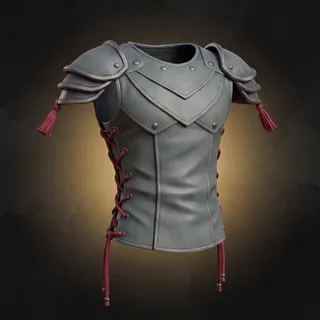
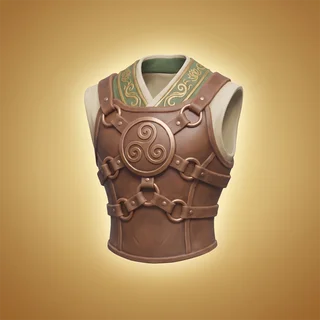
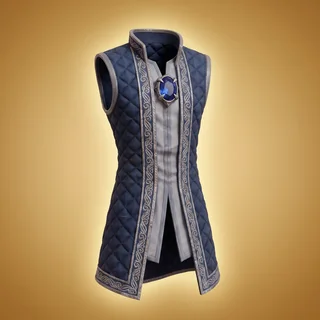


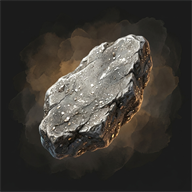

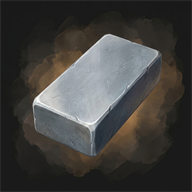


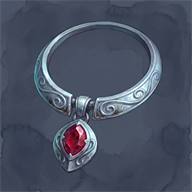
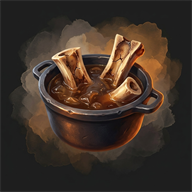
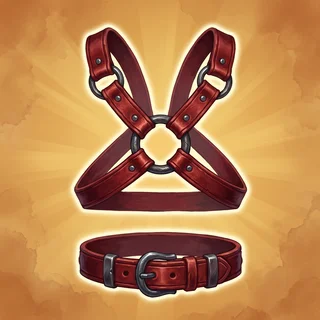
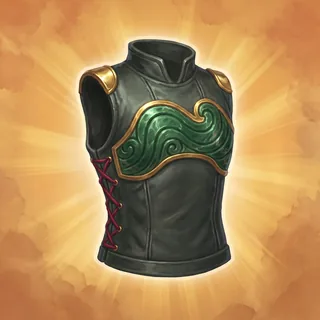
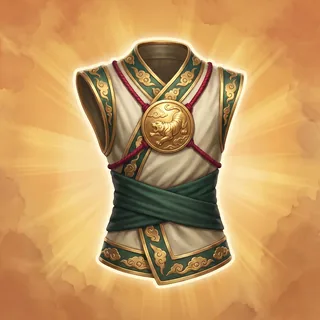




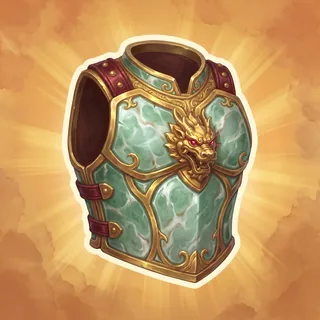
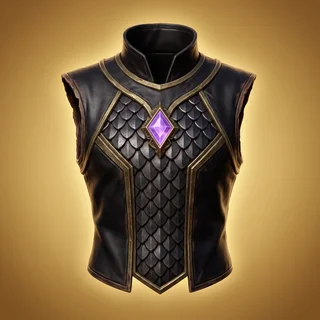
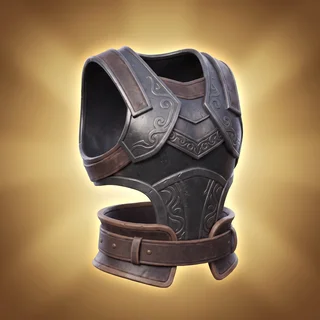


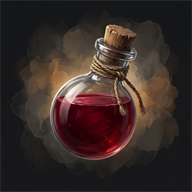
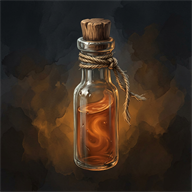
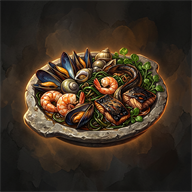



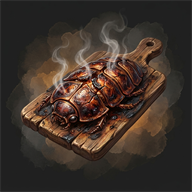

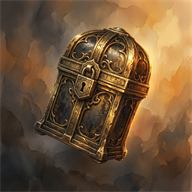

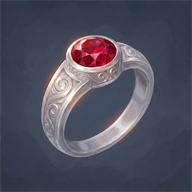

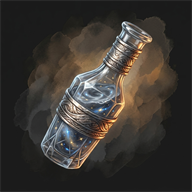
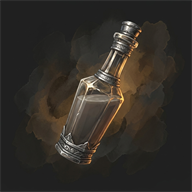

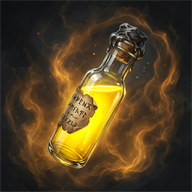
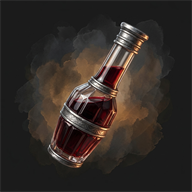
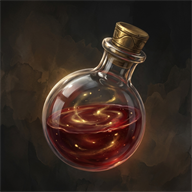
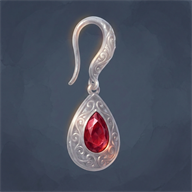



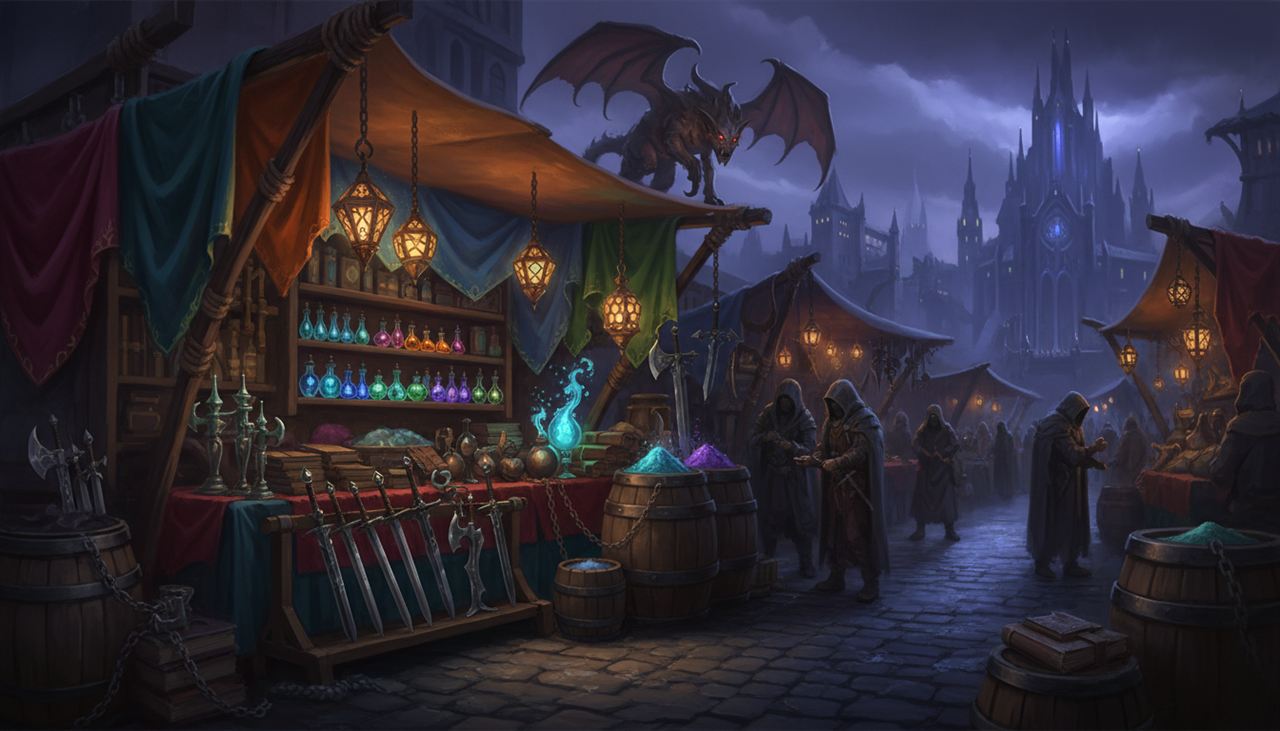
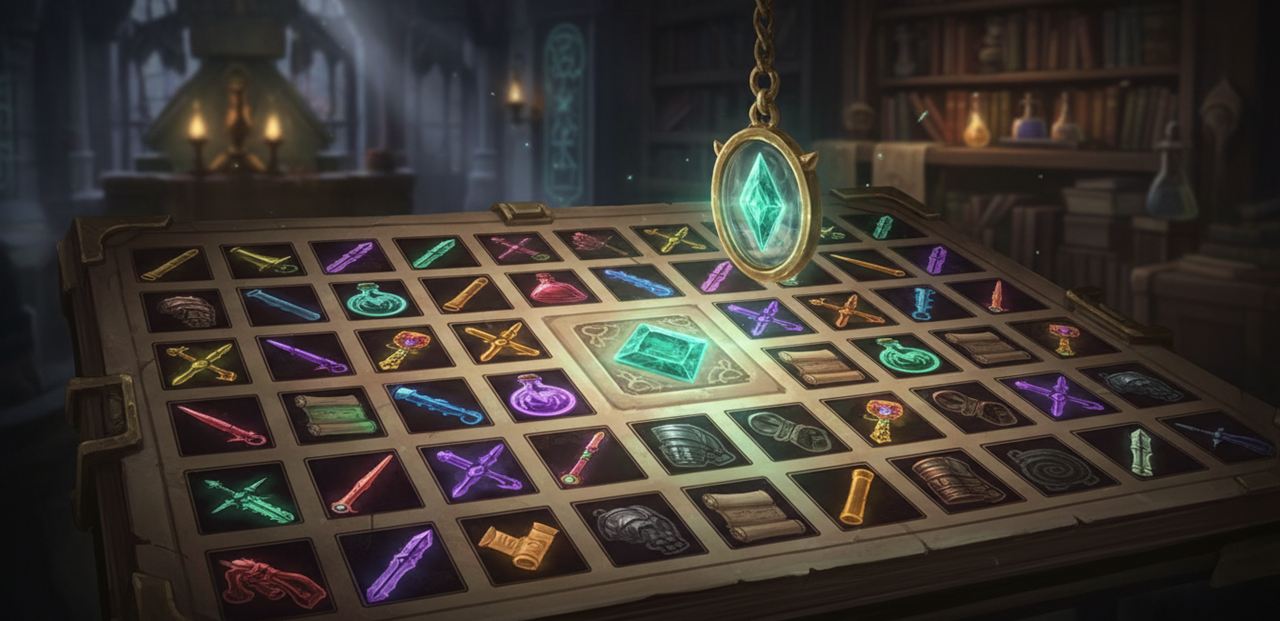




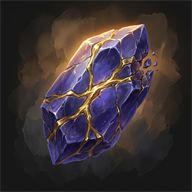
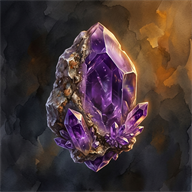














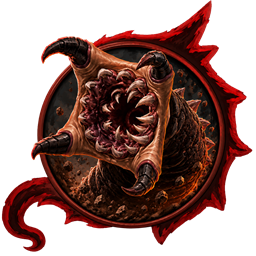





























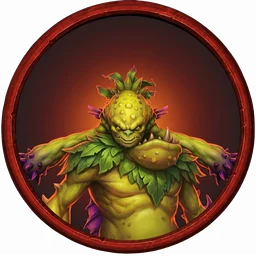
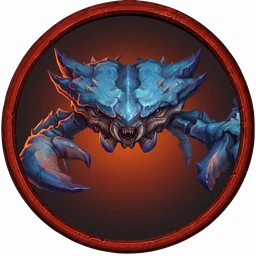

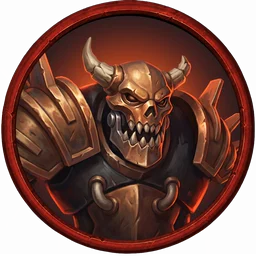


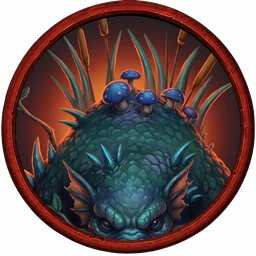






















































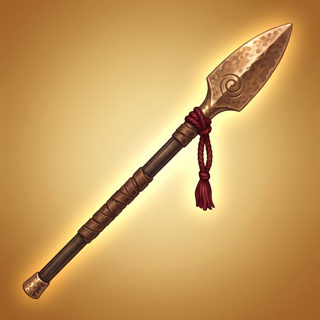
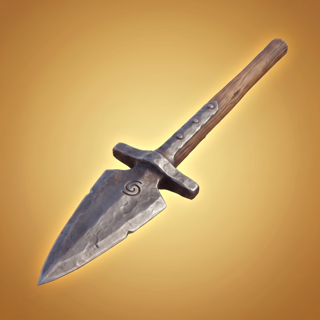
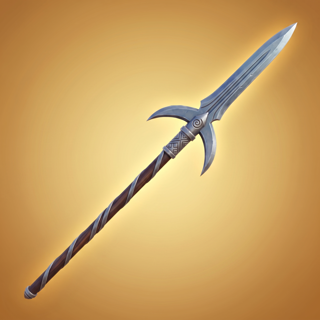
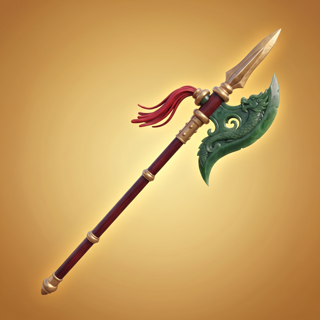
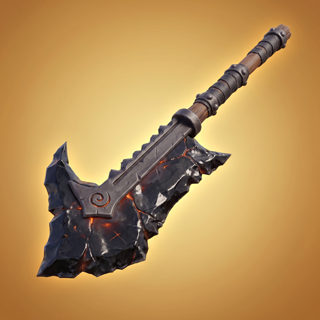
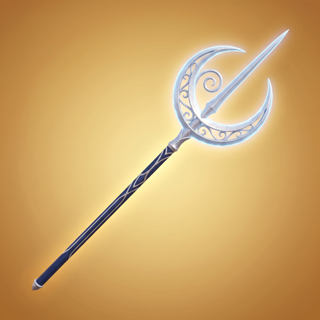
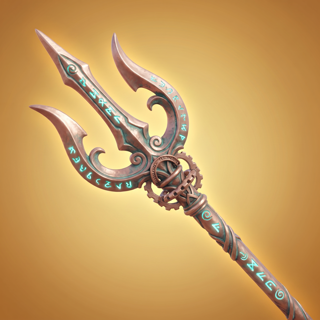
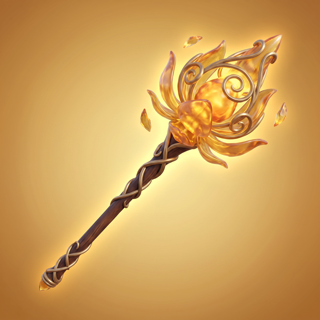
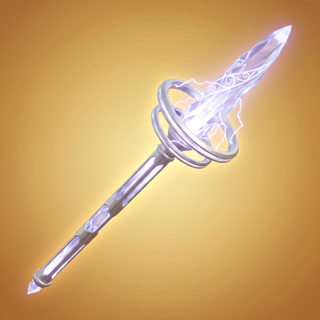


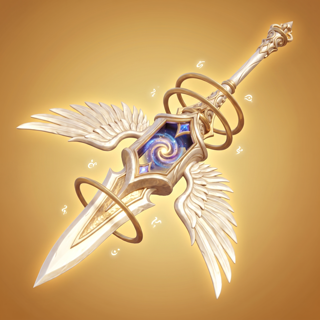

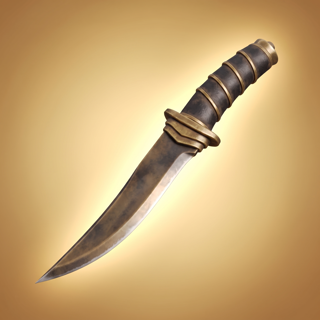
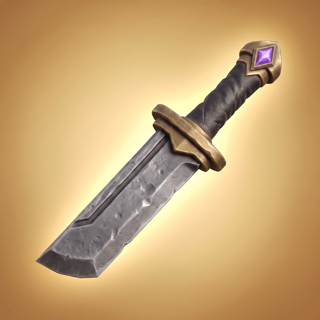
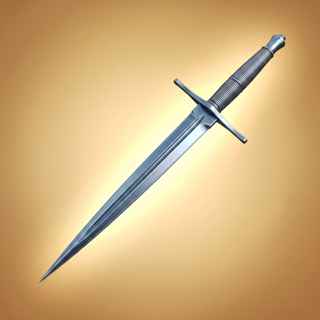
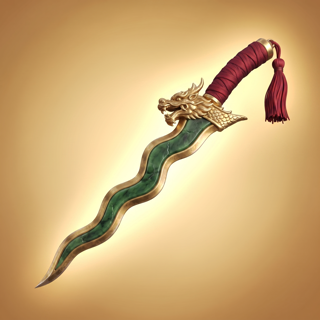
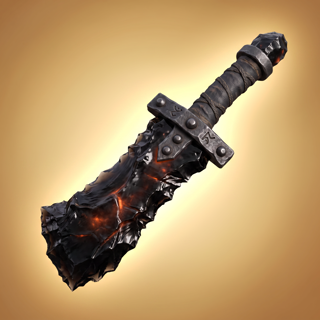

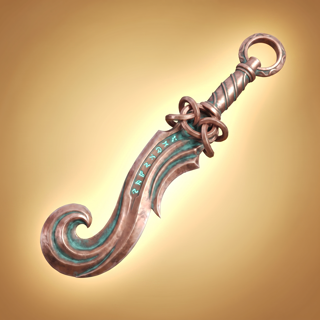
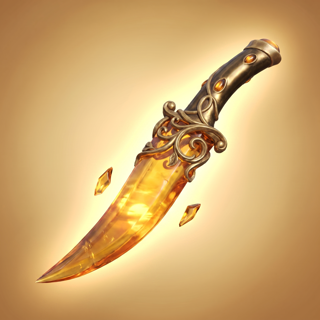
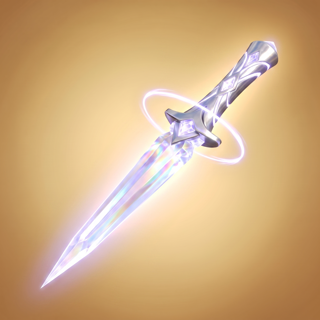
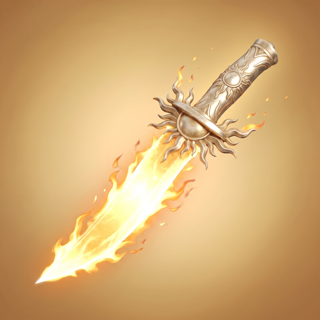
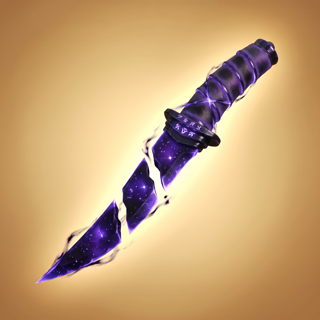
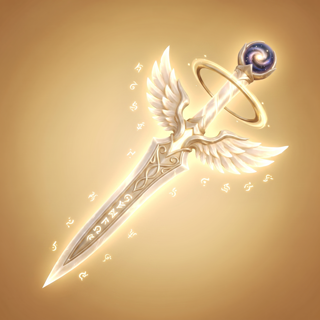
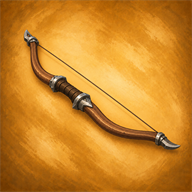
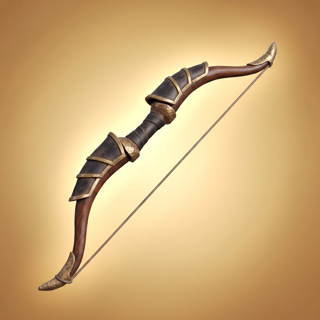
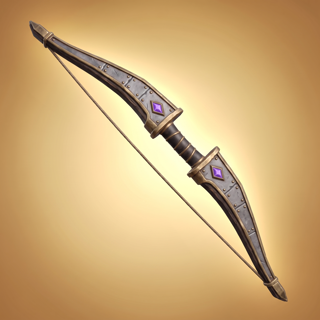
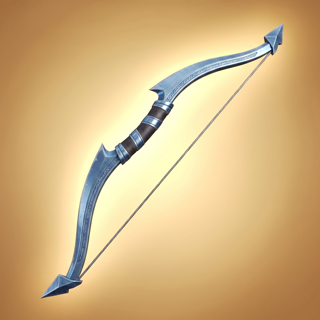
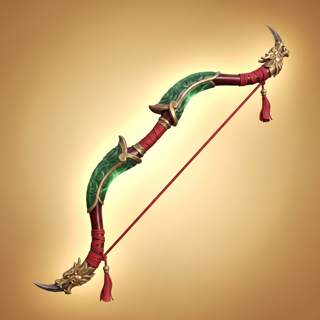
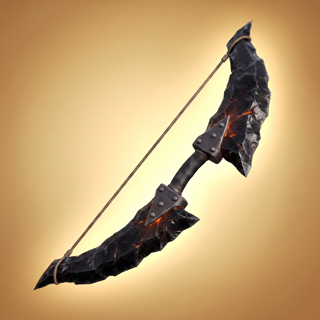
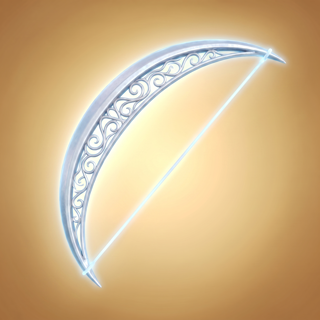
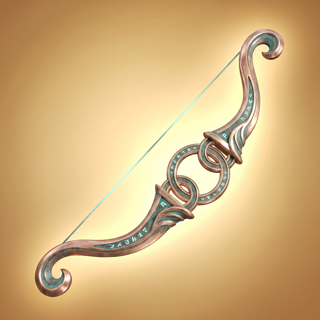
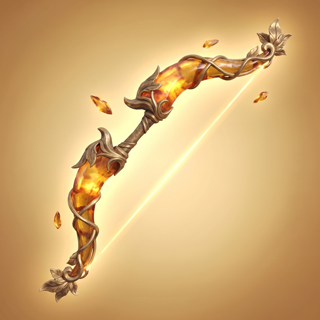
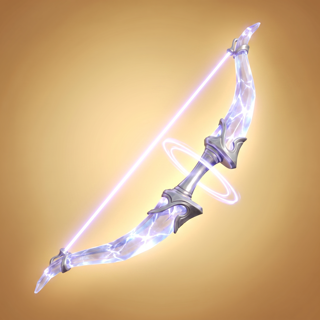
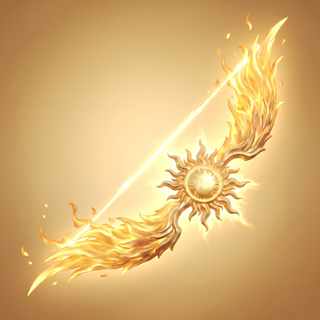
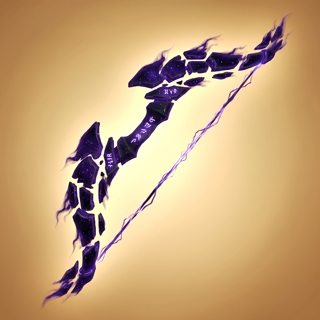

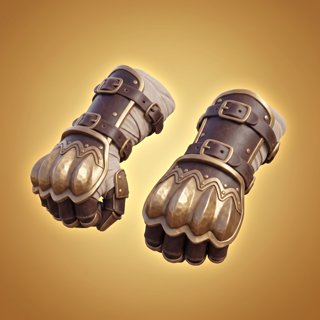
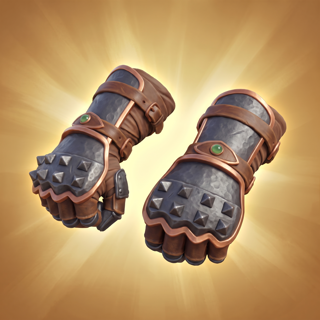
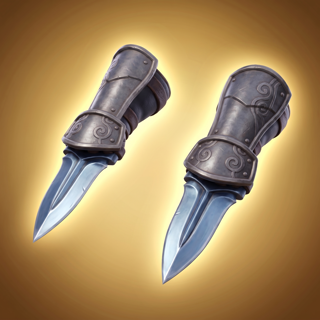
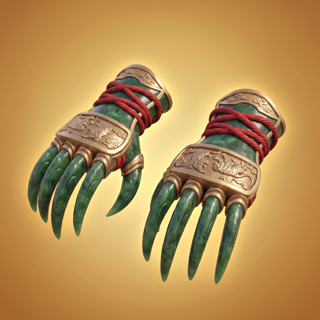
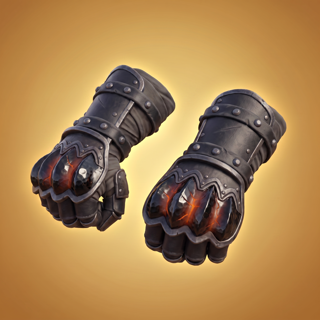
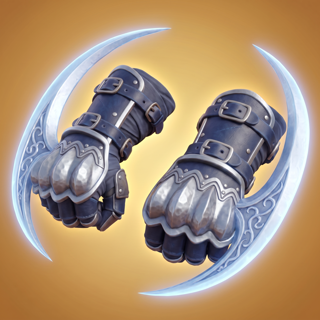
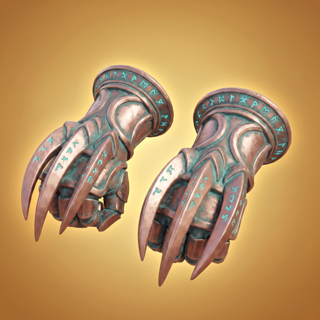

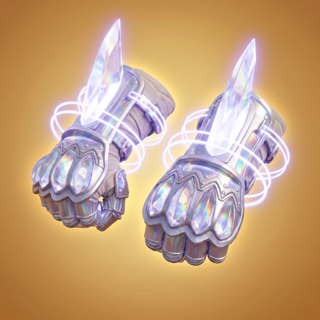
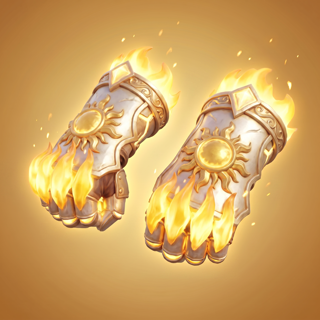
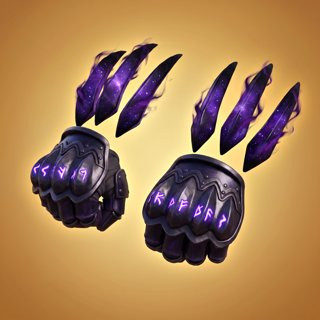

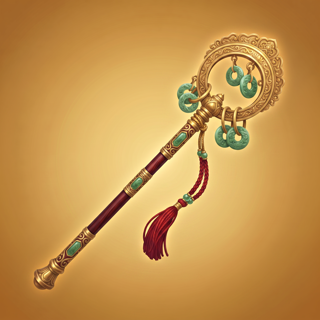
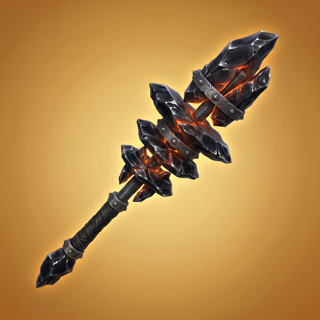
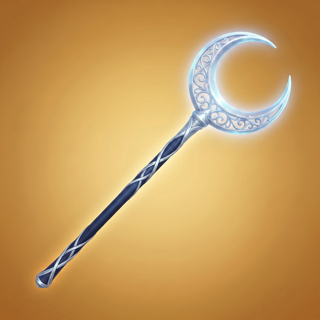
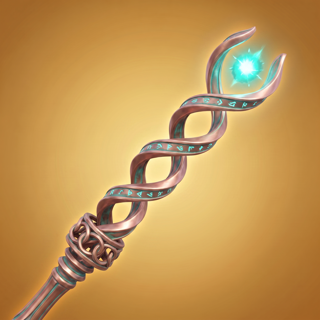

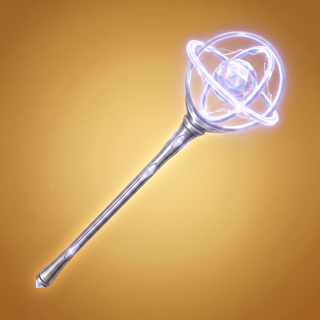
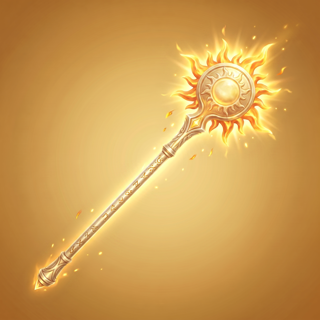
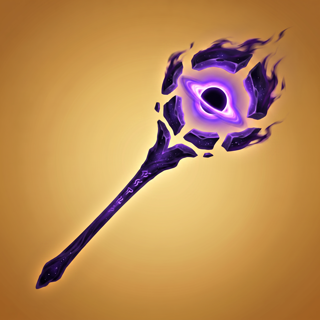
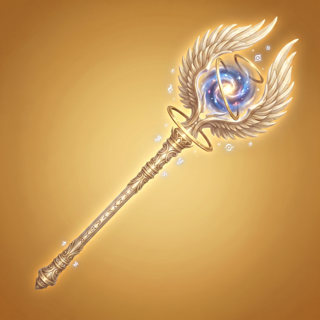

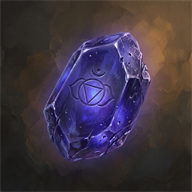
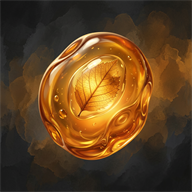
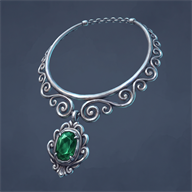
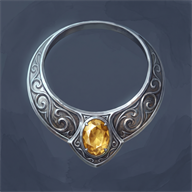



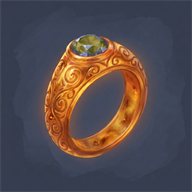
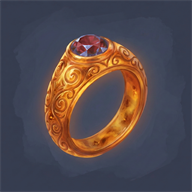
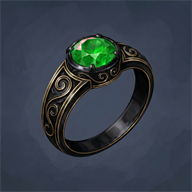
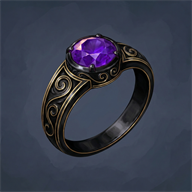
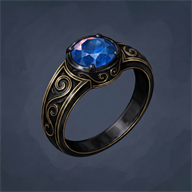
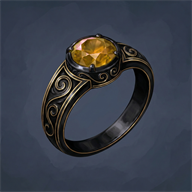
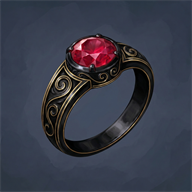





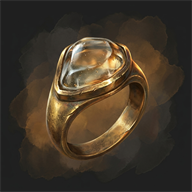
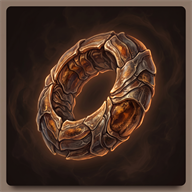
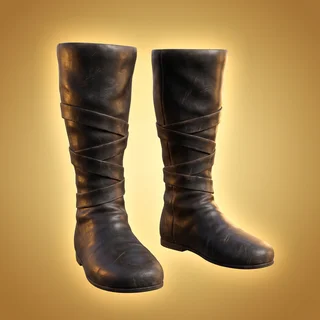
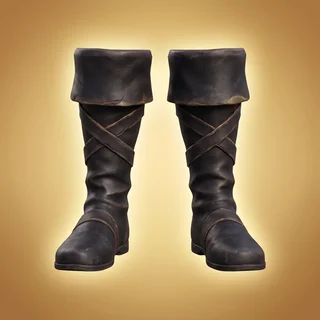

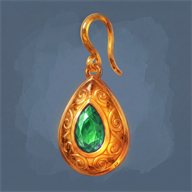
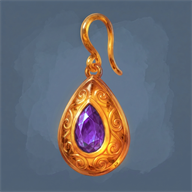
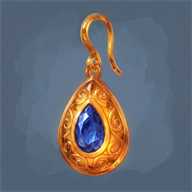
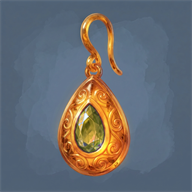
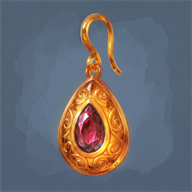
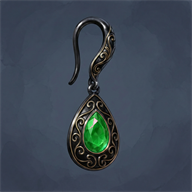
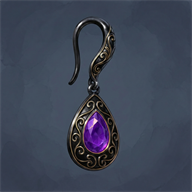
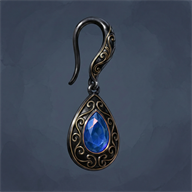
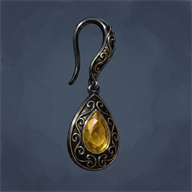
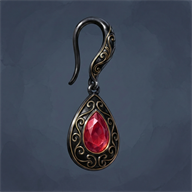




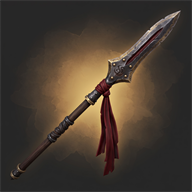


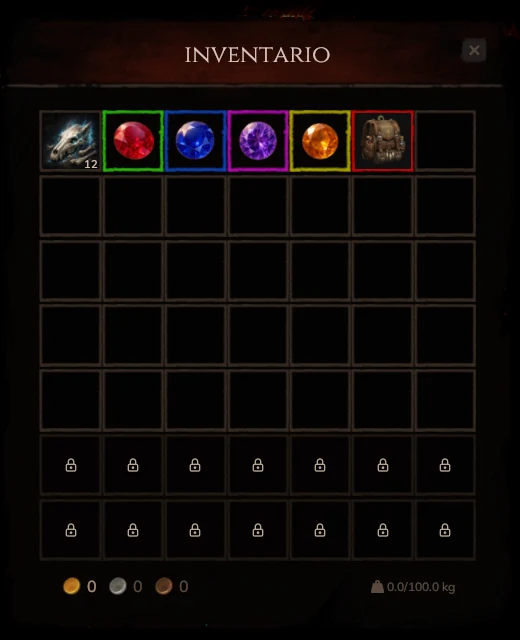
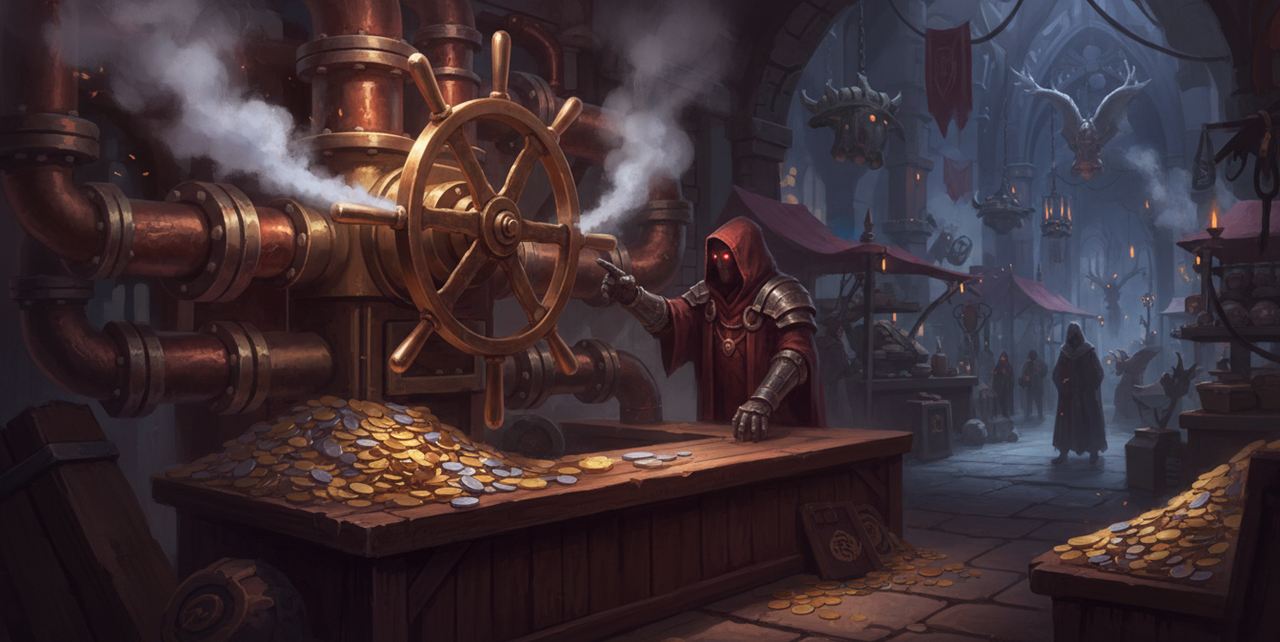
 500
500




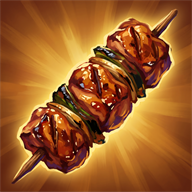
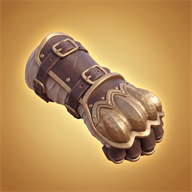
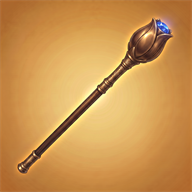
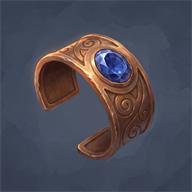



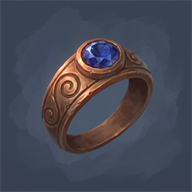
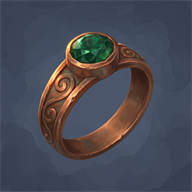













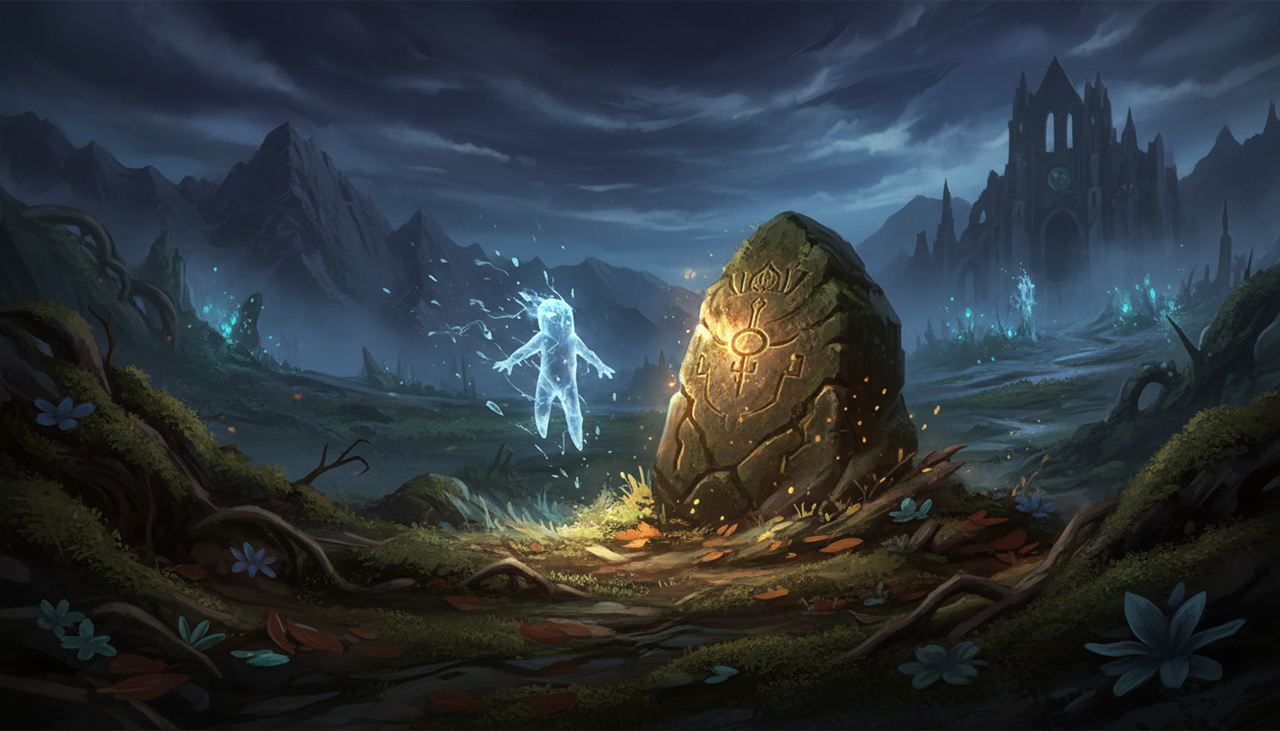
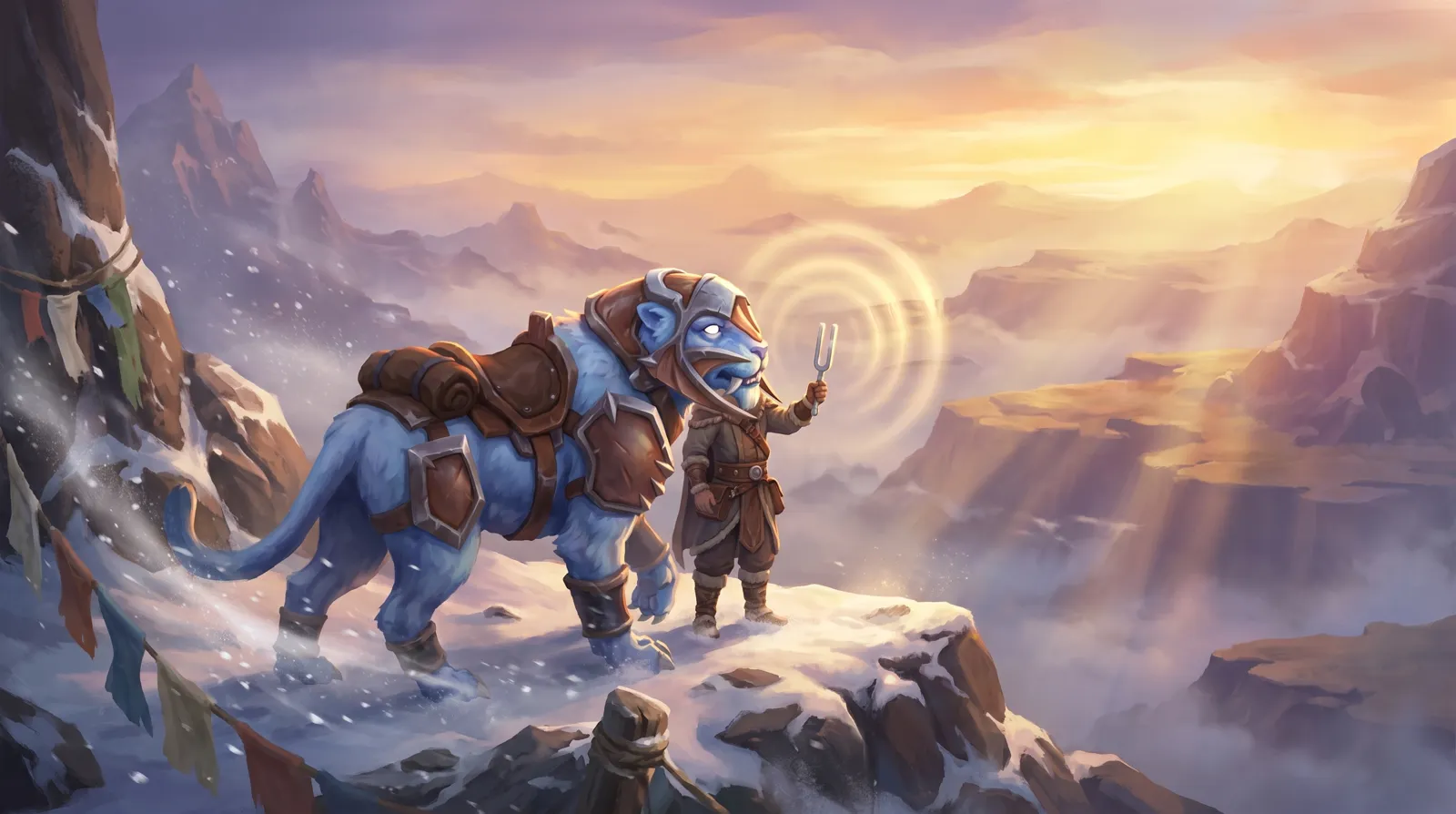
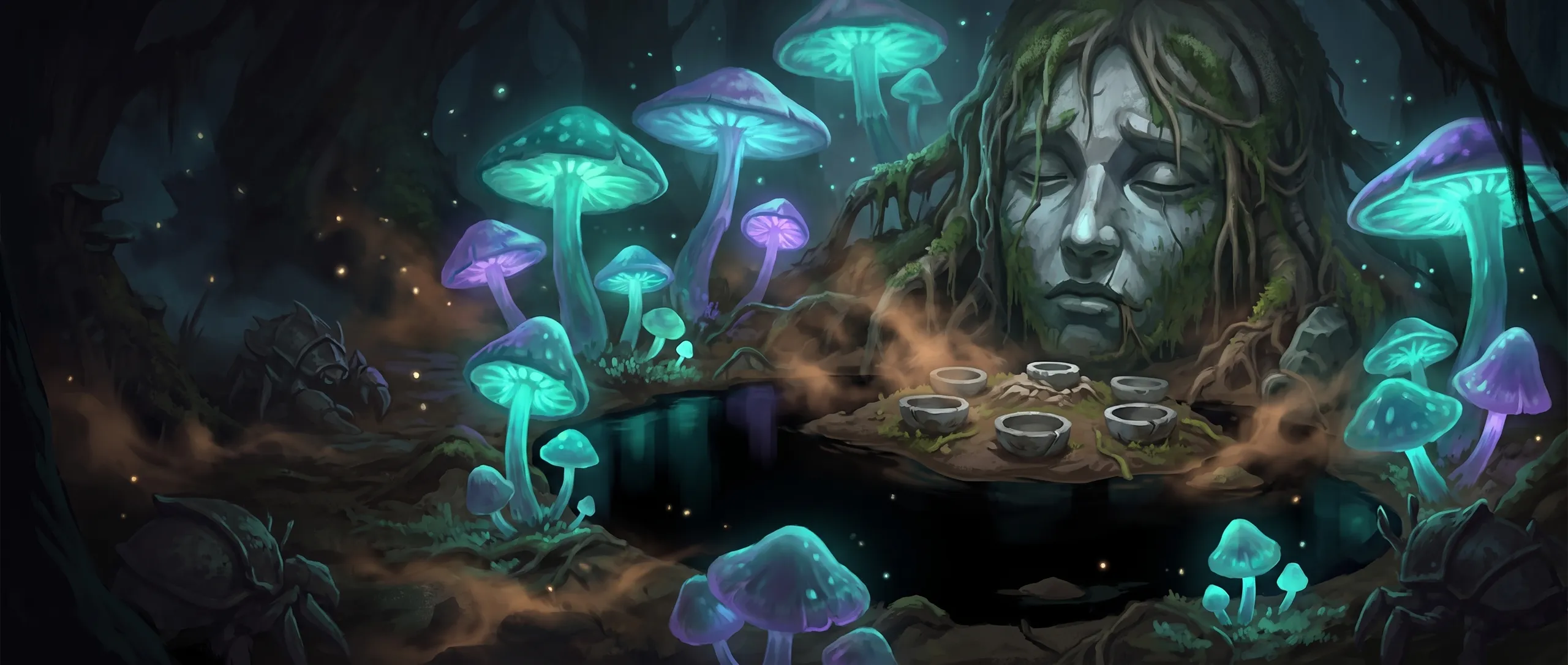
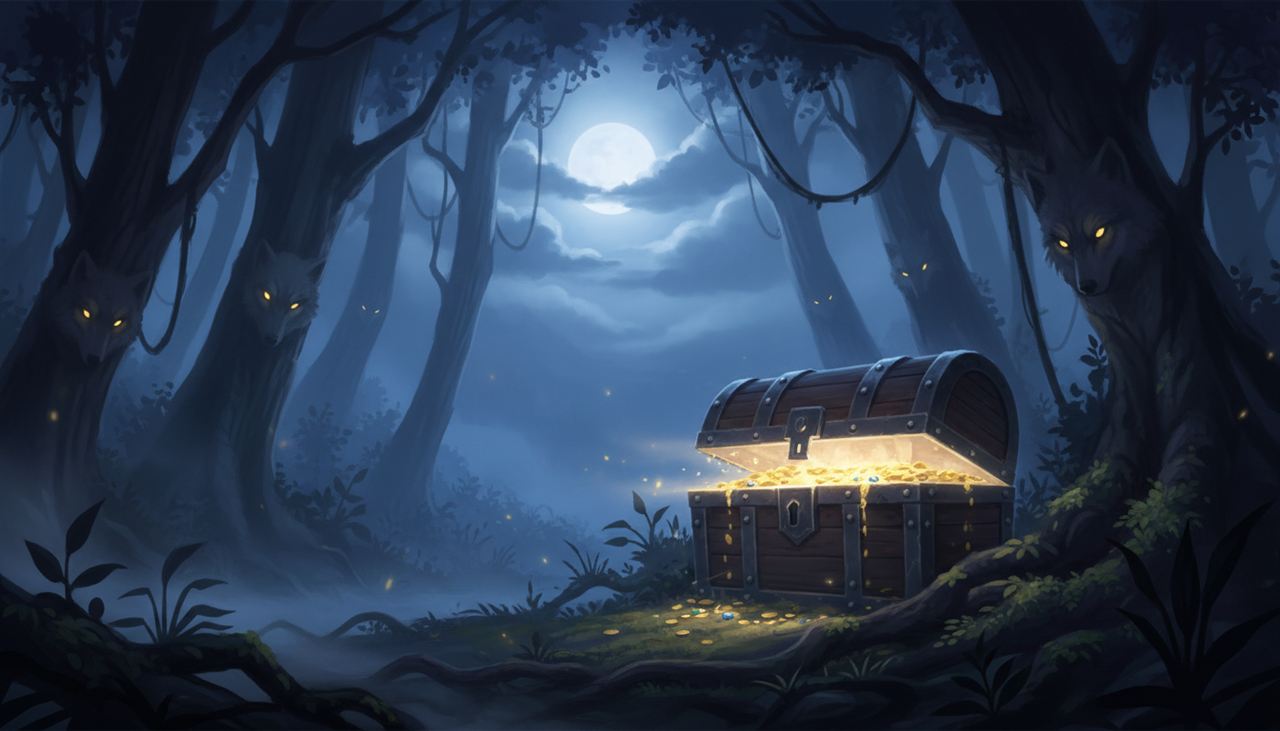
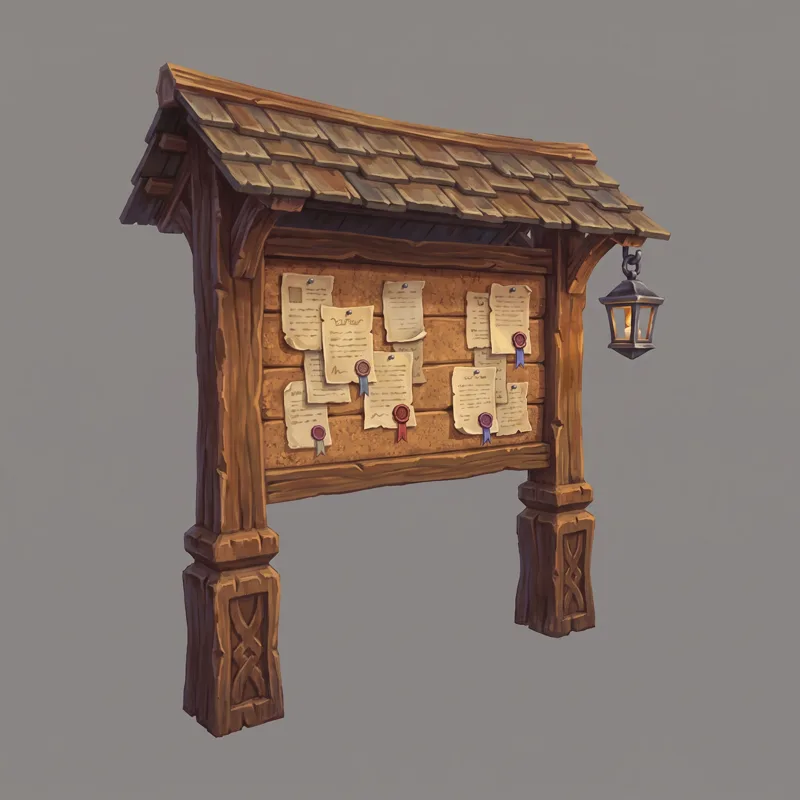
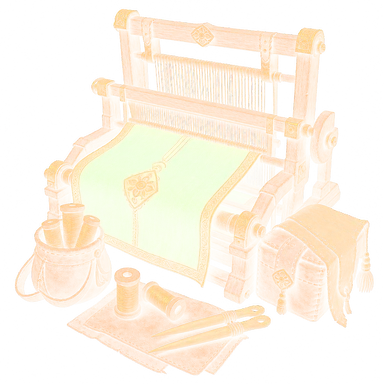
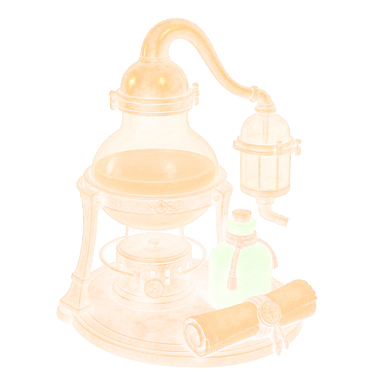




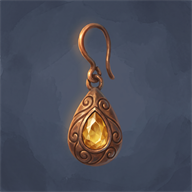
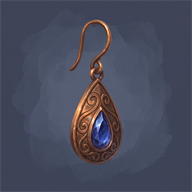
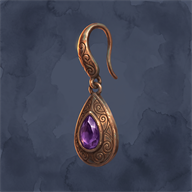
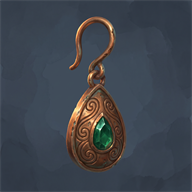
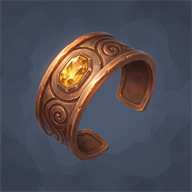
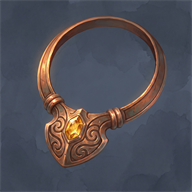
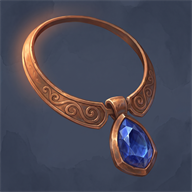
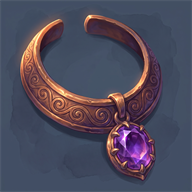
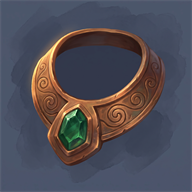




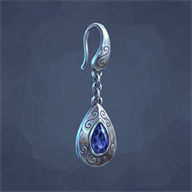

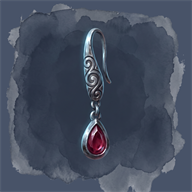
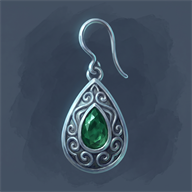



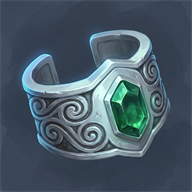
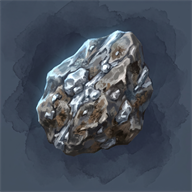




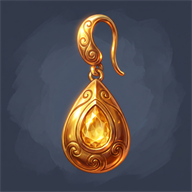

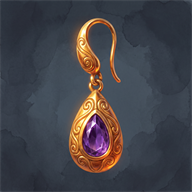






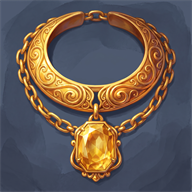
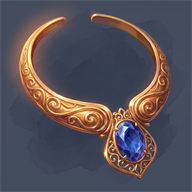
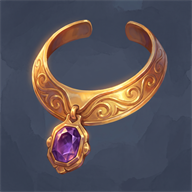
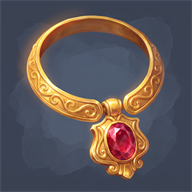



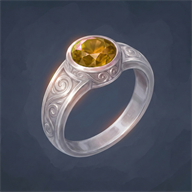

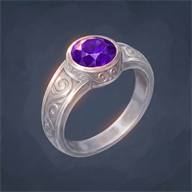

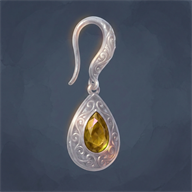
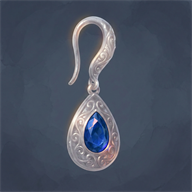
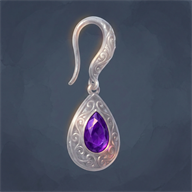
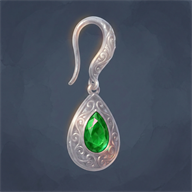





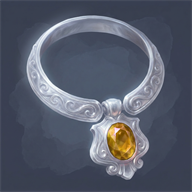
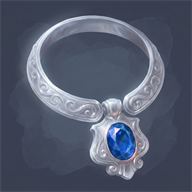
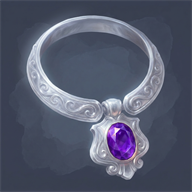
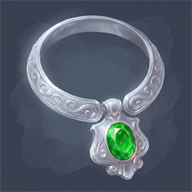
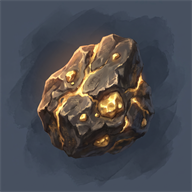
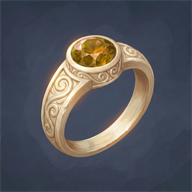
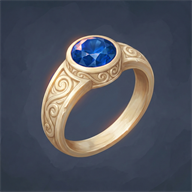
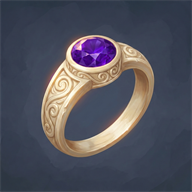
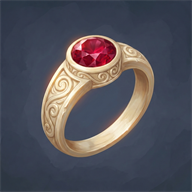

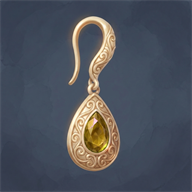
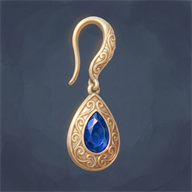
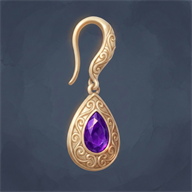
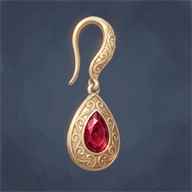
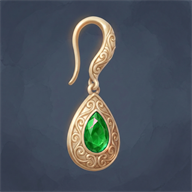
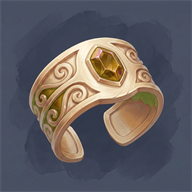
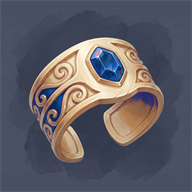

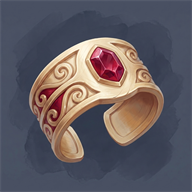

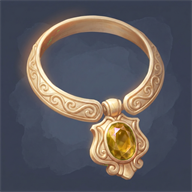
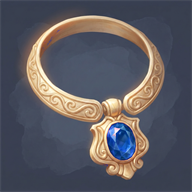
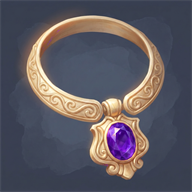
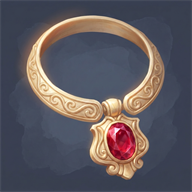
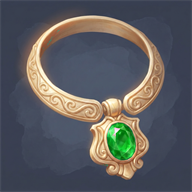
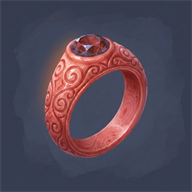
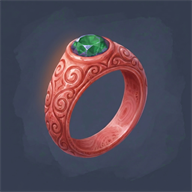
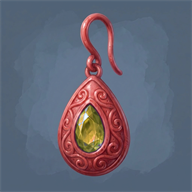
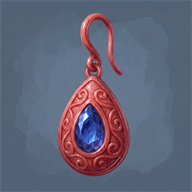
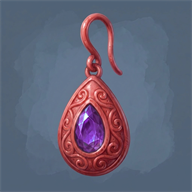
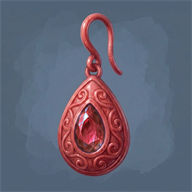
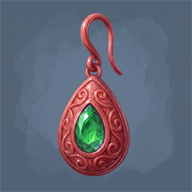
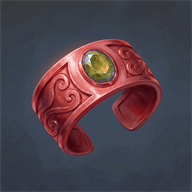


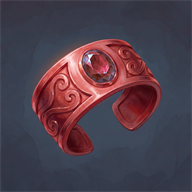

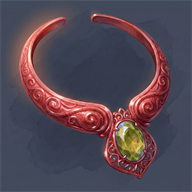
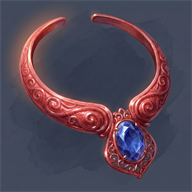
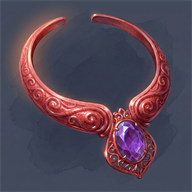
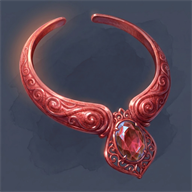
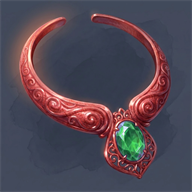



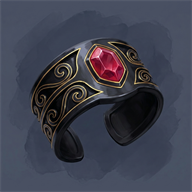

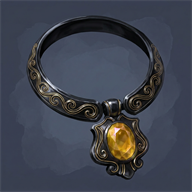
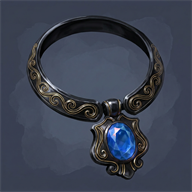
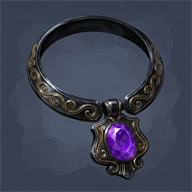
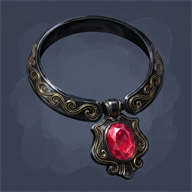
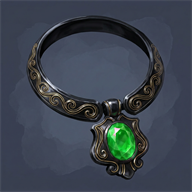





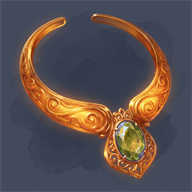
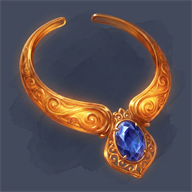
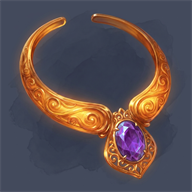
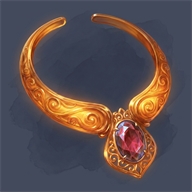
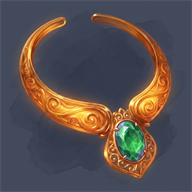
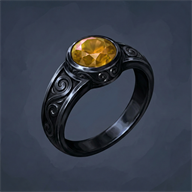

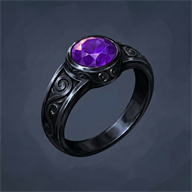
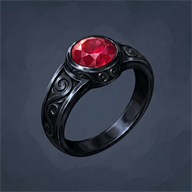

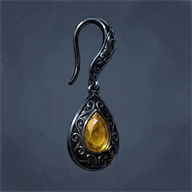
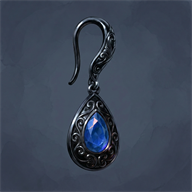
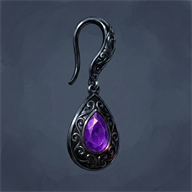
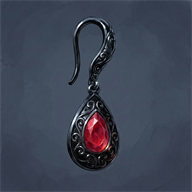
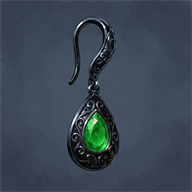





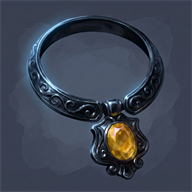


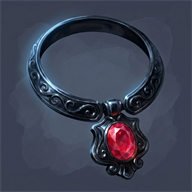







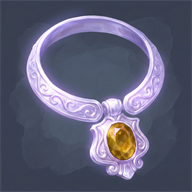
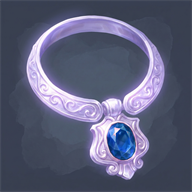

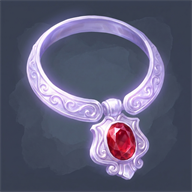

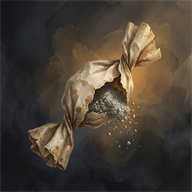
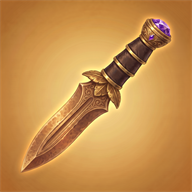

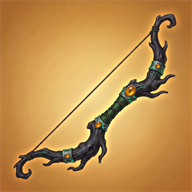
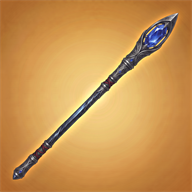



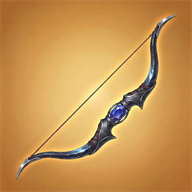
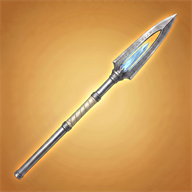

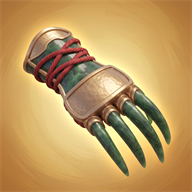



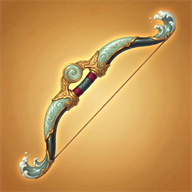
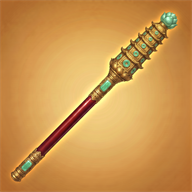
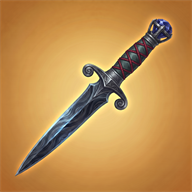
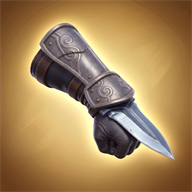
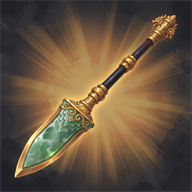



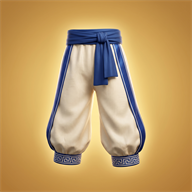
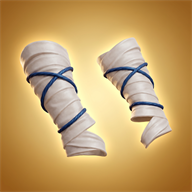


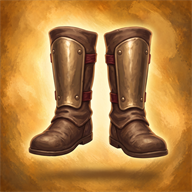
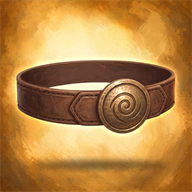
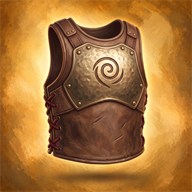
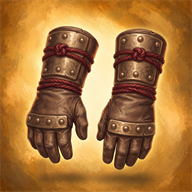
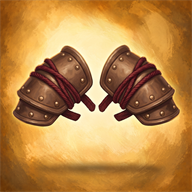
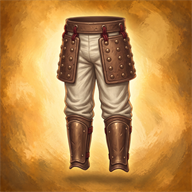
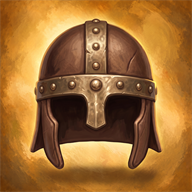

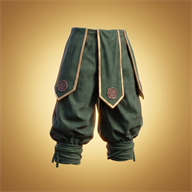
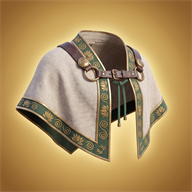
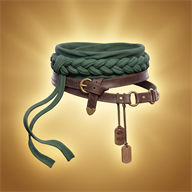
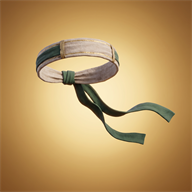
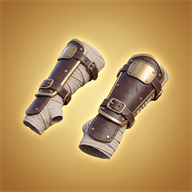
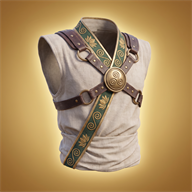


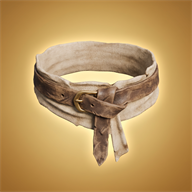
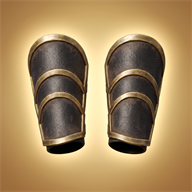
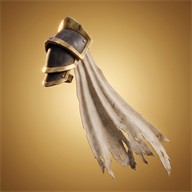
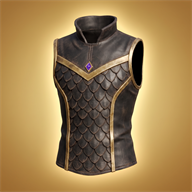
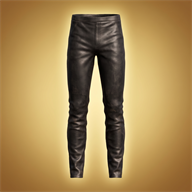


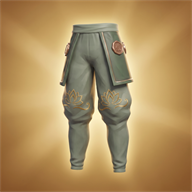

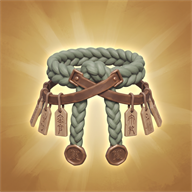


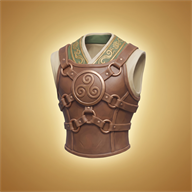
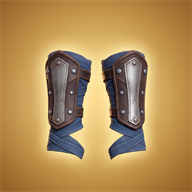

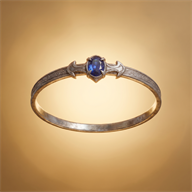

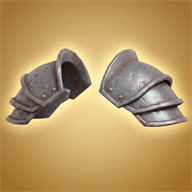
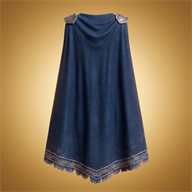
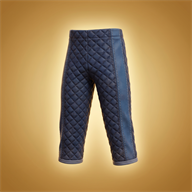
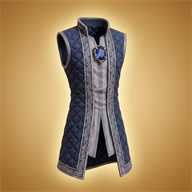




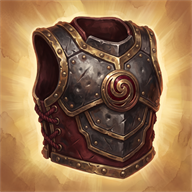
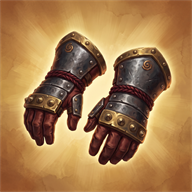

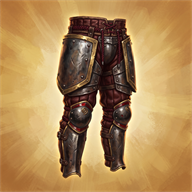

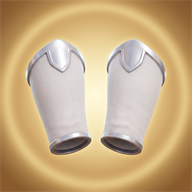







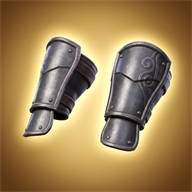
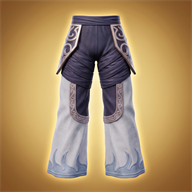
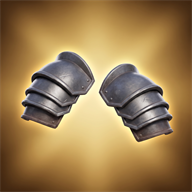
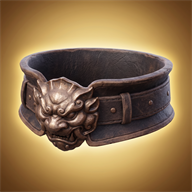
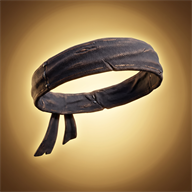
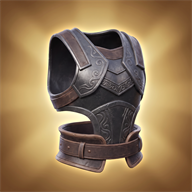



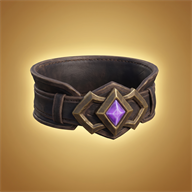

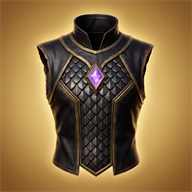
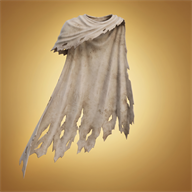
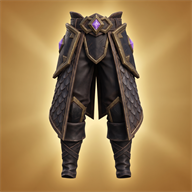
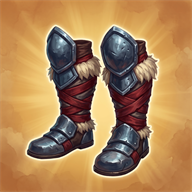
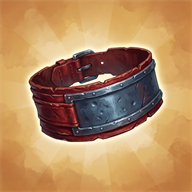
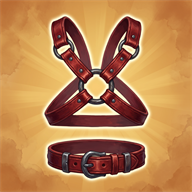


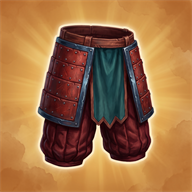


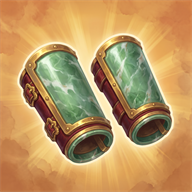
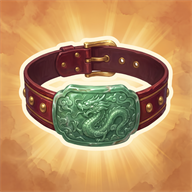

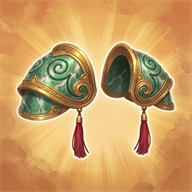




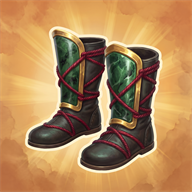
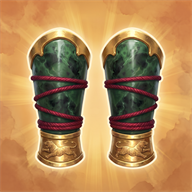


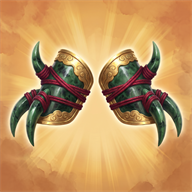
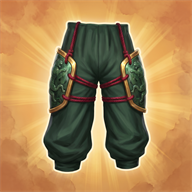









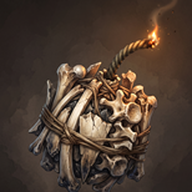


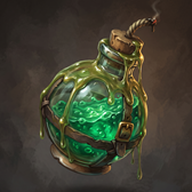

















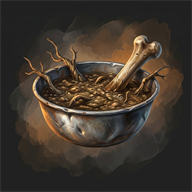
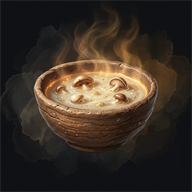
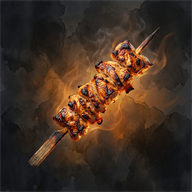
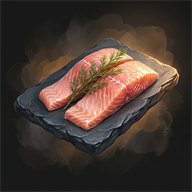
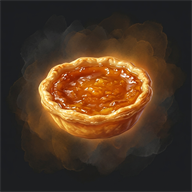
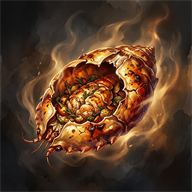
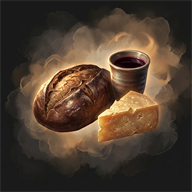
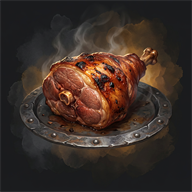


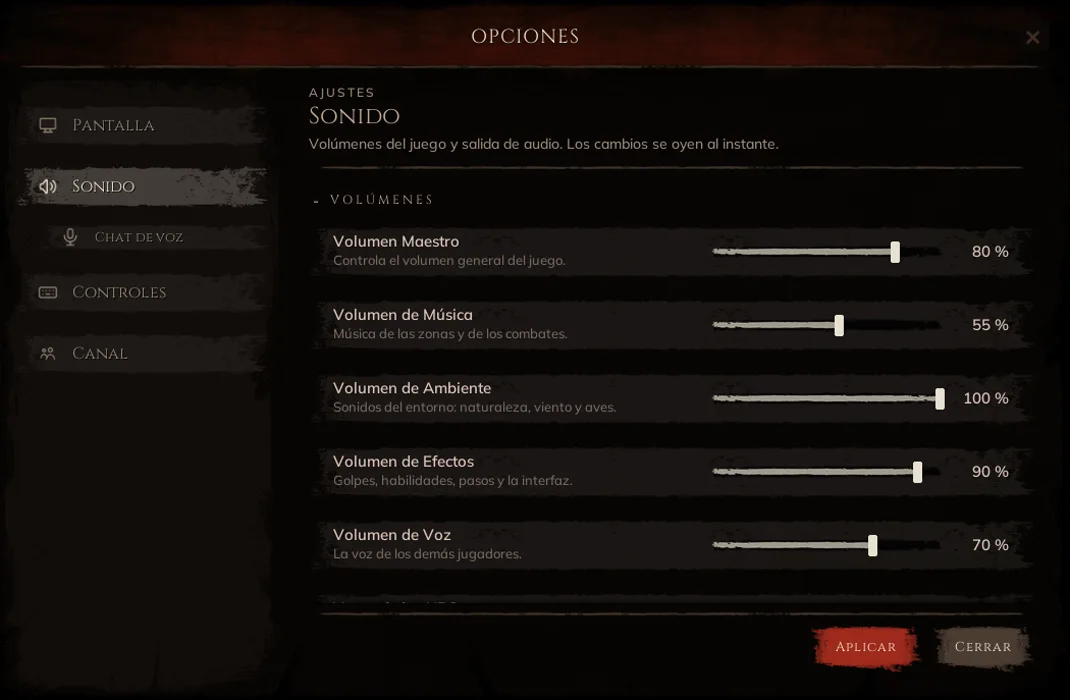
The world
Friends & communication
Finding your people should not be work. The friends list, whispers and proximity voice live inside the game, no external apps.
Friends
The B key opens the friends list: up to a hundred names, showing who is online and their level. From there you invite to the party or whisper without typing the name by hand.
Whispers
Private conversation with a specific player, wherever they are. Opened from the friends list, the target frame, or by typing the name in chat.
Channels
Chat separates what is said nearby, what is said to the party and what is shouted to the world. Items can be linked in the message so others see their stats.
Proximity voice
Open voice with whoever is near you, no rooms or external apps. It can be muted and its volume adjusted from the options.